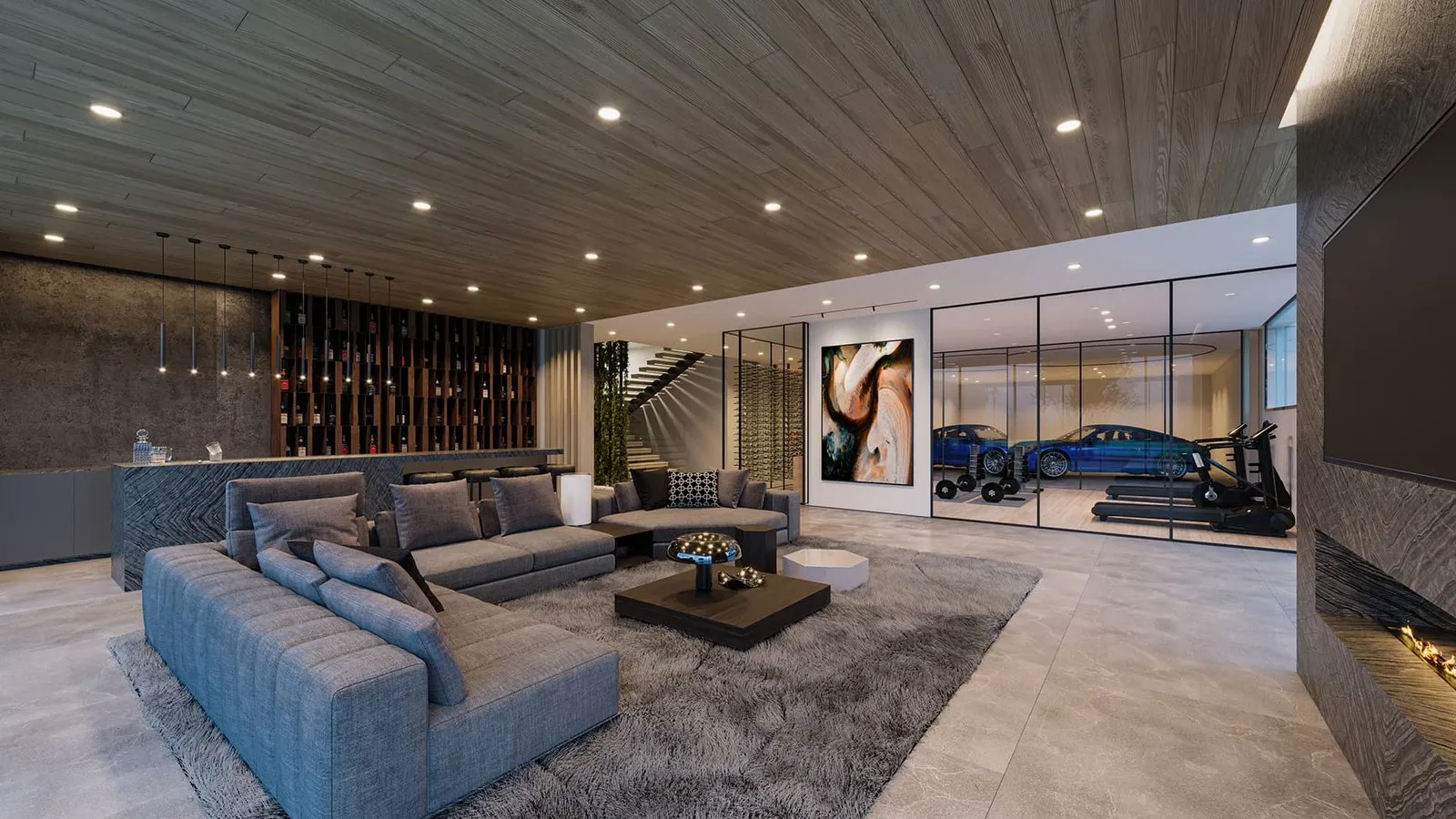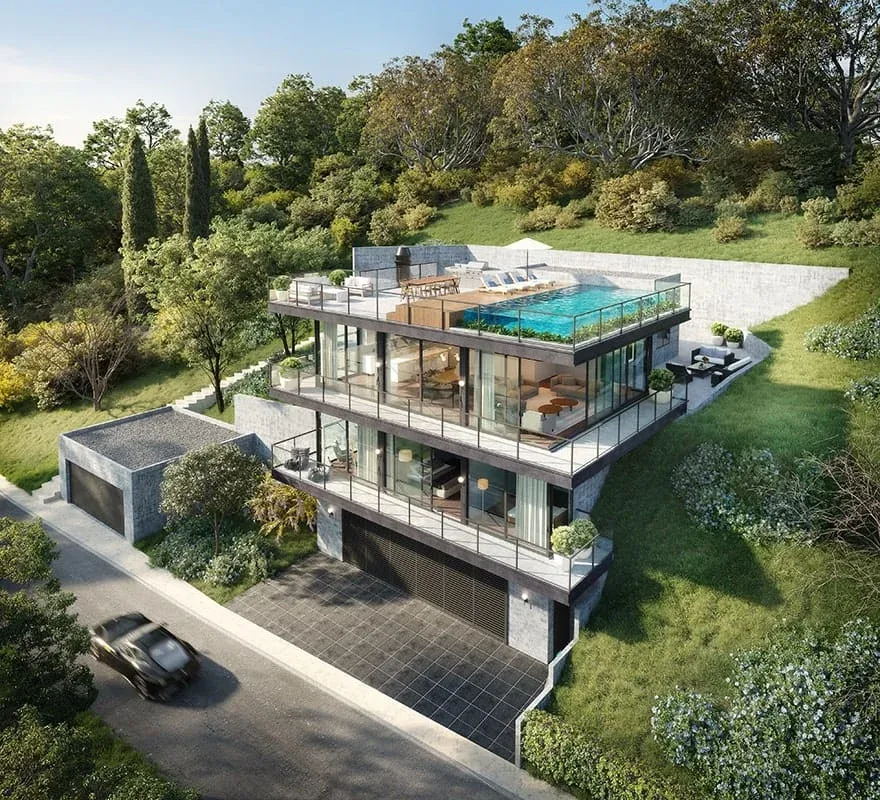

What Defines Quality in 3D Rendering

Lukas Berezowiec · CEO of NoTriangle Studio·April 19, 2026 · 5 minutes
How Real Estate Developers Should Choose the Right Service
At first glance, the difference between high-quality and low-quality 3D rendering seems obvious. Some visuals feel artificial or generic. Others feel real, atmospheric, and emotionally engaging.
But in real estate, judging renderings purely on visual appeal is a mistake.
Because architectural visualization is not created just to look good but it is created to perform. It supports planning approvals, shapes investor perception, and drives pre-sales. In many cases, it becomes the first real experience someone has with a project that does not yet exist.
This is why understanding the difference between types of 3D rendering services is critical. Not all visuals serve the same purpose and not all deliver the same return.
The real question is not “Which rendering looks better?” but: What role should this visual play in the success of my project?

AI Rendering vs. Professional 3D Visualization
The rise of AI-generated imagery has changed how developers think about rendering.
Today, it is possible to create highly stylized, “magazine-like” visuals in seconds. These images can feel polished, dramatic, and visually impressive, often at little to no cost. Naturally, this raises the question of whether traditional 3D rendering services are still worth the investment.
The answer lies in how these images are created.
AI-generated visuals are based on prompts, not on architectural understanding. They do not interpret CAD files, construction logic, or material specifications with precision. Even when reference inputs are provided, much of the output is approximated or invented.
And that distinction matters.
In real estate, visuals are not just inspiration, they are representations of something that will be built. Buyers, investors, and stakeholders rely on them to form expectations. When those expectations are not aligned with reality, the impact is not aesthetic – it is commercial.
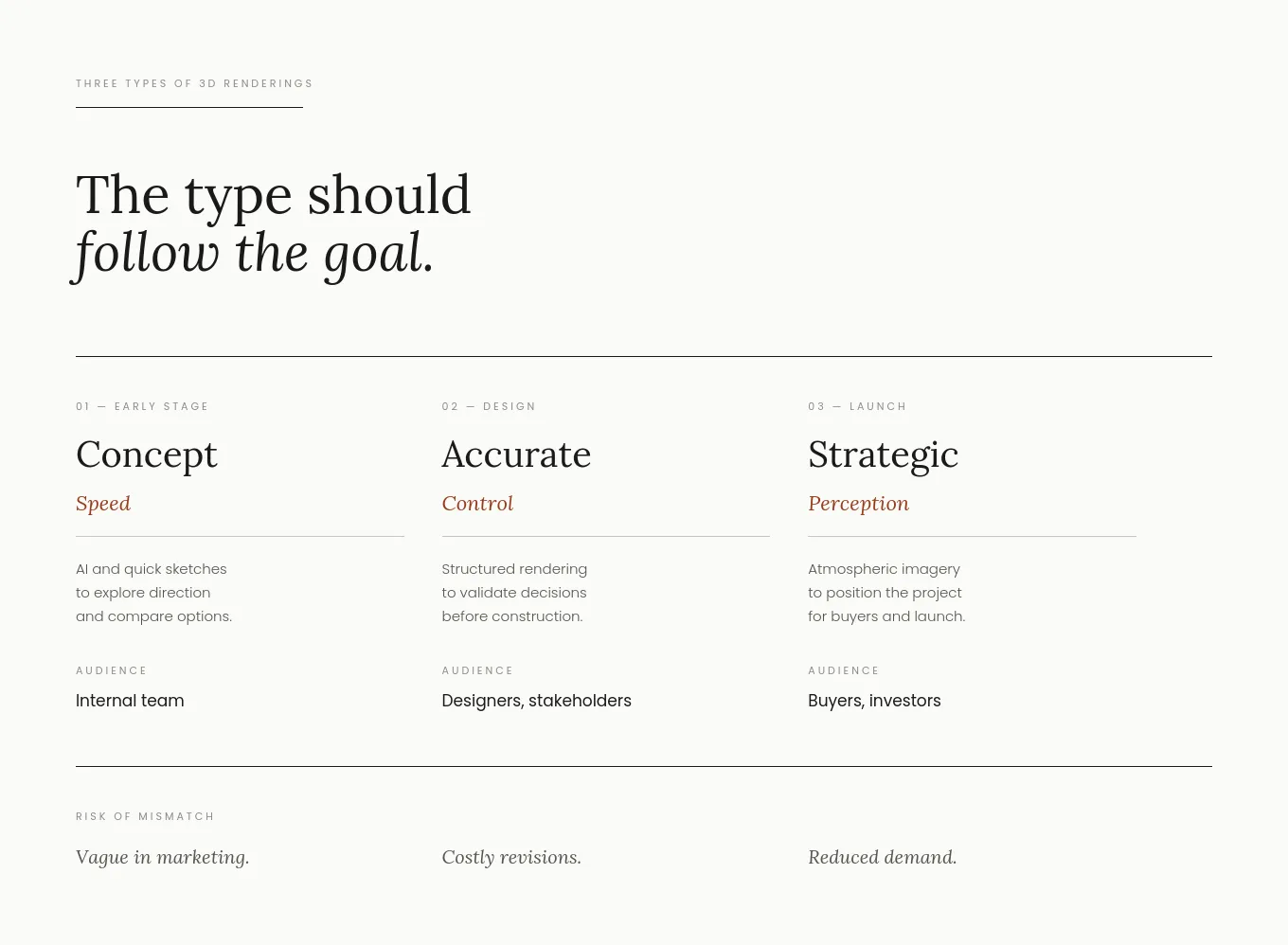
This does not diminish the value of AI. In fact, it is highly effective at the earliest stages of development. It allows teams to explore directions, test ideas, and communicate intent quickly.
But AI remains a tool for ideation, not for accurate architectural visualization.
Mid-Tier 3D Rendering Services: Accuracy, Process, and Control
Once a project moves beyond concept, the requirements change significantly.
At this stage, 3D rendering services are no longer about exploring possibilities but they are about representing a project with clarity and precision. This is where mid-tier architectural visualization studios operate.
Their process is structured and manual. It begins with analyzing architectural drawings and project documentation, followed by building accurate 3D models. Initial drafts are created and reviewed, allowing for corrections and refinements before final images are produced.
What this introduces is control.
Developers are able to verify that layouts, materials, proportions, and design intent are correctly translated into the visual. The rendering becomes something that can be used confidently in presentations, marketing, and decision-making.
Many mid-tier studios can achieve strong photorealism, but that is not their primary value. Their strength lies in producing visuals that are reliable, reviewable, and aligned with the actual project.
Compared to AI-generated imagery, these visuals may sometimes feel less dramatic or stylized. However, they carry something far more important in a real estate context – credibility.
This is the point where renderings evolve from attractive images into functional project assets.
Premium Architectural Visualization: Strategy, Positioning, and Perception
At the highest level, 3D rendering becomes something else entirely.
It is no longer just about accuracy. It becomes about positioning.
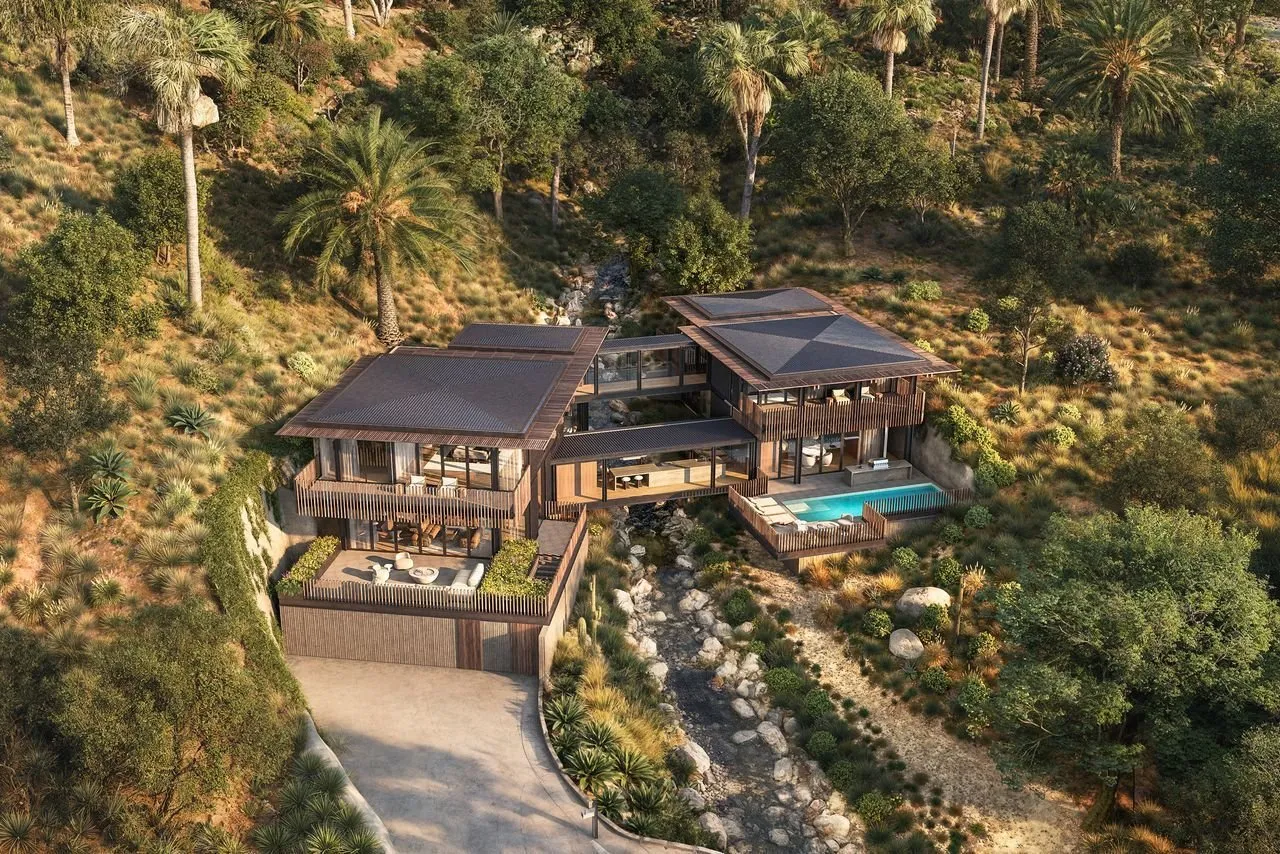
Premium architectural visualization studios approach each project with a broader perspective. Before production begins, they analyze the market context: the target buyer, the competitive landscape, and the specific goals of the development.
From there, they define the visual direction. This often includes moodboards, art direction frameworks, and a clear narrative for how the project should be perceived.
The resulting visuals are often described as “editorial”, similar to high-end magazine photography. But the intention behind them is not purely aesthetic. It is strategic.
These renderings are designed to:
- communicate lifestyle, not just space
- align with the expectations of a specific buyer profile
- create emotional engagement that supports sales decisions
For example, a luxury residential development targeting high-net-worth individuals will not simply present architecture accurately. It will present a version of life that feels desirable, aspirational, and aligned with the buyer’s identity.
This level of work requires deeper involvement, art directors, senior artists, and more iterative refinement. It is more time-intensive and more costly.
But it also introduces a different kind of value.
At this level, visuals do not just support the project. They actively increase its perceived value, influence demand, and reduce friction in the sales process.

Choosing the Right 3D Rendering Service for Your Project
The right choice depends on the stage of the project and the role the visuals are expected to play.
In early-stage development, when ideas are still forming, speed and flexibility are more important than precision. AI tools can be highly effective here, allowing teams to explore multiple directions without significant investment.
As the project progresses and accuracy becomes essential, the priority shifts toward control and reliability. Mid-tier 3D rendering services provide a structured process that ensures the visuals reflect the real design and can be used with confidence.
In high-value or highly competitive developments, where perception directly impacts outcomes, visuals become part of the overall strategy. In these cases, premium architectural visualization is not simply a production cost but it is a tool for positioning.
Final Thought
3D renderings are often evaluated as standalone images. This is where many decisions go wrong.
In reality, they are part of a larger system – one that connects design, communication, marketing, and sales.
A visually impressive image is not necessarily a valuable one. And a more expensive service is not necessarily a better investment unless it aligns with the goals of the project.
The key is to understand what the visuals are expected to achieve.
Because when used correctly, architectural visualization is not just about showing a project.
It is about helping that project succeed.