3D Rendering for Real Estate Developers: The Complete 2026 Guide

Lukas Berezowiec · CEO of NoTriangle Studio·January 29, 2026 · 12 minutes
High-quality 3D visualization is no longer optional in real estate development.
In 2026, developers are expected to communicate design intent clearly and early, to cities, investors, lenders, and buyers. Plans and elevations alone no longer meet that standard.
3D renderings, architectural animation, and VR are now decision-making tools. They reduce uncertainty. They prevent approval delays. They accelerate pre-sales. And they help projects secure funding faster.
This guide explains how developers use visualization strategically across the full project lifecycle, from early planning to final marketing, and how experienced studios like NoTriangle Studio support that process.
This is the overview. For a closer look at two parts of it, see our guide to townhouse and condo rendering packages, which covers how a multi-unit visual set is structured, and the developer pre-sales toolkit, which covers running the launch itself.
What You Will Learn
This guide answers the practical questions developers face at every stage of a project, from early planning through approvals, funding, and pre-sales.
You’ll learn:
- How 3D renderings support city and planning approvals
- How developers use visualization in investor and lender presentations
- How architectural animation and VR accelerate pre-sales
- Which types of renderings are needed at each development milestone
- Realistic production timelines for 2026
- What factors impact cost, without studio-specific pricing
- How to collaborate efficiently with visualization teams
- How experienced studios integrate into real developer workflows
You’ll also see:
- Real-world developer use cases
- Examples of how visualization removes friction in approvals
- How visuals influence buyer confidence and investor commitment
Each section builds on the last. Together, they form a complete visualization strategy, not just a collection of images.
Why Visualization Matters More Than Ever in 2026
The way real estate projects are approved, funded, and sold has changed. In 2026, stakeholders expect clarity earlier. Developers cannot afford ambiguity, misinterpretation, or long revision cycles. Visualization is how that clarity is delivered.
Reason 1, Cities Demand Visual Clarity for Approvals
Planning departments now expect more than drawings. They want to understand the project before it’s built. High-quality renderings help planning boards assess building height and massing, façade articulation and material intent, pedestrian experience at street level, sunlight, shadows, and sightlines, and the relationship to surrounding context. Technical drawings explain how a building is constructed. Renderings explain what it will feel like in the real world.
Reason 2, Investors Expect Visual Certainty
Investors are more cautious in 2026. They want fewer assumptions and more evidence. Visualization helps communicate target demographic and lifestyle positioning, amenity strategy and perceived value, design decisions that support pricing, and contextual appeal and neighborhood fit. Clear visuals reduce perceived risk. Reduced risk accelerates commitment.
Reason 3, Buyers Decide Online First
Most buyers now engage with a project digitally before ever visiting a site. They expect realistic imagery, walkthrough experiences, and clear understanding of space and flow. Animations, panoramas, and VR allow buyers to experience a project long before completion. This shifts pre-sales forward, often by months.
Reason 4, Competitive Pressure Has Increased
Most developments compete against similar projects. Similar unit sizes. Similar pricing. Similar amenities. Visualization is how projects differentiate, through clarity, storytelling, and perceived quality.
Reason 5, Design Complexity Has Increased
Post-pandemic developments are more complex. Design now considers hybrid work patterns, health and circulation, indoor–outdoor integration, flexible amenity spaces, and biophilic and wellness-driven elements. Visualization brings these elements together into a single, coherent narrative.
Types of Renderings Developers Use (With Examples)
Different development stages require different visuals. There is no single “all-purpose” rendering. Below are the primary visualization types developers use in 2026.

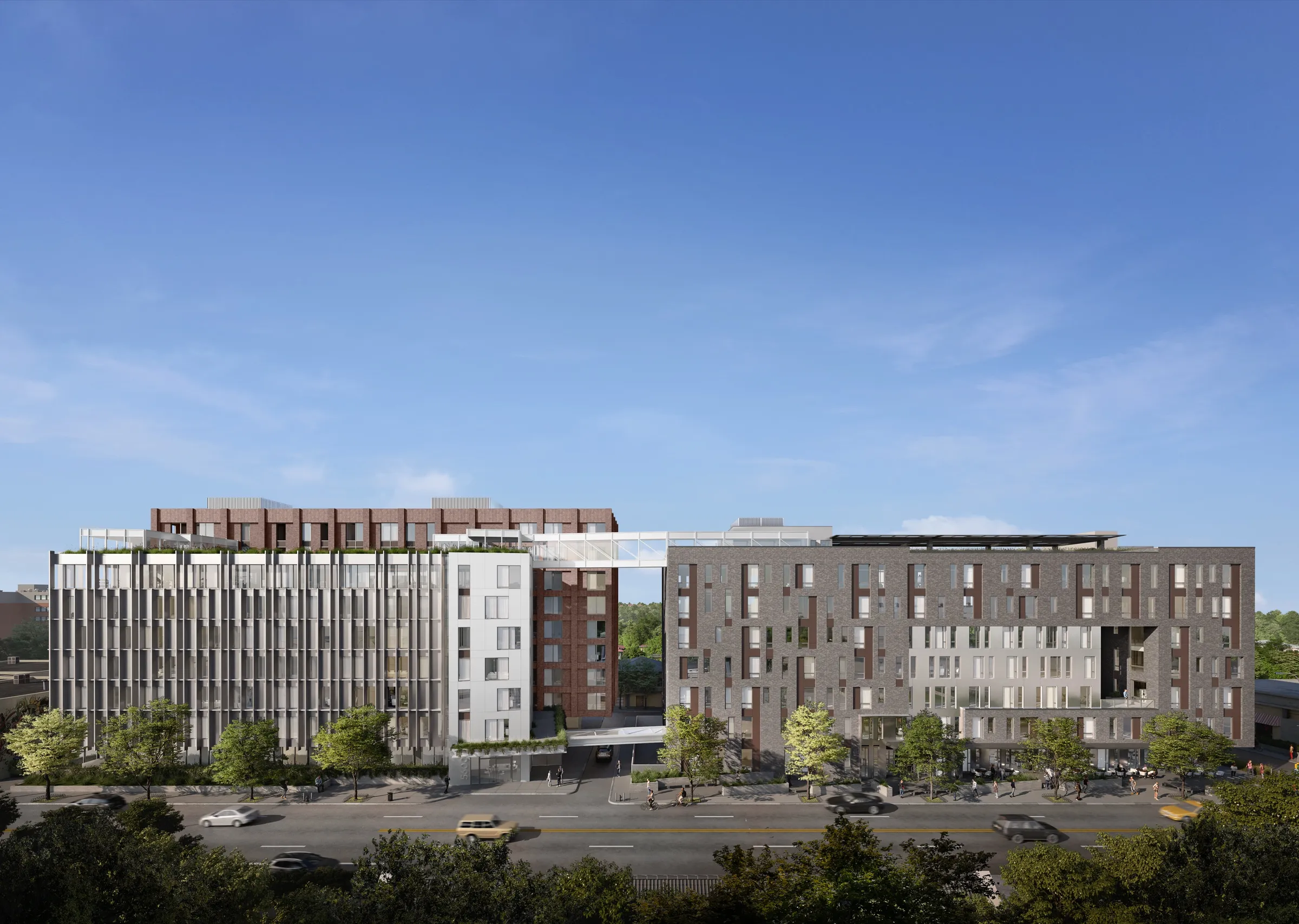
1. Exterior Renderings
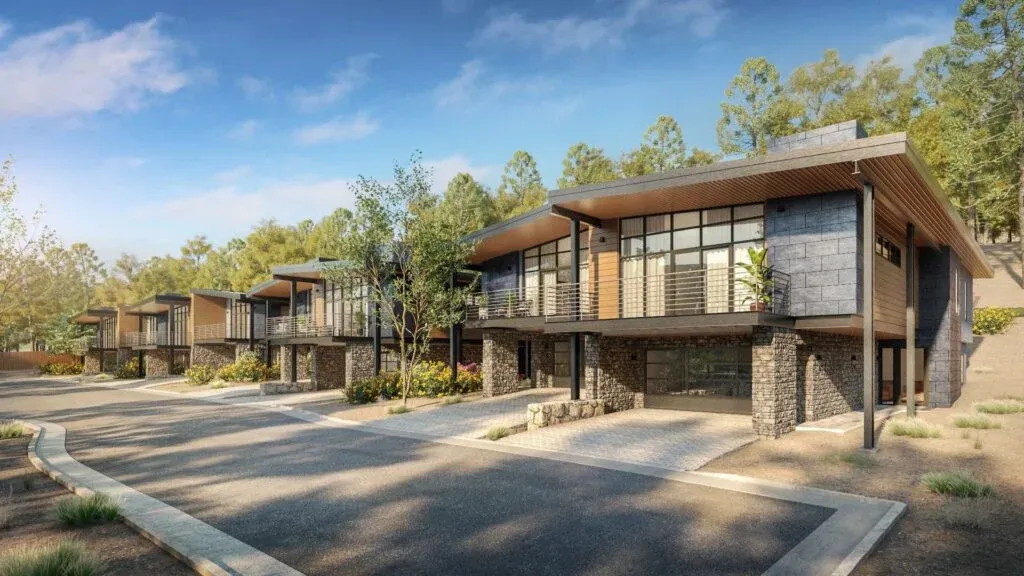
Used for city and planning approvals, investor decks, marketing and pre-sales. They communicate façade design and material intent, building massing and proportions, street-level experience, and landscaping and public realm integration. Exterior renderings are often the first visuals reviewed by planners and investors. Accuracy matters more than drama.
2. Interior Renderings
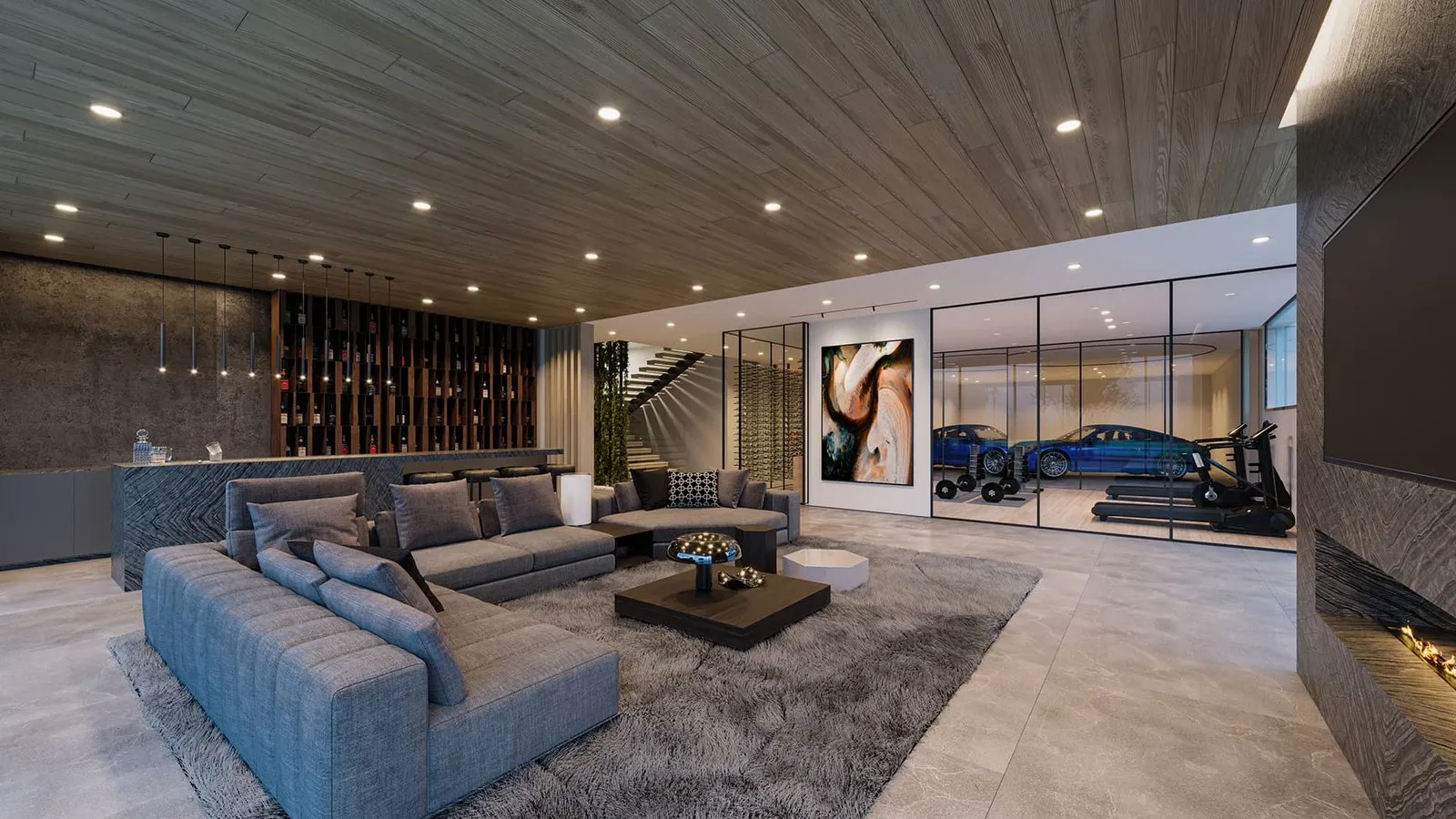
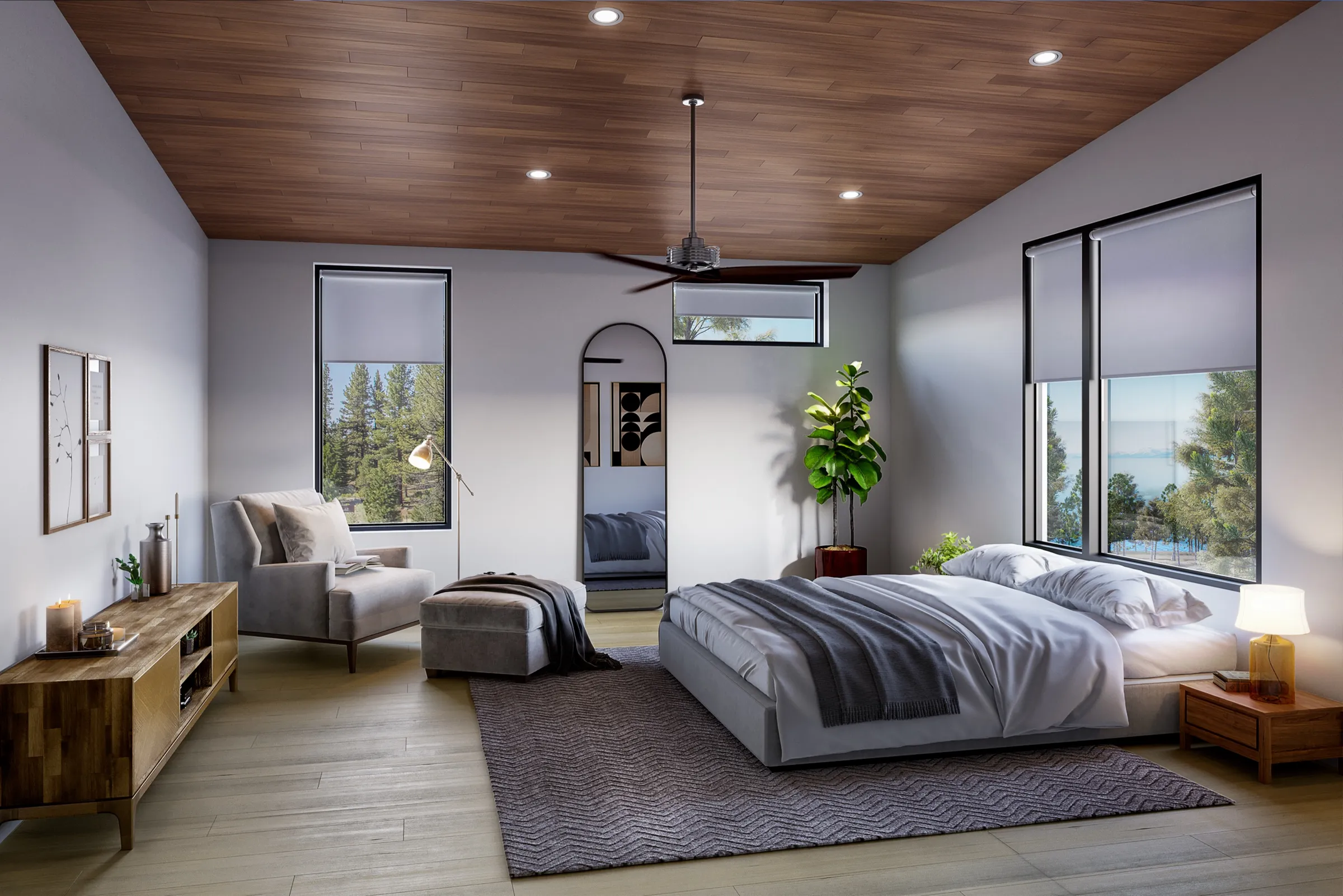
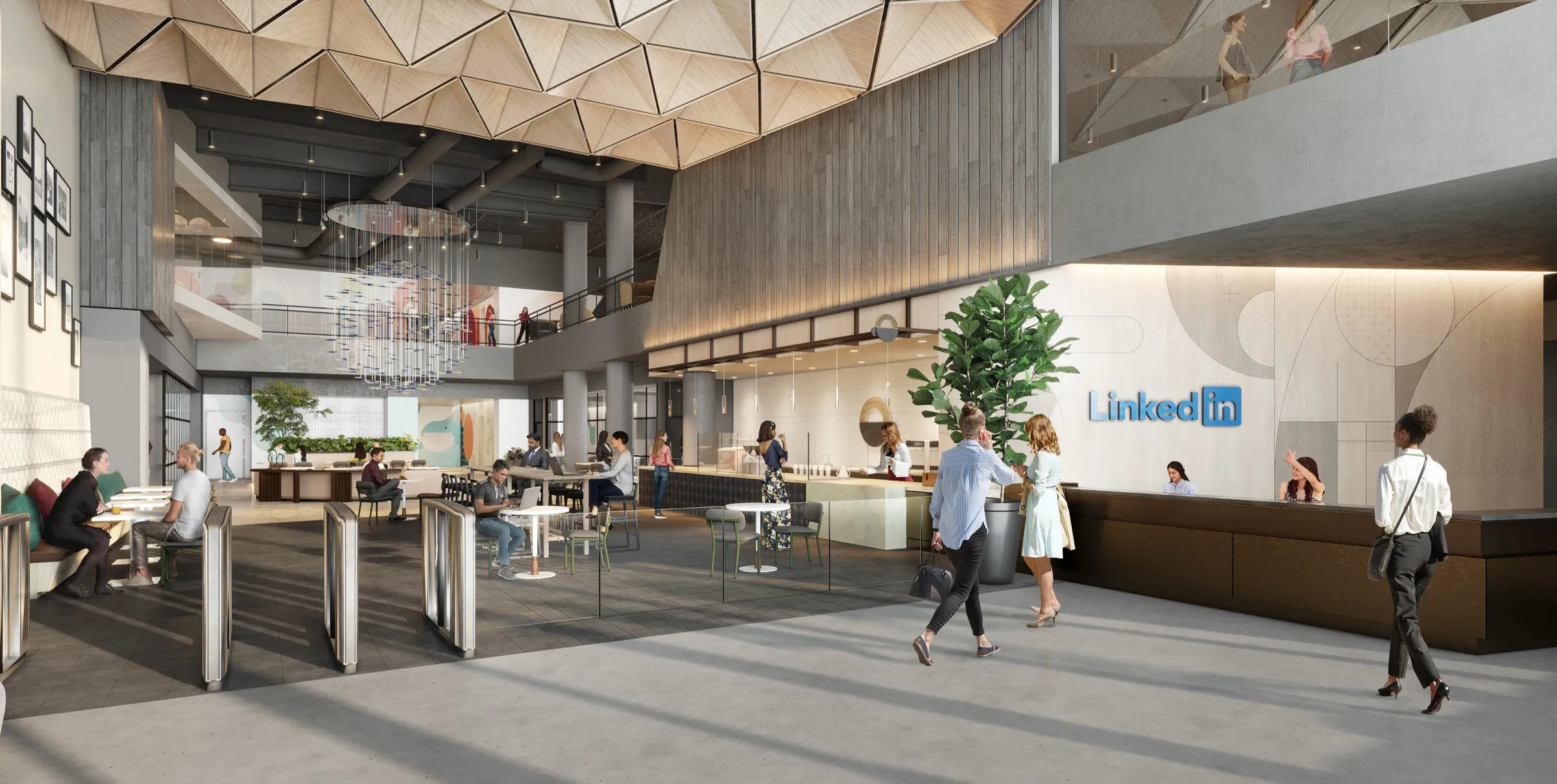
Used for unit mix presentation, amenity previews, interior design approvals. They communicate spatial quality and flow, finish levels and material palettes, lighting conditions, and lifestyle positioning. Interior visuals help buyers understand value, not just layout.
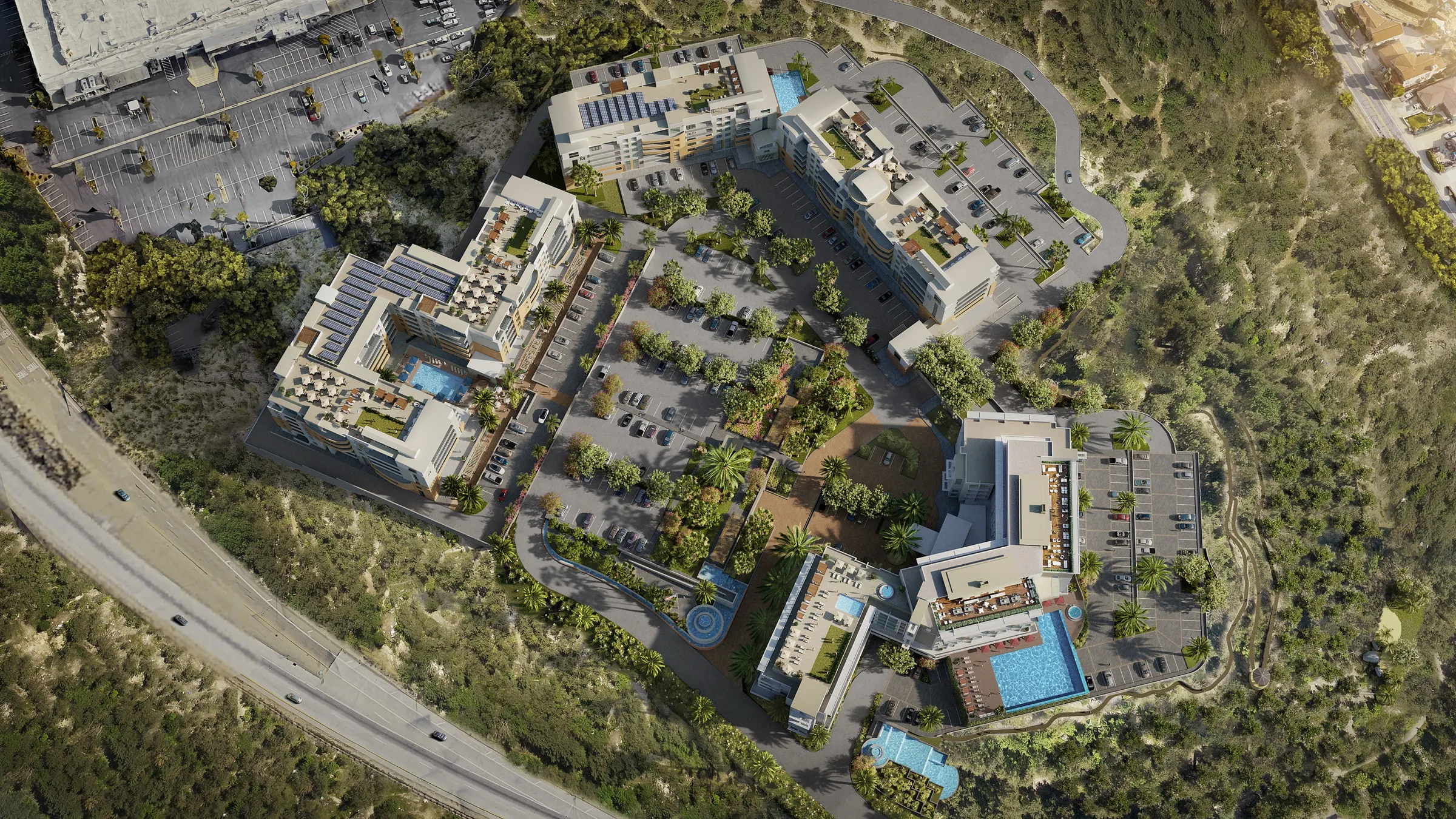
3. Aerial & Contextual Renderings
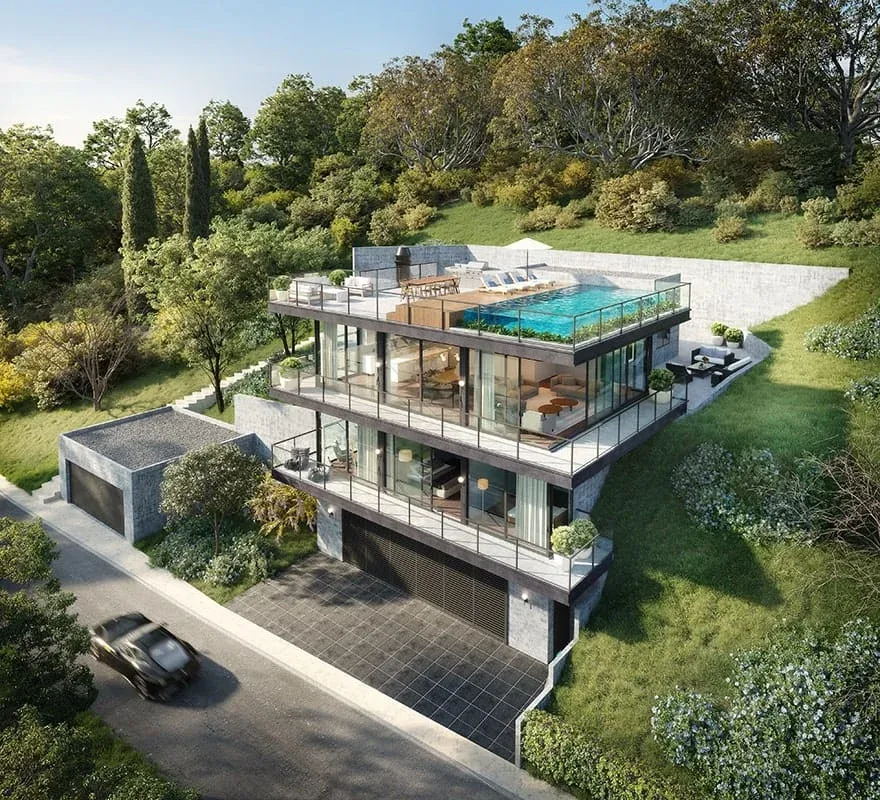
Used for planning approvals, investor presentations, and market positioning. They communicate the relationship to the surrounding neighborhood, viewsheds and orientation, proximity to amenities and transport, and overall site logic. These images answer the question: “Where does this project sit, and why does that matter?”
4. 3D Architectural Animations
Used for pre-sales campaigns, investor roadshows, launch events and digital ads. They communicate scale and flow, spatial transitions, and emotional narrative. Animations consistently outperform static imagery in buyer engagement.
5. VR Tours & Interactive Models
Used for high-end pre-sales, sales centers, remote buyers and investors. They communicate true spatial understanding, unit comparison at scale, and confidence in buying unseen. VR reduces hesitation, especially for off-plan purchases.
6. Marketing Asset Sets
Typically includes rendered floor plans, site and location maps, stacked plans, brochure and listing imagery, and landing page visuals. These assets ensure visual consistency across every buyer touchpoint.
Developer Use Cases (Visual Timeline)
Visualization supports development decisions at every milestone. When planned correctly, it reduces friction. When added late, it creates rework.
Use Case 1, City & Planning Approvals. Renderings clarify building height and massing, show façade articulation and material intent, demonstrate pedestrian experience, visualize landscaping and public realm impact, and communicate architectural intent clearly.
Use Case 2, Investor & Lender Presentations. Developers use visualization to show target demographic and positioning, amenity strategy and perceived value, quality indicators that justify pricing, and how the project fits its surroundings.
Use Case 3, Pre-Sales Campaigns. Pre-sales teams rely on cinematic animations, VR walkthroughs, key interior and exterior hero images, landing page and listing visuals, and social media teaser content. Developers often see 25–40% faster pre-sales when visuals lead the campaign.
Use Case 4, Marketing & Launch. Visualization assets are reused across property listings, digital advertising, brochures and signage, sales centers, and agent materials. Consistency reinforces perceived quality.
Use Case 5, Stakeholder Alignment. Visualization helps align developers, architects, interior designers, marketing teams, and sales agents. Everyone works from the same visual reference, preventing late-stage misunderstandings.
The Developer Visualization Process (From Insight to Impact)
Successful visualization starts with strategy, not software. In 2026, the most effective developer visuals are those built around decisions, approvals, investor alignment, and pre-sales, not aesthetics alone.
Step 1, Briefing
The process begins with understanding the project context: development objectives, key stakeholders, approval/funding/sales milestones, and the decisions the visuals need to support. At this stage, visuals are framed as tools, not outputs.
Step 2, Market Context
Visualization must reflect the market it is selling into: target buyer or tenant profile, competitive developments, pricing and positioning, local context and expectations.
Step 3, Strategy & Creative Direction
Before production begins, direction is locked: narrative and storytelling intent, visual style and tone, scope and deliverables, priority views and formats. Clear direction upfront reduces risk and prevents unnecessary revision cycles.
Step 4, Visual Content Production
Only after alignment does production begin: exterior and interior renderings, animations or walkthroughs where required, interactive or VR assets for pre-sales and presentations. All visuals are produced with architectural accuracy and a defined purpose.
Step 5, Review, Delivery & Next Steps
Final assets are delivered production-ready: high-resolution imagery, web and print formats, presentation-ready files. If the project moves into a new phase, approvals, pre-sales, or marketing, the visual strategy is refined or extended rather than rebuilt.
Timeline: How Long Renderings Take in 2026
Typical Delivery Timeframes
For most developer projects: still renderings take 2–3 weeks, small animation sequences 3–4 weeks, larger animations or VR experiences 4–6 weeks. These timelines assume design files are reasonably complete, scope is defined upfront, and feedback is consolidated and timely.
What Impacts Delivery Speed
Timelines vary based on number of images or scenes, level of detail and realism, completeness of architectural files, number of revision cycles, and animation length or interactivity depth. Clear inputs equal faster delivery.
Why Speed Is a Competitive Advantage
Many studios still operate on 4–6 week cycles for basic renderings. Developer-focused workflows reduce this without sacrificing quality by locking strategy before production, running parallel processes, and aligning visuals to milestones, not vanity. This allows projects to move forward while decisions are still active.
Cost Guide: Industry Ranges (2026)
Rendering costs vary widely. In 2026, pricing is driven by scope, complexity, and intended use, not just image count.
What Influences Cost
Costs are shaped by level of architectural detail, accuracy of materials and lighting, number of views or scenes, animation length and complexity, degree of interactivity (VR or real-time models), context modeling and surroundings, and revision scope and delivery deadlines. A single hero image and a full pre-sales package are not comparable.
Typical Industry Ranges (Indicative)
While pricing varies by region and studio maturity, general 2026 ranges look like this: exterior or interior still renderings, entry-level to premium, depending on detail and context; aerial or large contextual views, higher due to site modeling and scale; architectural animation, priced by duration, scene complexity, and storytelling depth; VR and interactive models, higher investment due to real-time optimization and UX requirements. What matters is not the line item, but what decision the visual unlocks.
Why Developers Should Avoid Price-Only Comparisons
Low-cost visuals often result in misaligned approvals, weak investor confidence, slower pre-sales, and costly rework. The real cost is delay. Developers should assess visualization based on accuracy, strategic alignment, speed, and reusability across phases.
Planning Visualization Budgets Strategically
The most effective developers budget visuals by project phase, scale fidelity as decisions become more critical, and reuse and extend assets instead of restarting. This reduces waste and improves ROI.
Case Studies: Visualization in Real Developer Workflows
Case Study, Residential Repositioning: The Willow, Manhattan, NYC
A historic 1920s residential property was being modernized and repositioned. The developer needed visuals that communicated this transformation, balancing authenticity with modern comfort, before construction began. We provided strategic architectural visualization to support investor presentations, broker pitches, and early buyer engagement. Outcome: investors gained a clear understanding of the repositioning vision; brokers were able to communicate lifestyle value effectively; renderings reflected both design intent and residential character accurately.

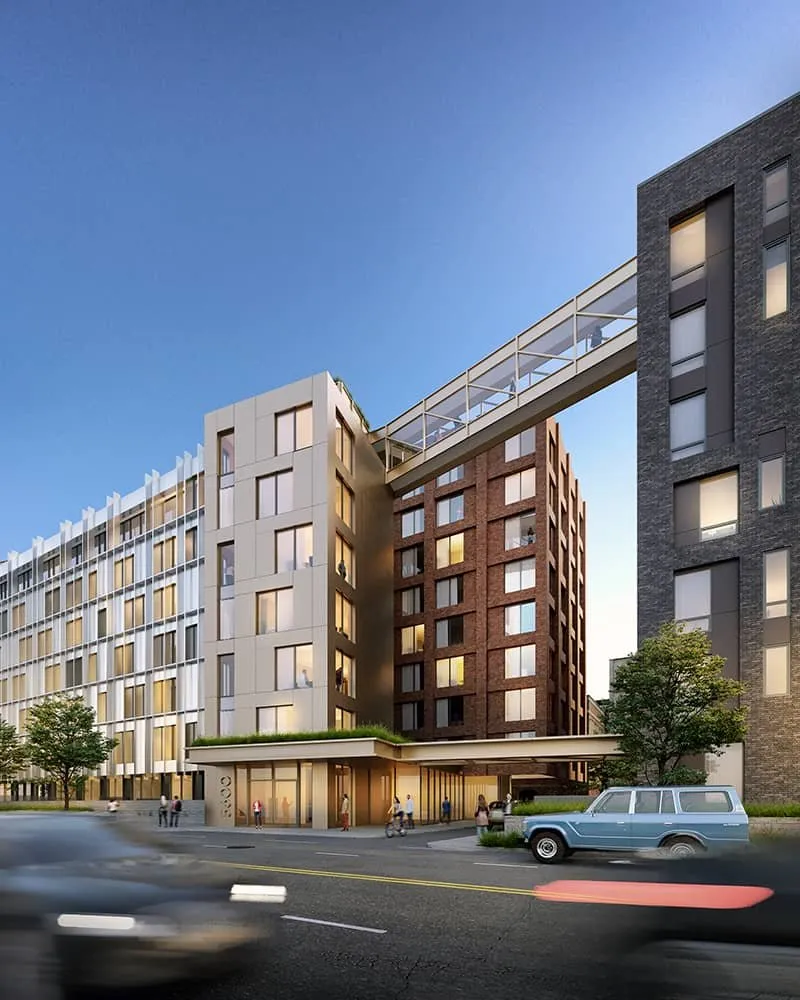
Case Study, Planning Visuals for Mixed-Use Developments: VeLa
Each city had different planning standards. Developers needed municipality-ready visuals that clearly showed massing, sightlines, and context to support zoning and design reviews. We treated this as a planning visualization engagement, consolidating inputs from architects and consultants to produce visuals that planning boards could review directly. Outcome: mixed-use towers approved in multiple U.S. cities; clear consensus with planning authorities; reduced uncertainty and fewer revision cycles.
Case Study, Luxury Residential Launch: Lake Tahoe Estate
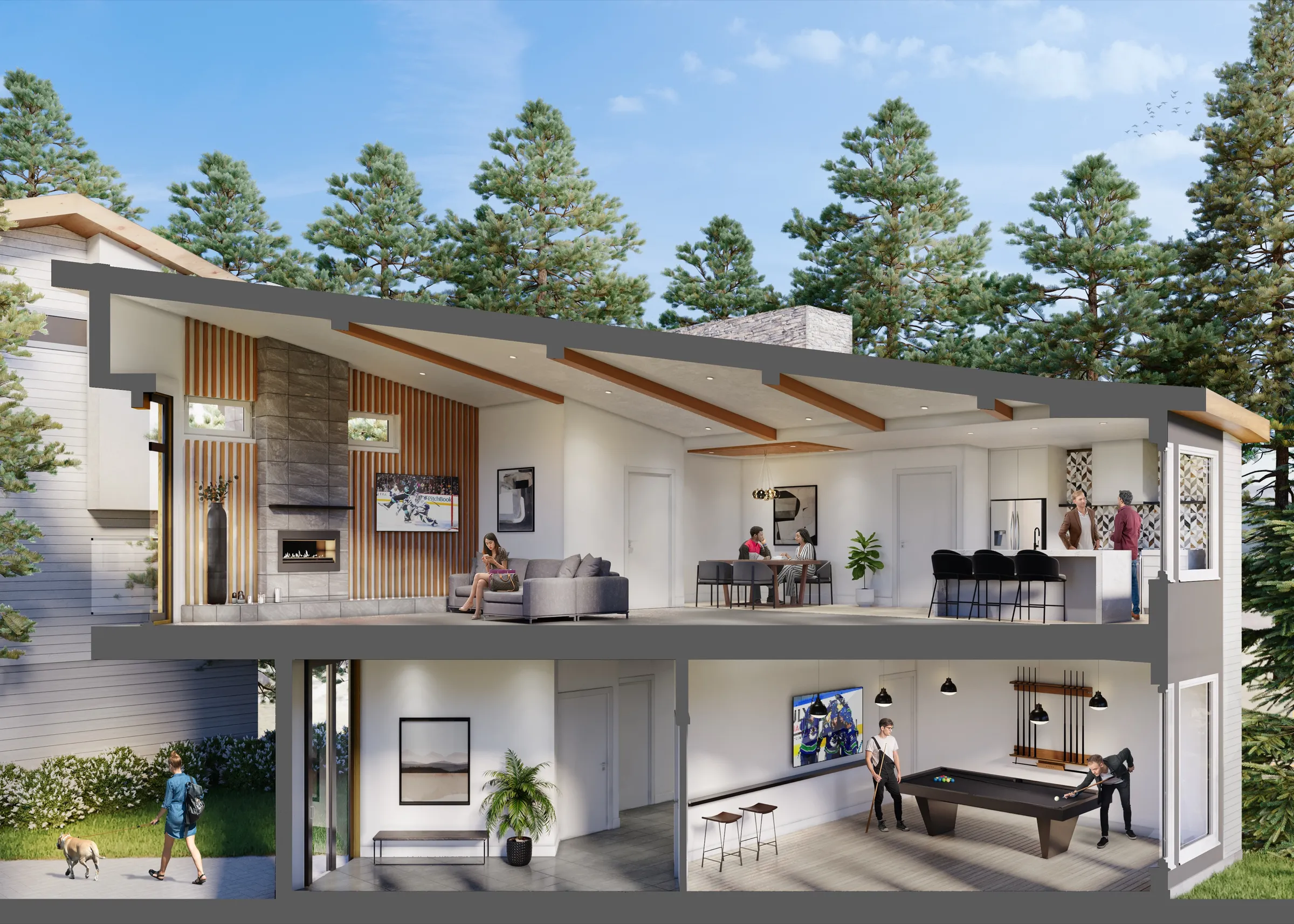
A high-end estate under construction needed compelling visualization to support pre-sales in a competitive luxury market. We delivered a 360° visualization package, high-end exterior and interior renderings, cinematic animation, real-time VR tour, custom landing page, and stylized floor plans. Outcome: sale exceeded $12 million, a regional benchmark; strong buyer engagement before physical completion; unified visual narrative across channels.
FAQs
What files do I need to provide? Most projects start with Revit, CAD, or SketchUp files, PDF plans and elevations, site plans, and material/finish references. If files are incomplete, visualization can still begin, but accuracy and speed improve with better inputs.
What if the design changes mid-project? Design changes are common. Professional workflows account for this by structuring revisions around milestones, locking key views early, and updating visuals incrementally rather than restarting.
How many images should a developer request? There is no fixed number. Most projects include 2–4 exterior views, 2–4 interior or amenity views, and optional aerial or context images. The right number depends on approvals, investor needs, and pre-sales strategy.
Do I need animation or just still renderings? Still renderings work well for approvals and static presentations; animations perform better for investor decks, pre-sales, and launches; VR is most effective for high-value or off-plan sales.
When should developers start visualization? Earlier than most expect. The most effective projects begin visuals during planning, use draft imagery to guide approvals and discussions, and refine assets as the project progresses.