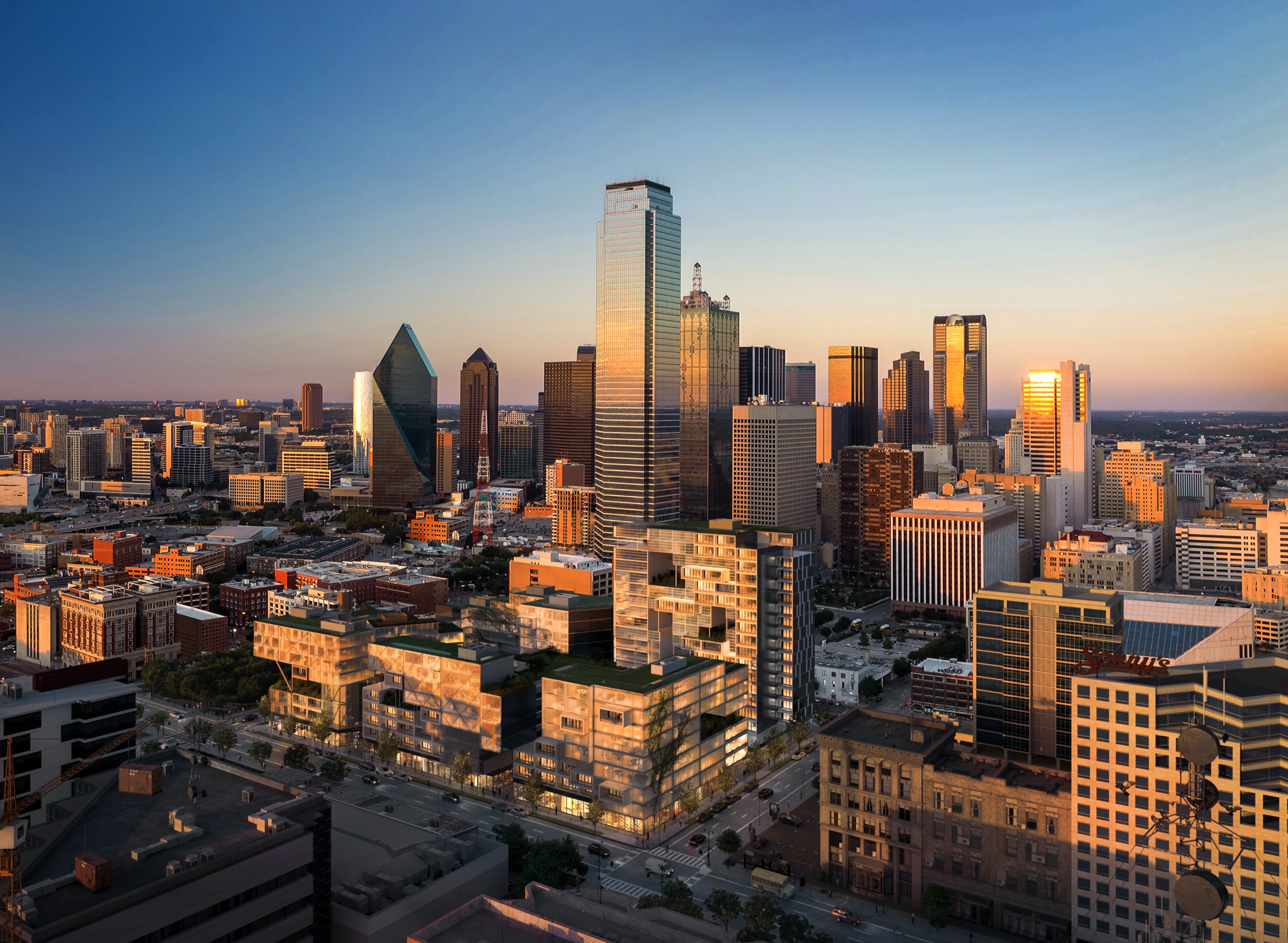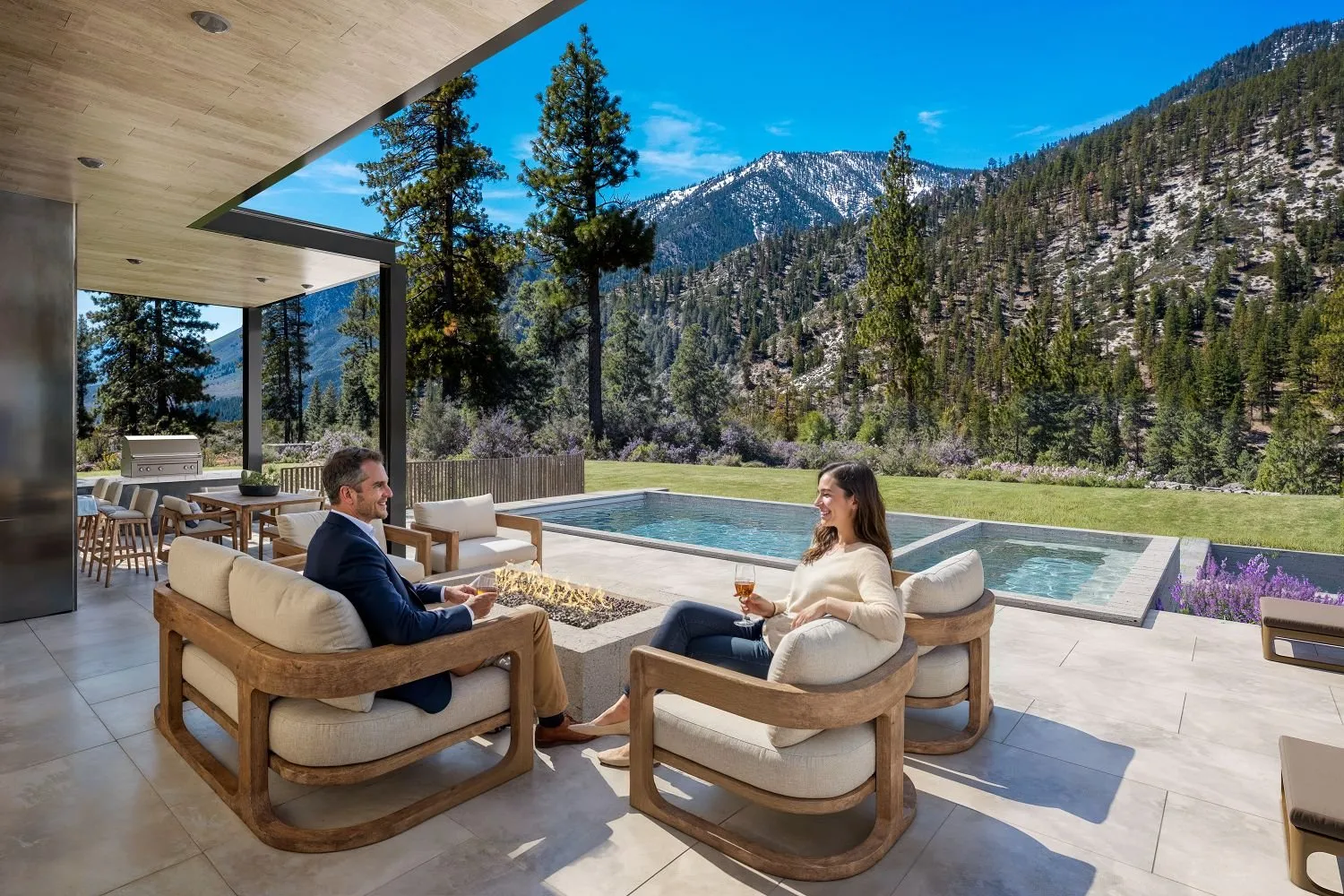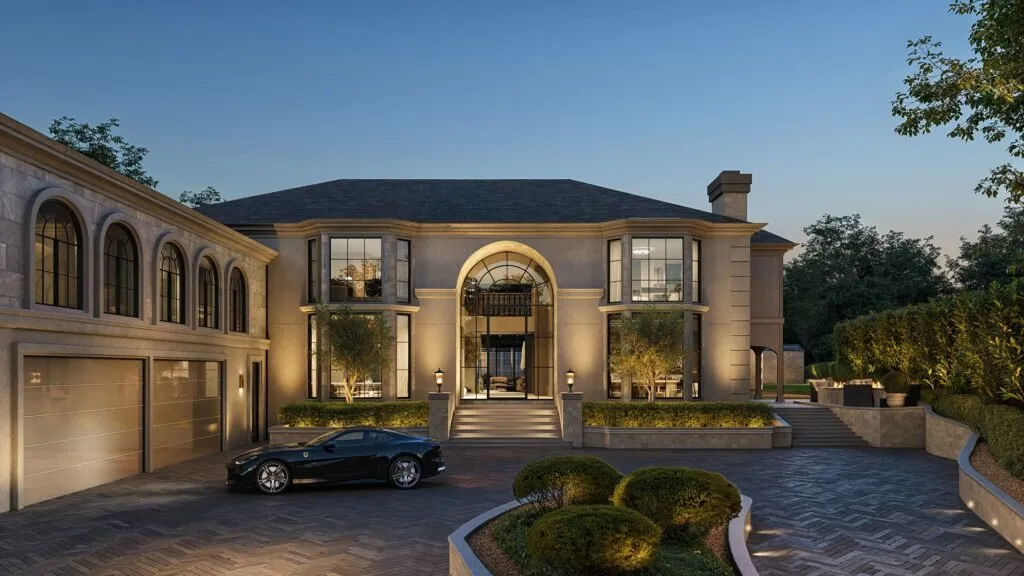
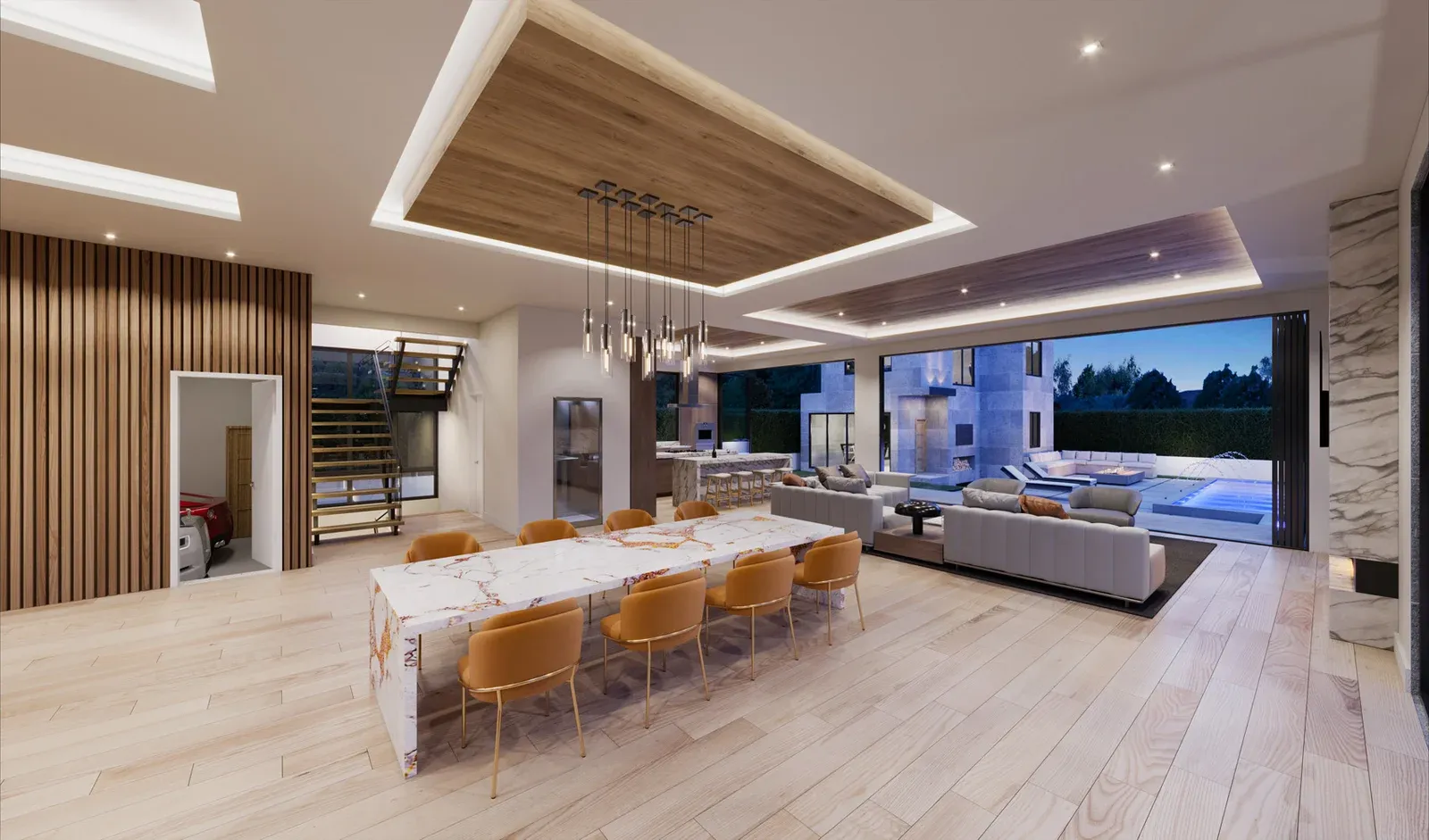
AI-Assisted Architectural Animation: Real Results from a Single Render

Lukas Berezowiec · CEO of NoTriangle Studio·December 4, 2025 · 7 minutes
Animation used to be slow and pricey because you had to render hundreds of frames.
Now, with AI, we can turn a finished still into a short, realistic clip, fast, as long as the camera move stays subtle (pan, tilt, gentle dolly/parallax).
That means more motion content for launches, pre-sales, and socials, without the old pain of week-long renders or big budgets.
What this is (in plain English)
We take your finished still render and add subtle camera motion with AI. Think gentle pan, tilt, or a light dolly/parallax. No crowds. No car rigs. Just smooth movement that brings the image to life.
How it works
- You share the final image (and any alternates).
- We map a short motion path and timing.
- AI generates the movement.
- We polish, stabilize, and grade.
- You get a clean clip for web, socials, decks, or listings.
What you need to provide
- Final render at the highest resolution you have.
- Any brand grade or LUTs to match.
- A quick note on desired move and length (e.g., 7–10 seconds).
Where it shines
- Hero exteriors and interiors.
- Product hero shots and lifestyle stills.
- Website headers, social teasers, pitch decks, pre-sales assets.
Current limits (so we’re transparent)
- Best for subtle camera motion.
- No complex object animation yet.
- Input quality = output quality.
See it in action (60s demo)
Below is a quick demo showing how a finished still becomes a smooth, subtle camera move. No heavy re-render pipeline, just clean motion from your hero image.
What to look for: gentle parallax on foreground vs background, stable edges, and grading that matches the original still.
Tip: We usually deliver 5–15s clips for web and social, with versions optimised for 1080p and square/vertical crops.
Why it matters (speed, cost, access)
It’s faster
Traditional 3D architectural animation means rendering hundreds of frames. A 30-second cut at 30 fps = 900 frames before edits or re-renders. That’s where time (and money) disappears.
It’s leaner on budget
Render time stacks quickly: total time = time per frame × frames ÷ machines. When you skip heavy per-frame rendering, you skip a lot of cost.
It’s more accessible.
Short motion from a hero still gives you video assets for websites, socials, and pitch decks without a full animation pipeline. Real-estate listings with video get significantly more inquiries (often cited around 118%–403% more), and landing pages with video can see conversion gains reported around ~86% when implemented well.
It fits how people shop.
Most home buyers now research online and expect rich visuals; video walk-throughs are driving outsized reach on social.
It’s lower risk
Want to change the timing or the move? We can often iterate without re-rendering a thousand frames. Faster tests. Faster approvals.
When it works best
Pre-sales teasers, Turn your hero exterior into a 7–10s clip. Great for landing pages, email headers, and early investor decks.
Planning & stakeholder decks, A gentle dolly on a key still helps people “feel” the space. Faster approvals. Clearer intent.
Website hero banners, Swap a static image for a light motion header. Subtle movement holds attention without killing load time.
Social ads & reels, Short, vertical cuts from a still perform well. We deliver 1080×1920 versions ready for Meta, TikTok, and LinkedIn.
Product launches, Parallax motion on a product render adds depth. Ideal for DTC pages, Amazon/A+ visuals, and promo reels.
Option studies, Show A/B finishes with the same move. Keeps comparisons honest and easy to judge.
Leasing & sales galleries, Add motion to one or two key views. Create a premium feel without a full walkthrough budget.
Event screens & pitch loops, Quiet motion reads well on large displays. Loopable edits keep the energy up without distraction.
Technical limits (honest & clear)
Subtle camera moves only, Today’s AI is best for gentle pans, tilts, and light dolly/parallax. Complex paths or big pushes risk distortion.
No animated objects (yet), People, cars, trees, water, curtains, anything that needs true motion still requires traditional 3D or compositing.
Input quality = output quality, If the still has noise, aliasing, or weak reflections, motion may amplify it.
Edges and fine detail, Very thin geometry (railings, cables, mullions) can shimmer.
Reflections and glass, Highly reflective/glazed surfaces may ghost during parallax.
Text and screens, Small UI text or signage can warp during motion.
Length & pacing, The sweet spot is 5–15 seconds per shot.
Consistency across a set, If you need five shots to feel like one film, we’ll match grade, pace, and move, but it won’t replace a full cinematic.
Our workflow (4 simple steps)
- Share your hero still, Send your final render at full resolution. Include any alternates, brand LUTs/grades, and the target use.
- Pick a motion, We suggest a subtle pan, tilt, or light dolly/parallax. You choose length (5, 10, or 15 seconds). We’ll storyboard the move.
- AI motion + polish, We generate the camera move, then stabilize, de-flicker, and grade to match your look. Prepare vertical/square crops if needed.
- Deliver & iterate, You receive web-ready MP4s (and ProRes on request). Minor timing tweaks are fast.
What you’ll get:
- 1 master clip (1080p or 4K)
- Optional social crops (1080×1350, 1080×1920)
- Matching grade, clean edges, loop-ready timing
Cost & timing (what to expect)
Faster by design, Most clips are delivered in days, not weeks.
How we price, Simple, per-shot pricing based on:
- Duration (usually 5–15 seconds)
- Motion complexity (pan/tilt vs. light parallax)
- Cleanup needs (glass, fine edges, heavy de-noise)
What’s included:
- 1 mastered clip (1080p or 4K)
- Matching color grade to your still
- One round of timing or move tweaks
- Optional social crops (portrait/square)
AI vs traditional animation (which to choose?)
AI-assisted (from a still), choose when:
- You already have a finished hero render.
- You want short clips (5–15s) with subtle camera moves.
- You need fast turnarounds and lean budgets.
- The goal is web, social, decks, or pre-sales teasers.
Traditional 3D, choose when:
- You need complex camera paths or full walkthroughs.
- Objects, people, cars, water, vegetation must move.
- Multiple scenes, story beats, and sound design matter.
- You want a cinematic film for campaigns or broadcast.
FAQs
- We need a high-quality final render. The better the input, the better the motion. JPG, PNG, or TIFF are fine.
- Most clients choose 5–15 seconds. It loops well and loads fast.
- Subtle pans, tilts, or light parallax. Big pushes or complex paths are better with traditional 3D.
- For object motion, we’ll recommend a traditional animation build.
- Yes. Share your LUT or reference. We’ll match color, contrast, and mood.
- We can do light cleanup, but heavy issues may show in motion.
- 1080p (or 4K on request). Web-ready MP4 by default; ProRes optional.