Everything You Need To Know About Render Farms
·November 6, 2025 · 11 minutes
If you work with 3d rendering, you’ve likely faced renderings that take longer than ideal, especially at high quality, creating photorealistic images is inherently time-consuming. There are ways to speed things up without sacrificing quality, and one of the main options is using a render farm.
What Is a Render Farm?
Render time depends on scene optimization, lighting/material complexity, and how many images you need; photorealistic output is always time-consuming. It also depends on your hardware, CPU vs. GPU performance, depending on which 3D rendering software your tool uses.
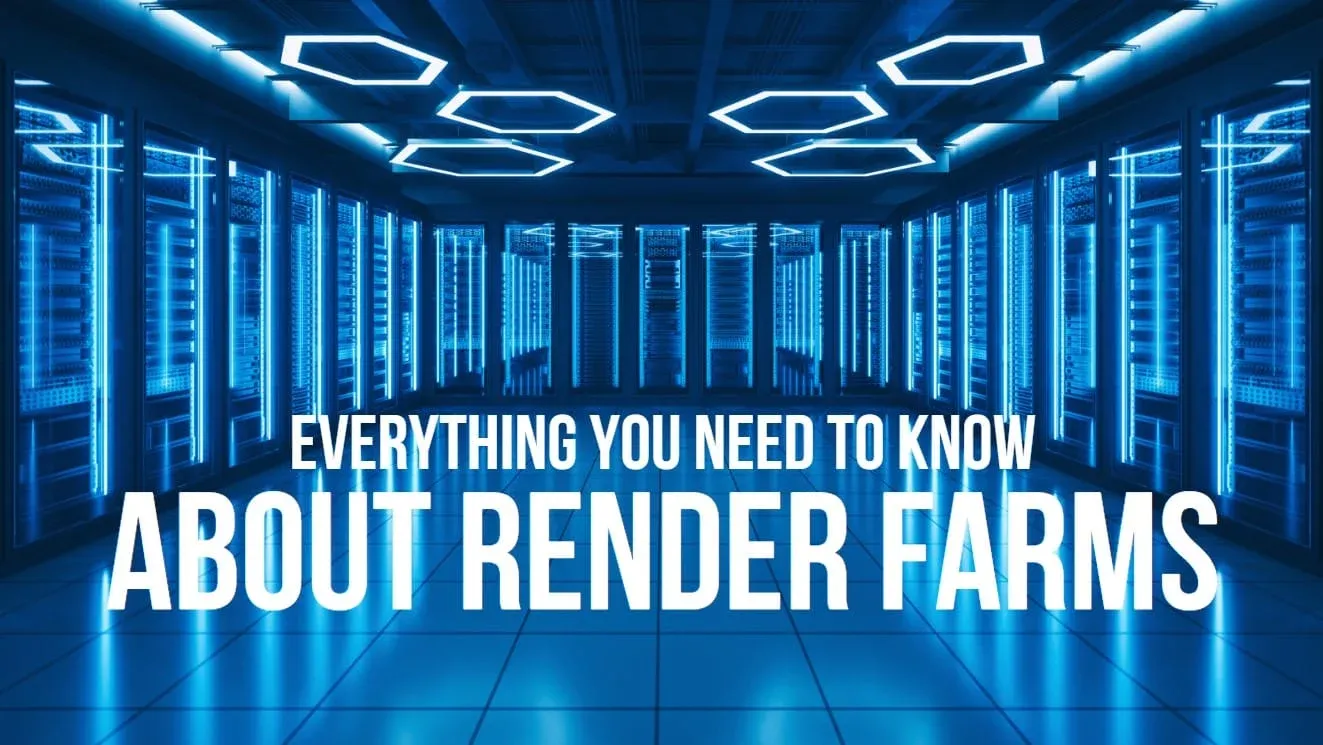
Even top-spec components struggle with thousands of photorealistic images, so the 3D software world uses clusters of computers working together, that’s a render farm. Professional render farms group hundreds or thousands of nodes for blockbuster-scale work, while smaller farms serve smaller projects.
Example: a 60-second 30 fps animation = 1,800 frames; a render farm distributes these across many nodes to drastically cut total render time.
When are Render Farms Used & Who Uses Them?
Render farms are most useful for users producing ultra-photorealistic 3D renderings and animations, which demand huge compute. Whether freelancer or studio, render farms improve turnaround and help meet deadlines; they’re a must for larger projects.
Widely used by 3D artists/studios on architectural projects, marketing agencies producing ad animation, and movie studios like Pixar and Disney. Rendering uses ~100% of CPU/GPU, blocking other work on the machine, another reason to offload to a farm. Higher rendering resolution amplifies the need.
Benefits of Using Render Farms
A single workstation can handle simple renders in minutes; problems start when many photorealistic images are required. Render farms save delivery time for studios and freelancers alike, freeing local machines to keep working on other tasks.
Building Your Own Render Farm vs Hiring External Render Farm
Two options: build your own farm or rent one from a provider. Building one is convenient and not hugely difficult, but requires IT experience to network the machines properly.
Professional in-house farms require huge investment in nodes, maintenance, IT staff, and space, usually beyond small/mid studios, which rent instead. Both approaches are valid; many users combine them to avoid depending on a single solution.
How Much do Render Farms Cost?
With external farms you only pay for usage; pricing methods vary but all charge for compute power per hour. Cost is based either on number of render nodes per hour, or total processing power (GHz for CPU, OB for GPU).
Pricing can confuse beginners, so most farms provide render calculators and many offer free trials. Average cost: $1–2 per 4K still and $5–8 per second of Full HD animation, assuming a well-optimized scene. Some farms charge extra for higher priority queue access or premium 24-hour support.
Our Personal Picks – Best Render Farm Companies
As a 3D rendering studio with over a decade of experience, we run a small internal farm and also use pro farms for big projects with tight deadlines.
Please see below our 5 recommendations:
- Gridmarkets, recommended for cloud rendering/simulation; free trial up to 100 frames; clear pricing; professional support.
- RebusFarm, Germany-based, in business since 2006; latest CPU/GPU tech; supports over 50 3D apps.
- iRender, Vietnam-based cloud computing & render farm; 24/7 support; large pool of high-quality equipment.
- Super Renders Farm, founded California 2010; affordable pricing, fast turnaround; widely regarded as a top provider.
- Garage Farm, founded 2010, ~45 staff; solid 24/7 customer/technical support; supports all major 3D software.
Conclusion
Render farms are essential knowledge for professional 3D work, freelancers and studios alike benefit from the extra compute, faster delivery, and ability to take on bigger projects. For more tips, read our 3d rendering tips guide.
Further Reading
If you’re ready to dive deeper into 3D visualization, rendering workflows and real-estate media tools, these resources will help:
- 3D Rendering Resources, A comprehensive hub of articles on rendering techniques, case studies and industry insights.
- Ultimate Render Resolution Guide, Get the right output specs for print, web, and animation.