3D Walkthrough Animation vs. Architectural Flythrough Animation

Lukas Berezowiec · CEO of NoTriangle Studio·June 26, 2025 · 11 minutes
Understanding the differences between 3D walkthrough animations and architectural flythroughs is crucial for anyone involved in architectural visualization, whether you’re an architect, real estate developer, or investor. Both techniques are powerful tools used in 3D architectural animations.
“In the competitive fields of architecture and design, mastering the art of visualization is as crucial as generating innovative ideas.”
This guide explores what each is, breaks down their uses, benefits, and key differences, so you can decide which visualization type is the right fit for your next project.
Common Confusion Between The 2 Services
The terms architectural walkthrough and architectural flythrough are often used interchangeably, which leads to considerable confusion. Though both are forms of 3D architectural animations, they each serve distinct purposes.
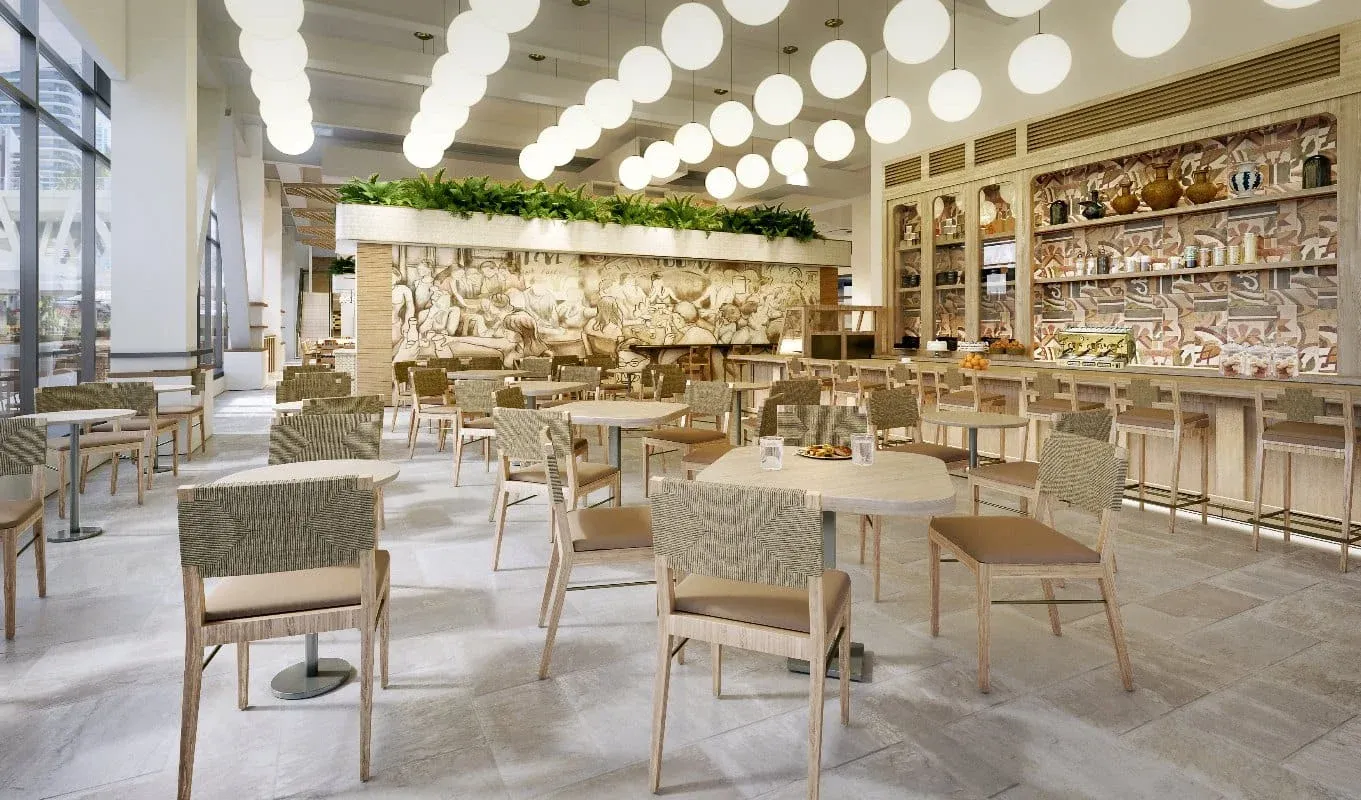
3D walkthroughs are designed to showcase the interior of a property. They provide a virtual experience where viewers can navigate room by room, ideal for conveying the look and feel of interiors.
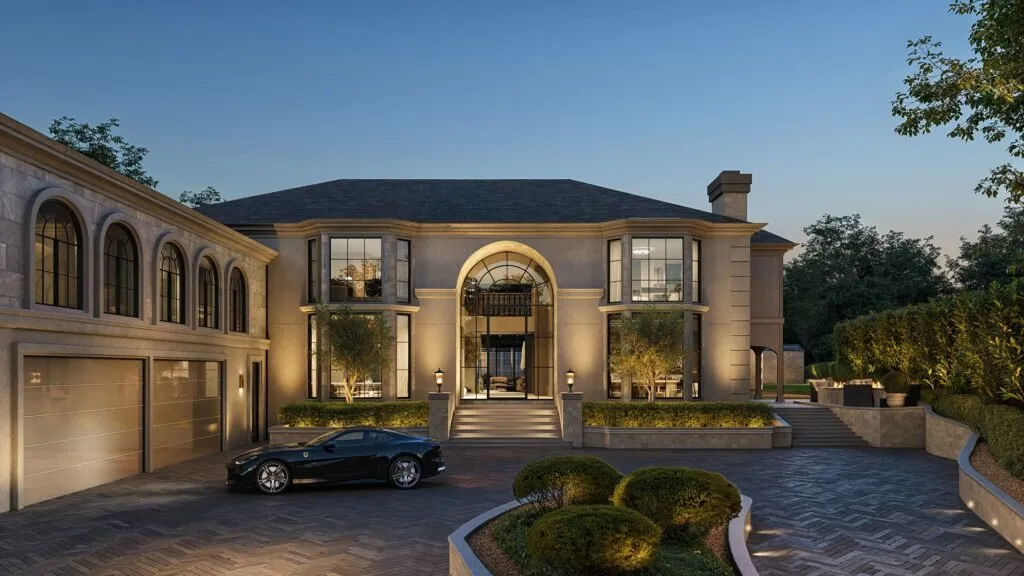
Architectural flythroughs offer a different perspective by simulating a sweeping flight around the property, used to show the relationship of the building with its surrounding environment.

What is a 3D Walkthrough Animation?
A 3D walkthrough is an immersive digital experience that allows users to explore the interior of a building before it’s constructed. It’s similar to a guided tour, offering a perspective as if you were physically walking through each room and space.
“Immersive 3D experiences help potential buyers emotionally connect with a property by visualizing themselves in the space.”
In an architectural walkthrough, viewers can experience the atmosphere of different rooms, see materials, and understand spatial relationships, especially useful for showcasing lighting, decor, and layout.
Examples of 3D Walkthrough Animation in Action
Residential developments frequently use walkthroughs to give potential buyers a comprehensive look at apartments or homes. Commercial real estate developers use walkthroughs to depict office layouts. Hospitality projects like hotels use them to showcase rooms, lobby, and amenities.
What is a 3D Architectural Flythrough?
A 3D architectural flythrough offers a sweeping aerial perspective of a building, giving viewers a sense of the property in its entirety. Unlike a walkthrough, which focuses on interior spaces, a flythrough takes the viewer above and around the structure.
It’s ideal for showcasing large-scale projects, commercial complexes, urban developments, and expansive residential properties, and effective for presenting how a building fits into its surroundings.
Showcasing Architectural Flythroughs
In urban development, a flythrough might depict how a new high-rise integrates with existing city blocks. For residential developments, flythroughs can capture the scenic beauty around properties. For infrastructure projects, flythroughs can visually explain bridges, parks, and transportation networks.
Detailed Comparison: 3D Architectural Walkthrough vs. Flythrough
The difference goes beyond just the perspective. These two visualization types serve distinct purposes and deliver unique viewer experiences that can significantly impact how a project is perceived. Understanding these differences is essential for choosing the right tool based on the project goals, whether selling, gaining approval, or showcasing an impressive large-scale development.
Architectural Walkthroughs vs Flythroughs
Impact on Client Decision-Making
Both 3D walkthroughs and architectural flythroughs play a significant role in influencing client decisions in real estate, architectural design, and urban planning. They make complex projects easier to understand and more compelling.
Walkthroughs enable clients to visualize interiors in great detail, creating an emotional connection with the space. For homebuyers, being able to “walk” through each room is a persuasive factor that helps them picture living in the property.
Flythroughs deliver a broader context that is especially powerful in larger developments or urban planning. The panoramic, aerial view helps stakeholders understand how a building fits into its surroundings, effective for gaining planning permissions, impressing investors, and conveying full impact on the environment.
Conclusion
If you need to show how an interior space will feel to live in, a walkthrough is your best bet. If you’re looking to impress stakeholders with a bird’s-eye view of the entire development, then a flythrough will be more effective.
Both tools are valuable assets in architectural animation, real estate marketing, and client presentations.
FAQs
What hardware and software are needed? Creating a 3D architectural walkthrough requires powerful computing hardware, professional 3D modeling software like Autodesk 3ds Max or Revit, and advanced rendering tools.
What does it cost? Cost varies greatly depending on complexity and length. Flythroughs are more cost-intensive due to detailed aerial views and extensive surroundings. Walkthroughs might be less expensive if focused only on interior spaces.
How long does it take? Timeline ranges from a few weeks to several months, depending on scale and detail. A simple walkthrough might take a few weeks; a comprehensive flythrough could take several months.
Can they be used with VR? Yes, both can be adapted for virtual reality (VR) to provide an immersive experience, enhancing the decision-making process.