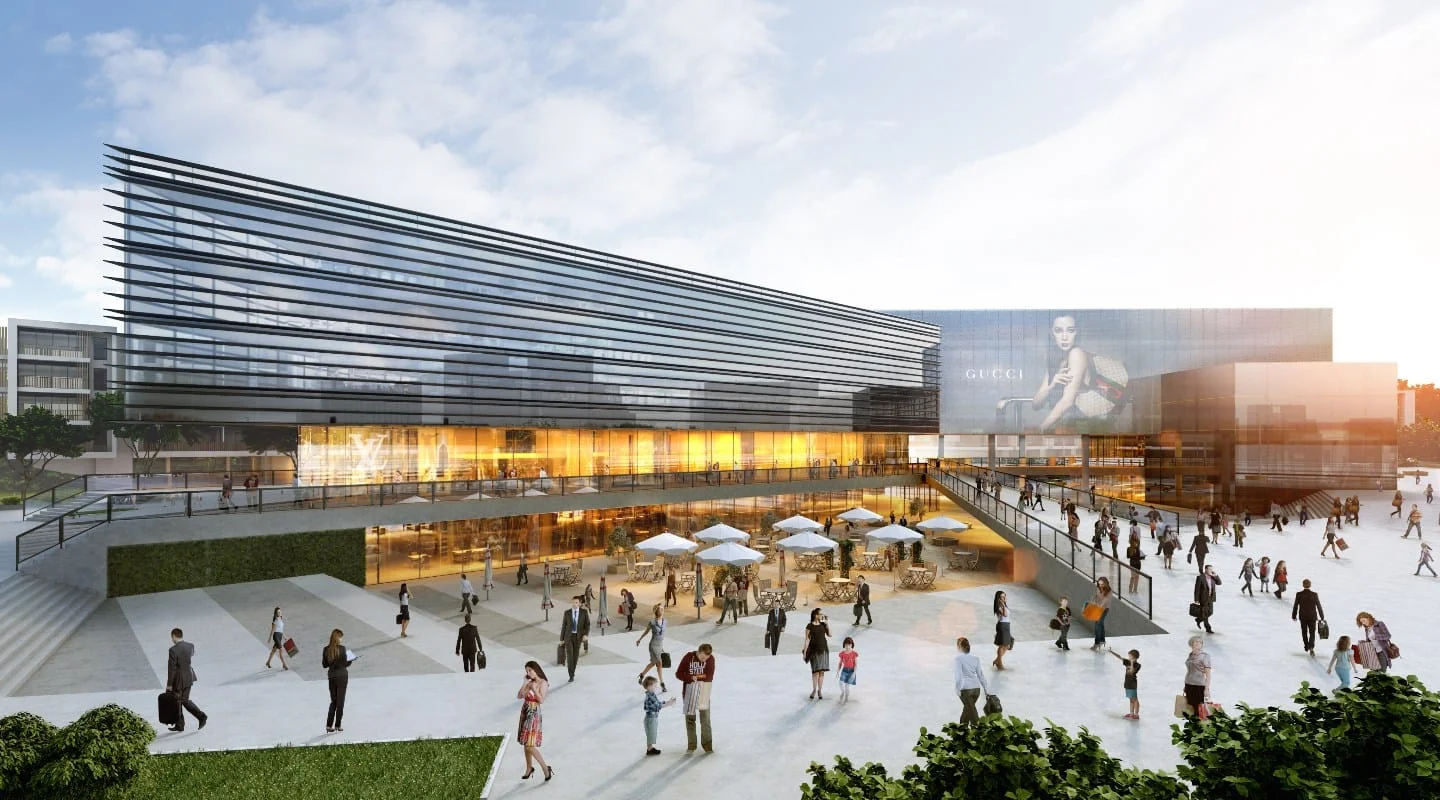
In today’s digital world, 3D rendering has become a cornerstone of design, marketing, and visualization, enabling artists, architects, and businesses to transform concepts into photorealistic images and animations.
But how does 3D rendering actually work? What makes a rendering look real, and how can professionals optimize their workflow? This guide breaks down the core principles, the types of rendering, and the software tools used to bring designs to life.
Key Takeaways
- 3D Rendering Defined: The process of converting a 3D model into a 2D image or animation using specialized software.
- Key Components: Modeling, texturing, lighting, rendering, and post-processing are essential steps.
- Software & Tools: Popular options include Blender, SketchUp, Revit, 3ds Max, and Lumion.
- Rendering Methods: CPU rendering is precise but slow; GPU rendering is faster and ideal for real-time applications.
- Industry Applications: Architecture, real estate, product design, gaming, and film.
- Rendering Speed Factors: Higher resolution and complex scenes need more computing power; render farms help.
What is 3D Rendering and How Does it Work?
At its core, 3D rendering is the process of converting a digital 3D model into a realistic 2D image or animation. It’s the final step in bringing a concept to life, whether it’s an architectural design, a product visualization, or a full-scale virtual environment.
But how does 3D rendering actually work?
The process starts with a 3D model, typically created in software like SketchUp, Revit, or Blender. This model acts as a digital blueprint, defining the structure of the object or scene. Rendering software then calculates how light, shadows, materials, and textures interact to produce a hyper-realistic digital image.
This calculation-heavy process can be done using CPU rendering (slower but detailed) or GPU rendering (faster, ideal for real-time visuals).
The Key Stages of 3D Rendering
- Modeling: A 3D artist builds the object or scene using polygons or CAD-based design tools.
- Texturing: Materials like wood, glass, or metal are applied to surfaces to give them a realistic look.
- Lighting & Shadows: Light sources are positioned to create depth, reflection, and natural realism.
- Rendering Process: The software calculates how light interacts with materials to generate the final image.
- Post-Processing: Final touch-ups like color correction, depth of field, and contrast adjustments refine the output for photorealistic results.
“The rendering time can vary from a few seconds to several hours, depending on the complexity of the scene and the hardware being used. That’s why high-end studios often use render farms — networks of computers dedicated to rendering at scale.”
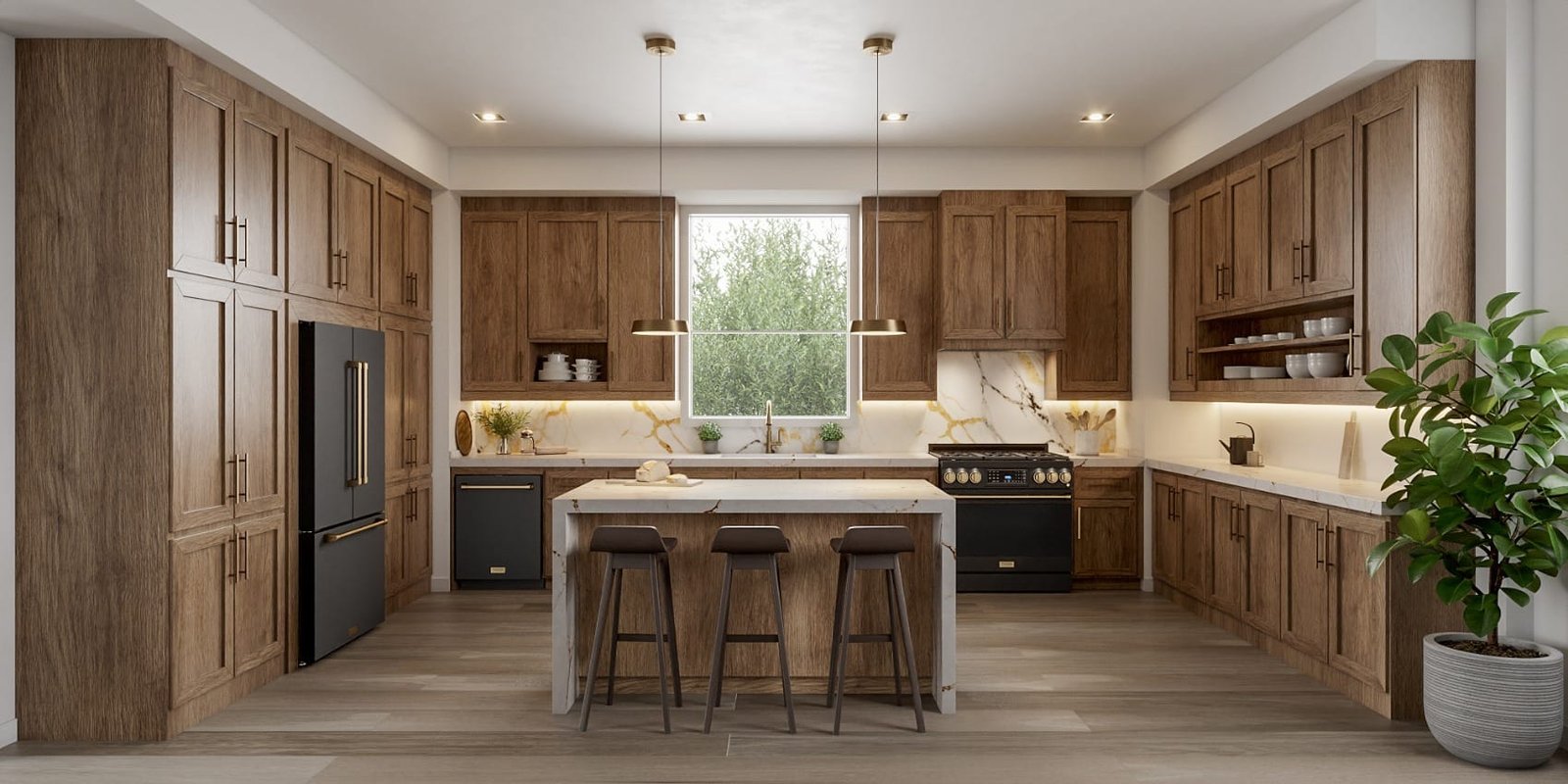
Digital Rendering vs. Traditional Rendering: What’s the Difference?
Before computers, rendering meant hand-drawn illustrations, airbrushed perspectives, or physical model photography. While these techniques still have their place in conceptual design, digital rendering has revolutionized the industry.
Today, digital rendering is the standard across architecture, real estate, advertising, and gaming. With AI-driven enhancements and real-time rendering engines, the gap between digital and reality is closing faster than ever. Digital rendering allows for unlimited revisions, instant lighting changes, and even interactive 3D experiences.
| Aspect | Traditional | Digital |
|---|---|---|
| Method | Hand-drawn, painted, photographed | 3D software & AI algorithms |
| Speed | Time-consuming, manual | Faster with automation |
| Realism | Limited shading & perspective | Photorealistic lighting, reflections, textures |
| Flexibility | Difficult to edit | Easily modified with software |
| Cost | Requires skilled artists & materials | More cost-effective long term |
What are the Types of 3D Rendering and How is 3D Rendering used?
There are different types of 3D rendering services available, catering to different industries and needs.
| Rendering Type | Description |
|---|---|
| Architectural Renderings | Realistic 3D interpretations of buildings, interiors, and landscapes for architects, real estate developers, agents, and designers. |
| Product Renderings | 3D interpretations of products for marketing, advertising, and design. |
| Medical Rendering | 3D models of anatomical structures and medical devices for research, training, and education. |
| Animation Rendering | Transforms 3D renderings into full animations for real estate, video games, and film. |
| Virtual Reality (VR) | Immersive 360-degree experiences for video games and real estate using VR headsets. |
| Augmented Reality (AR) | 3D models overlaid onto real-world environments, allowing interaction with virtual objects. |
How is a 3D Rendered Image Generated?
Generating a 3D rendered image involves a process comprised of several steps. Firstly, a 3D model of the object or scene is created using specialized software, after which the scene is set up with lighting, textures, and materials.
After this, the scene is ‘rendered’ with the software, which results in the creation of an image. A final step is post-processing, where effects such as depth of field, motion blur, or color correction may be added.

Understanding the Importance of Resolution in 3D Rendering
Rendering resolution is a critical factor — it determines the number of pixels or points that make up the image, with higher resolutions yielding more intricate and realistic visuals. A higher rendering resolution allows for sharper textures, smoother edges, and more precise lighting and shadows. However, it also requires more computational power and longer rendering times.
Uses of 3D Rendering by Industry
Architecture and Design
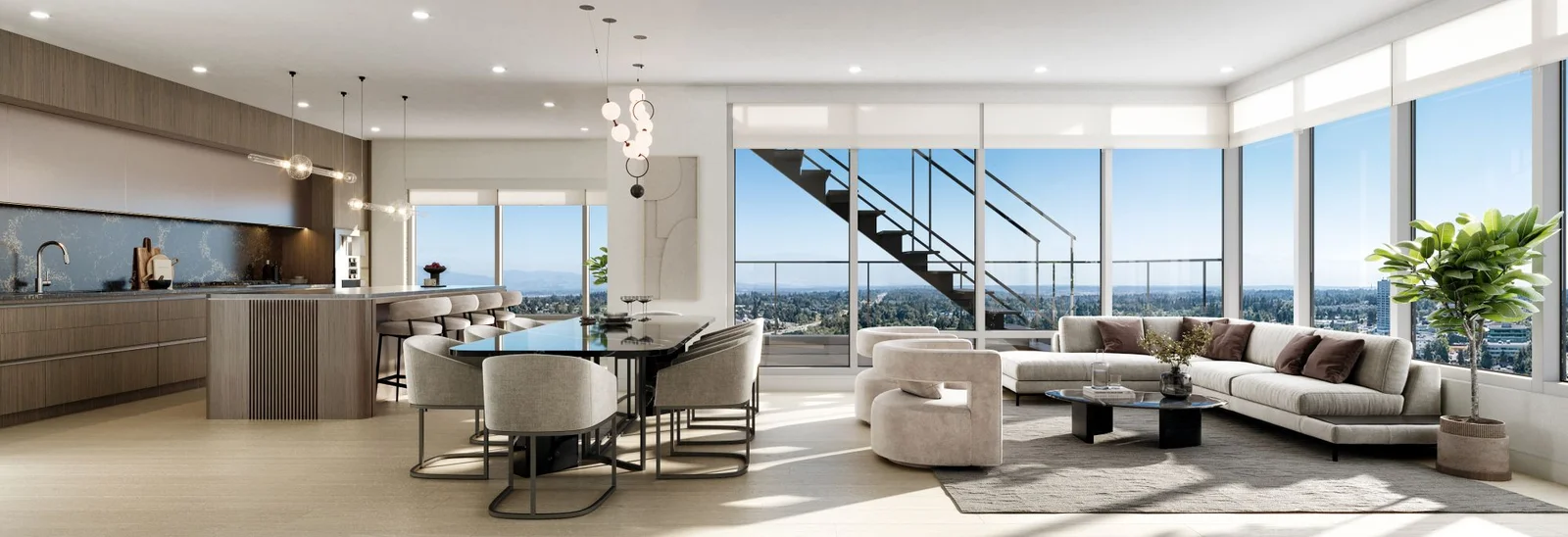
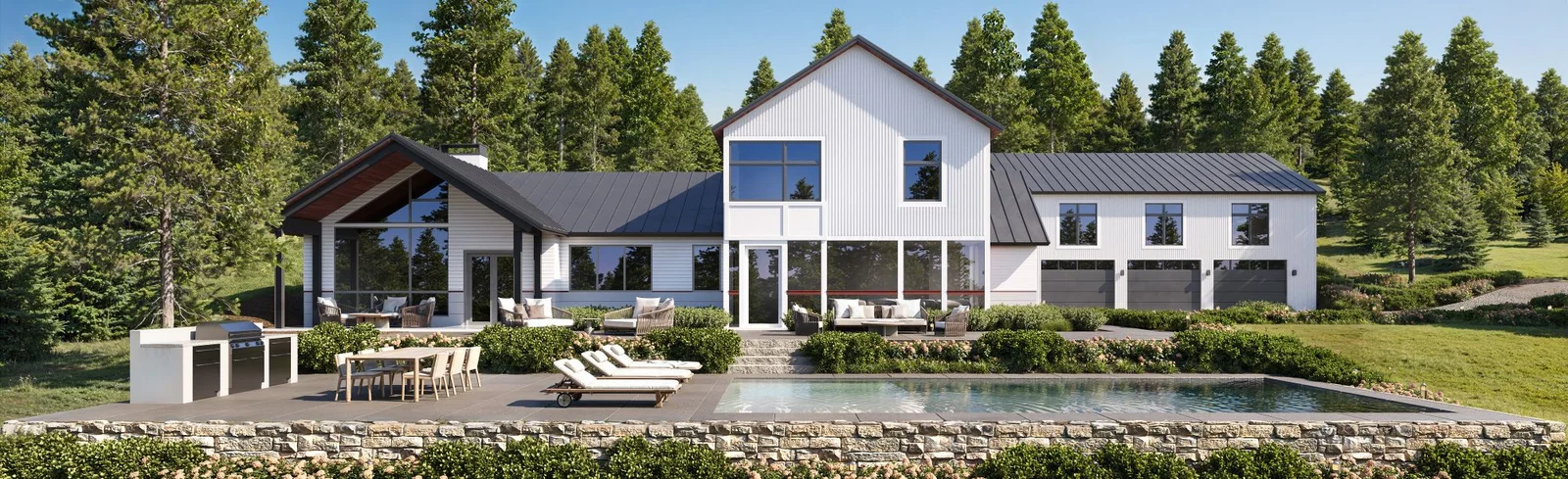
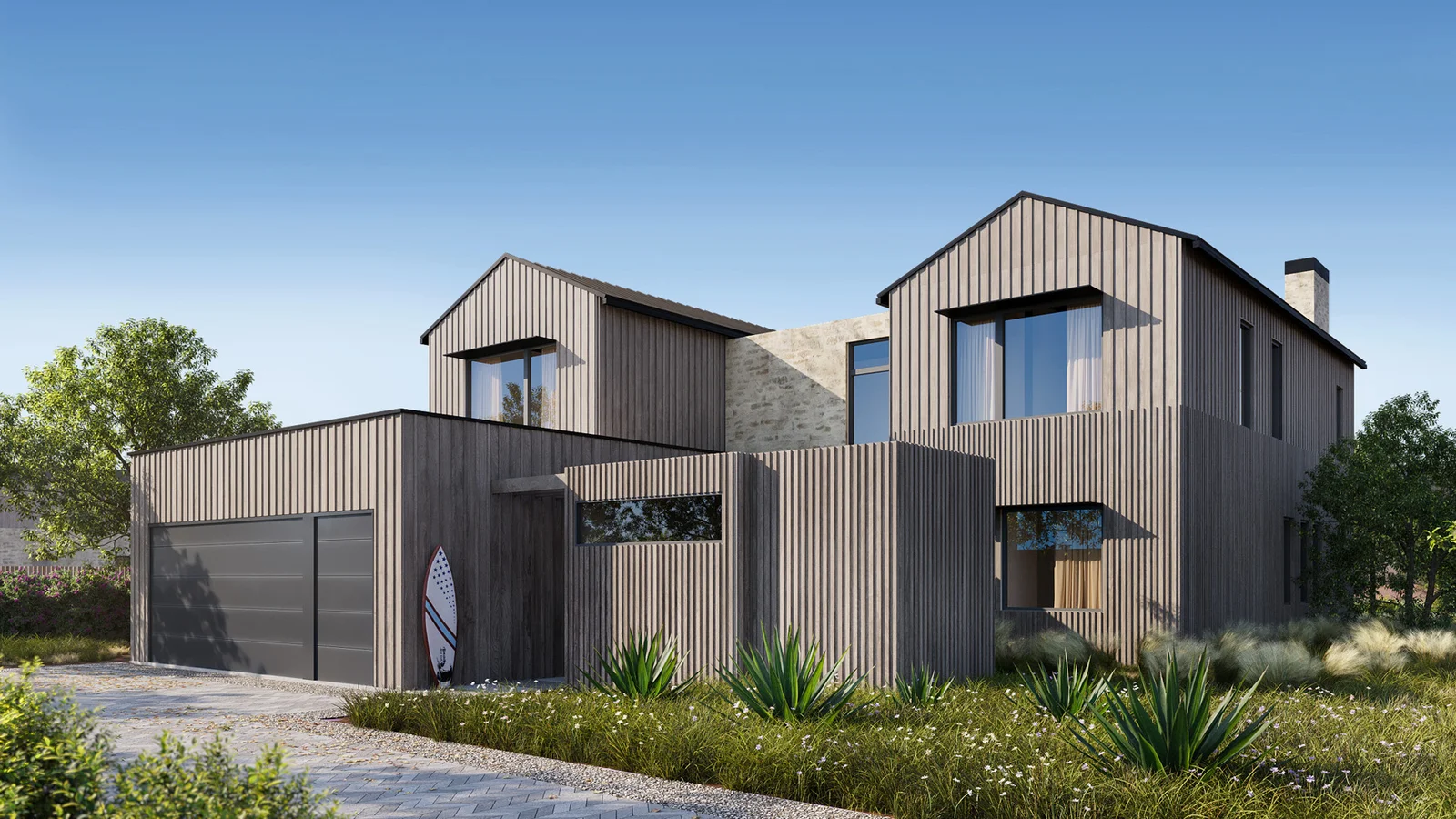
3D rendering is a valuable tool in architecture, commonly utilized to aid in visualizing designs and presenting them to clients and stakeholders. Benefits include identifying and correcting potential design issues before construction, improving communication with clients, and creating effective presentations.
Real Estate & Construction
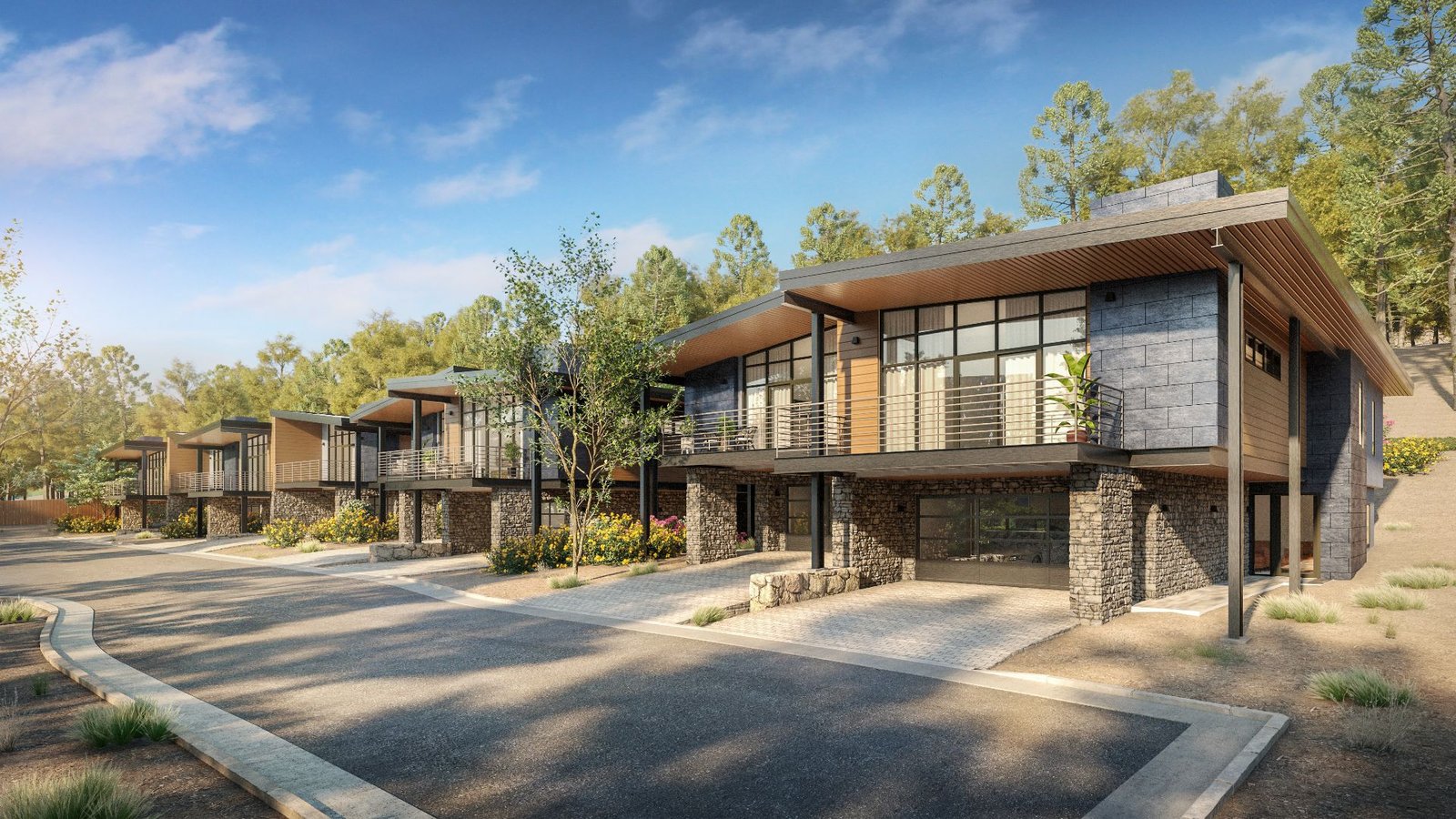
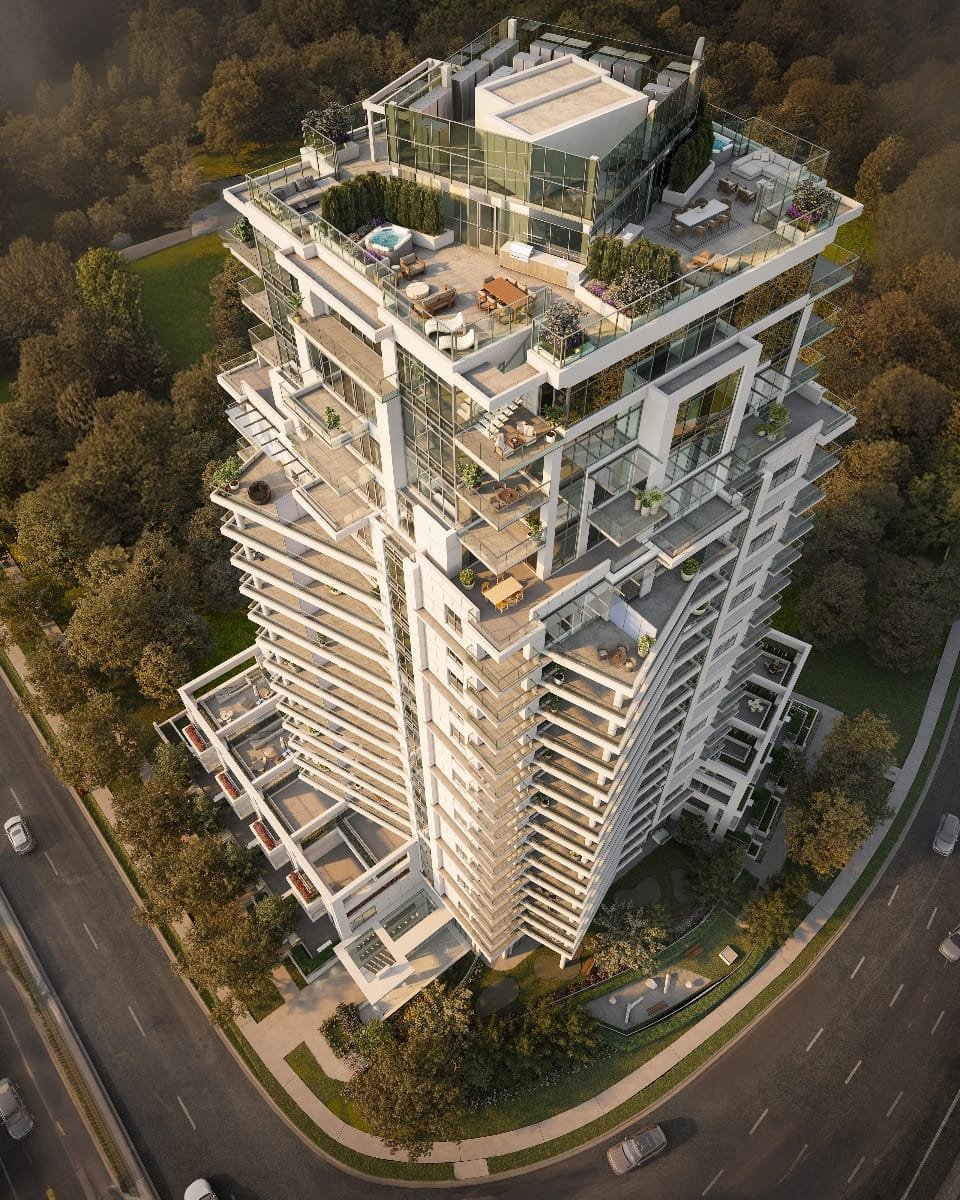
3D rendering has become indispensable in real estate, particularly for pre-selling and marketing properties. With the ability to provide buyers with a realistic visualization of a property’s final appearance, 3D rendering simplifies the process of selling a property before it’s completed.
Interior Design
Interior designers rely on 3D interior renderings to visualize and conceptualize a space before construction begins. This enables them to communicate their design concepts to clients more impactfully than conventional methods such as hand sketches and moodboards.
Advertising and Marketing
Renderings are frequently the centerpiece of any real estate marketing campaign, thanks to their striking visual impact. Whether featured in brochures, websites, or large-scale prints, renderings showcase the unique features of a property.
Video Games
In video games, 3D rendering is a critical technology used to produce captivating and realistic environments, characters, and objects. It allows game developers to generate highly intricate and lifelike graphics that enhance the player’s overall gaming experience.
3D Rendering Software Overview
- 3Ds Max — Autodesk’s 3ds Max is a popular and advanced tool, used for architecture, interior design, movies, and games. Steep learning curve but many resources and plugins.
- Lumion — Popular with architects; intuitive interface, fast rendering speeds, its own native renderer, and a massive content library.
- SketchUp — Used by architects for its ability to deliver satisfactory results quickly. Competitive pricing, ease of use, and great free library of 3D models.
Factors Affecting 3D Rendering Times: Understanding How Long It Takes to Render
The duration of a 3D render can vary greatly depending on the complexity of the scene, the level of detail desired, and the hardware and software used. Simple scenes with basic lighting may render quickly, while more intricate scenes with complex lighting, high-resolution textures, and realistic materials may require significantly more time.
Hardware specifications — processor speed, GPU performance, and amount of RAM — greatly affect rendering times. Efficient rendering techniques, such as using render farms or distributed rendering, can also significantly reduce rendering times.
Skills Required to Become a Professional 3D Renderer
- Strong foundation in 3D modeling software such as 3ds Max, Maya or Blender
- Knowledge of rendering plugins such as V-Ray and Corona
- Good understanding of lighting and shading techniques
- Ability to create and apply textures and materials
- Understanding of composition, color theory, and design principles
- Proficiency in post-processing software such as Photoshop or After Effects
- Ability to work with technical specifications and adhere to project deadlines
- Continuous learning and adaptability to new technologies and techniques
The Future of 3D Rendering
AI-Powered 3D Rendering
One of the biggest shifts in 3D rendering is the integration of artificial intelligence into the workflow. Tools like Midjourney, DALL·E, and Stable Diffusion are already generating conceptual visuals based on text prompts. AI-powered rendering engines are also helping to automate tasks like material application, lighting adjustments, and noise reduction.
Real-Time Rendering & Interactive Experiences
With the rise of real-time rendering engines like Unreal Engine, Lumion, and Enscape, architects and designers can now visualize projects instantly. In real estate, real-time VR tours are becoming a game-changer.
Augmented Reality (AR) & Mixed Reality (MR) in 3D Rendering
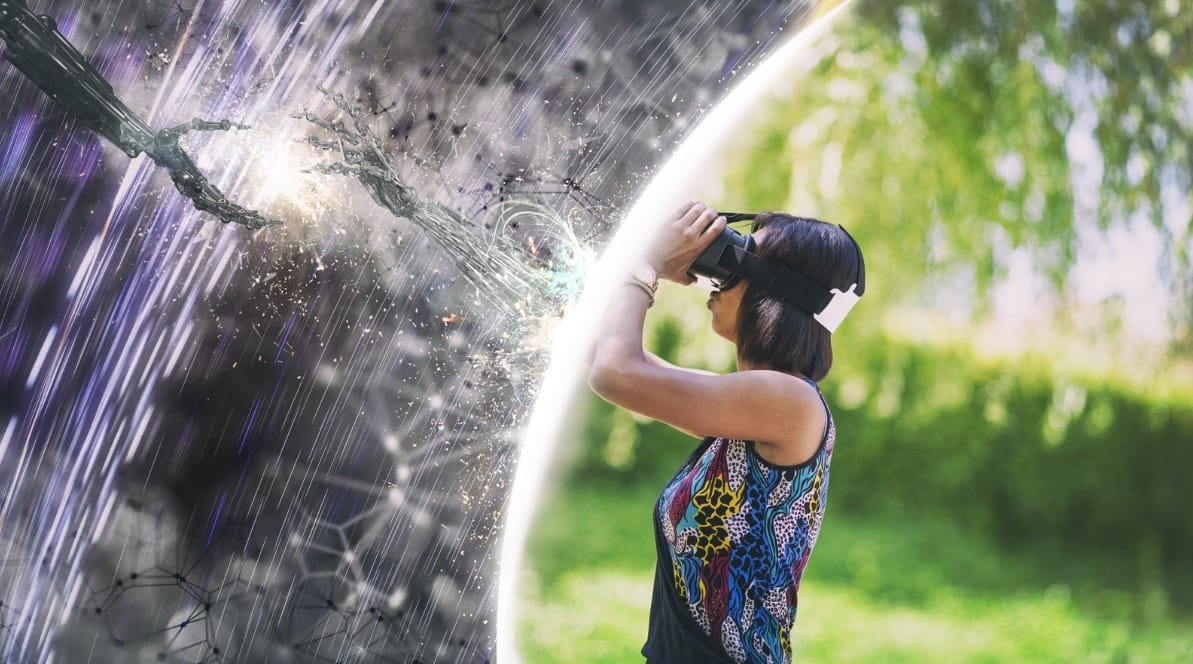
Augmented reality is bridging the gap between digital and physical environments, allowing architects and designers to overlay 3D models onto real-world spaces. Key applications:
- Clients can walk through a property before it’s built, seeing how furniture, lighting, and materials fit in real-time.
- Designers can modify structures on-site, making real-time adjustments to layouts and elements.
- Construction teams can use AR overlays for precise alignment, improving project accuracy.
Conclusion
3D rendering has become an essential tool across industries, from architecture and real estate to gaming, product design, and advertising. By transforming digital models into photorealistic visuals, it allows designers, marketers, and businesses to present ideas with precision and impact.
As technology advances, AI-driven automation, real-time rendering, and immersive AR/VR experiences are reshaping how 3D visuals are created and consumed. While these innovations enhance efficiency, human creativity remains irreplaceable.
FAQs
What is Computer Rendering? Computer rendering uses software and hardware to generate digital images from 3D models — for architecture, movies, video games, and product design.
How Does Computer Rendering Work? Computer rendering uses algorithms to simulate how light interacts with objects, calculating reflections, shadows, textures, and depth to produce a lifelike image. Real-time rendering is used in games & VR; offline rendering is used in films and architectural visualization.
What are the Steps of 3D Modeling? Creating a basic shape using polygons or curves, then refining and adding detail. Once done, rendering can begin: adding textures, colors, and materials, followed by creation of a 2D image.
What is the difference between CAD 3D and rendering? CAD focuses on technical accuracy and precision in measurements and dimensions; the final product is technical drawings. 3D rendering is used more on the sales and marketing side.
Does 3D Rendering need CPU or GPU? Both are important. CPUs are better suited for sequential processing such as scene preparation and lighting calculations; GPUs are better for parallel processing and rendering large amounts of image data.
How Hard is 3D Rendering? It can be challenging and complex, depending on the project, level of detail required, and software used.
Ready to Elevate Your Project with Stunning Visualizations?
Discover how our 3D architectural flythroughs and walkthrough animations can bring your exterior designs to life. Our expert team creates visuals that impress stakeholders, secure approvals, and make your project stand out.