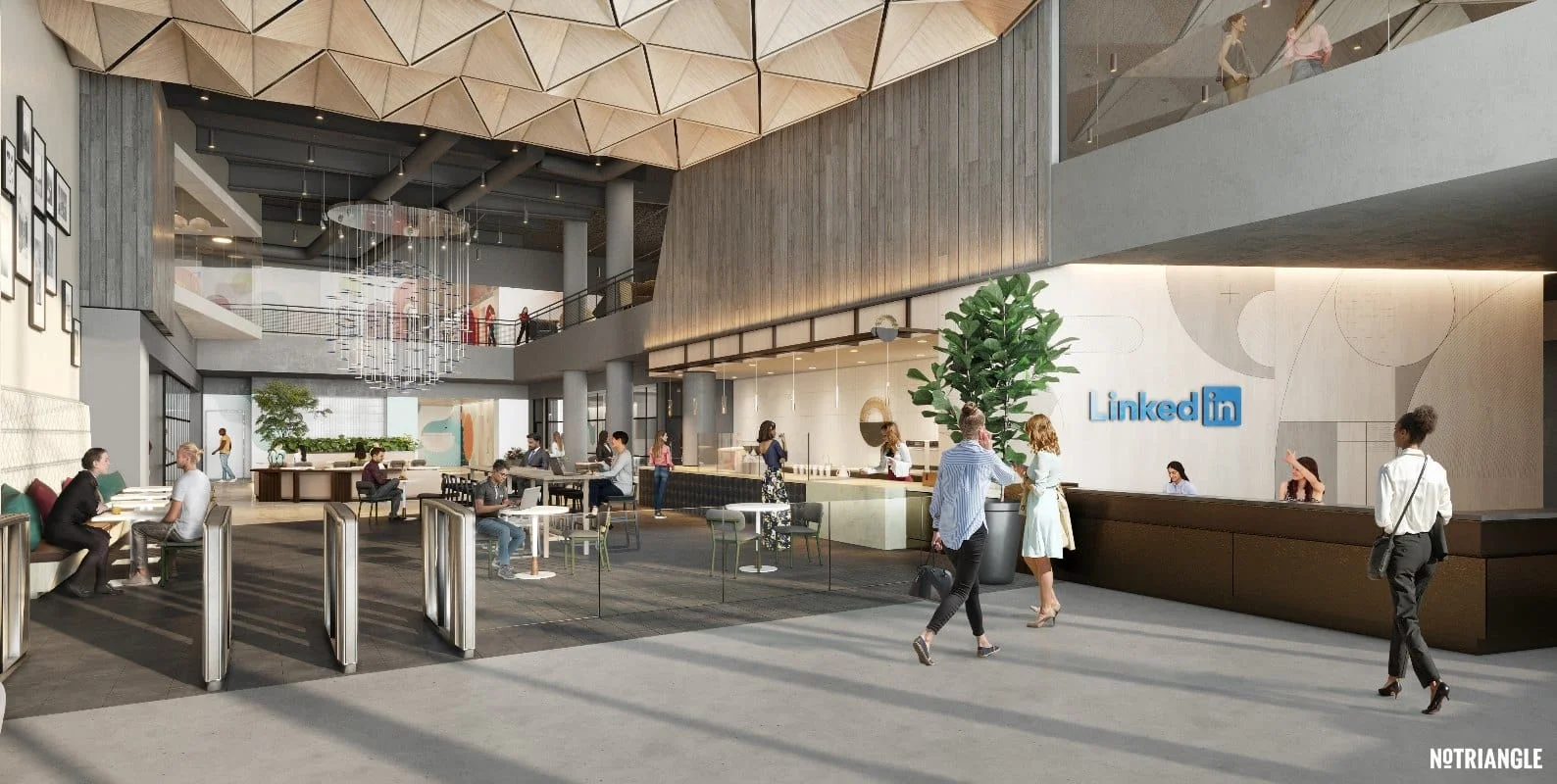
3D rendering software for interior design helps professionals and enthusiasts create lifelike visuals of indoor spaces. These tools simulate lighting, materials, textures, and spatial layout — allowing you to preview or present design concepts with clarity and realism before anything is built.
Key Takeaways
- Interior design rendering software has evolved; 2025’s best tools span drag-and-drop floor planning to high-end photorealistic visualization.
- Real-time rendering, AI-assisted layouts, and cloud collaboration are now standard.
- Beginners can start with Planner 5D; professionals use Cedreo, Lumion, or 3ds Max + V-Ray.
- The right tool depends on goals (staging, pitches, marketing visuals) and helps win clients and reduce delays.
Benefits of Using 3D Rendering in Interior Design
Rendering is a practical design tool that improves how spaces are planned, pitched, and executed. Key benefits include: visual clarity, faster decision-making, client walkthroughs, better collaboration, more accurate planning, AI-powered efficiency, and marketing & sales advantages.

Best 3D Rendering Software for Interior Design in 2025
Choosing rendering software is one of the most important decisions for designers. Below we review top tools grouped by use case to match skill level, project needs, and budget.
Our Top Picks for Interior Rendering in 2025
If you’re looking for fast, powerful tools that deliver real results—without the steep learning curve— a few platforms stand out in 2025. Whether you’re just starting out or scaling a professional workflow, these tools are feature-packed and built for designers who value speed and visual impact.
AI Based Renderers - My Architect AI
MyArchitectAI is an AI-powered renderer for the AEC industry that’s mostly praised for its speed and ease of use.
Pros:
- Rendering speed – Thanks to its AI rendering engine, you can visualize any scene, no matter the complexity, in just under 10 seconds without sacrificing quality.
- One-click realism – All the lighting and texturing are handled for you automatically, which saves you lots of time on every render.
- No hardware requirements – Being a cloud-based renderer, MyArchitectAI runs in your browser and doesn’t require high-end hardware to run. Your designs are rendered on its powerful cloud GPUs.
Cons:
- Limited customization – Unlike traditional rendering tools, MyArchitectAI applies all the settings for you, so you don’t have as much control over the output.
- Internet-dependent – You need an Internet connection to generate your renders as the process happens in your browser.
Cedreo - Fast, Professional 3D Home Design with Built-In Rendering
Cedreo is our top recommendation for interior designers, remodelers, and home builders who want to go from concept to photorealistic visuals in hours—not days.
It’s an all-in-one design tool that includes floor planning, furnishing, and stunning 3D rendering—no plugins or extra software needed. You can collaborate with teams, export visuals for clients, and use Cedreo’s massive library of furniture and textures to bring spaces to life.
Why Designers Love Cedreo:
- Built-in rendering engine with one-click visuals
- Intuitive design-to-presentation workflow
- Massive template and furniture library
- Ideal for teams or freelancers with fast-paced projects
- Cloud-based: work from anywhere
Link to the Site: Cedreo
Beginner & DIY-Friendly Tools
These tools are ideal for users who are new to 3D design, want quick visual results, or are working on home improvement projects without requiring deep technical expertise.
Homestyler
Homestyler is a browser-based design app focused on layout planning and basic interior rendering. It’s one of the easiest platforms to get started with and is frequently used for home renovations and interior decor planning.
Pros:
- No downloads required
- Intuitive drag-and-drop interface
- Built-in templates and decor items
- Mobile version available
Cons:
- Rendering realism is basic
- Limited fine-tuning of materials or lighting
- Premium assets require paid plans
Real-Time & Presentation-Focused Tools
If your goal is to produce stunning visuals quickly—without the time and complexity of traditional rendering pipelines—these platforms are ideal. They focus on live rendering, user-friendly interfaces, and seamless integration with modeling tools like SketchUp or Revit.
Lumion
Lumion is a powerhouse for real-time rendering and visual storytelling. With a large asset library and intuitive controls, it’s used by interior designers, architects, and studios to produce high-quality visuals fast.
Pros:
- Fast real-time rendering with excellent lighting effects
- Huge library of furniture, materials, and lighting assets
- Easy to learn compared to high-end tools
- Great for animations, walkthroughs, and mood visuals
Cons:
- Limited design modeling capabilities — used alongside tools like SketchUp or Revit
- Requires a powerful GPU for smooth performance
- Not ideal for highly customized textures or object modeling
Twinmotion
Backed by Unreal Engine, Twinmotion delivers real-time rendering in a clean, drag-and-drop interface. It’s ideal for live presentations and fast design iterations, especially in architectural and interior walkthroughs.
Pros:
- Easy to use with drag-and-drop controls
- VR support and real-time navigation
- Great material editor and lighting tools
- Free version available for personal/non-commercial use
Cons:
- Slightly stylized visual output compared to high-end offline renderers
- Not as advanced for ultra-realistic stills
- Lacks the modeling capabilities of standalone 3D tools
Enscape
Enscape is a real-time rendering plugin that integrates directly into tools like SketchUp, Revit, Rhino, and Archicad. It’s fast, reliable, and often used during live design sessions or client reviews.
Pros:
- Seamless integration with major CAD platforms
- Real-time updates and synchronized views
- High-quality stills and VR support
- Great balance of speed and realism
Cons:
- Requires base modeling software (e.g., SketchUp, Revit)
- Limited in-scene editing tools
- Windows-only support
Photorealism-Focused Tools
If your clients expect hyper-real visuals or you’re working on marketing imagery, these tools offer full control over lighting, materials, and rendering precision.
3ds Max + V-Ray
3ds Max is a professional-grade 3D modeling and rendering suite widely used in architecture, interiors, and product visualization. Combined with V-Ray, it delivers some of the most photorealistic results available.
Pros:
- Unmatched realism and material control
- Huge plugin ecosystem for furniture, lighting, and interiors
- V-Ray integration for production-quality output
- Industry standard in design studios and visualization firms
Cons:
- Steep learning curve, not beginner-friendly
- Requires high-performance hardware
- Expensive subscription-based pricing
Pricing:
- 3ds Max: Paid (starts at ~$235/month or ~$1,875/year)
- V-Ray: Paid (starts at ~$60/month or ~$470/year)
Blender (with Cycles Renderer)
Blender is a free, open-source 3D suite with a powerful built-in rendering engine (Cycles). While not made specifically for interiors, it’s used by many pros thanks to its flexibility and realistic output.
Pros:
- Completely free, no license costs
- High-quality path tracing (Cycles)
- Customizable shaders, lighting, and material options
- Growing community and asset ecosystem
Cons:
- Steep learning curve, especially for architectural work
- Requires setup from scratch (no built-in libraries)
- Limited direct CAD/BIM integration
Revit (with Enscape or V-Ray Plugin)
Revit is primarily a BIM (Building Information Modeling) tool, but when combined with plugins like Enscape or V-Ray, it becomes a powerful environment for accurate interior renderings with a technical edge.
Pros:
- Great for architectural accuracy and data-rich models
- Parametric design speeds up revisions
- Rendering plugins allow for real-time or high-fidelity output
- Supports full project documentation alongside visuals
Cons:
- Built-in rendering is basic without plugins
- Requires plugin subscriptions for realistic results
- More CAD- than artist-oriented; less flexible for creative control
Pricing:
- Revit: Paid (starts at ~$350/month or ~$2,800/year)
- Plugins like Enscape or V-Ray are sold separately
AI-Powered & Generative Design Tools
AI-powered tools help designers explore options faster and automate early design tasks. While they’re not yet suitable for final renders, they’re excellent for brainstorming, early presentations, or speeding up repetitive design choices.
Maket.ai
Maket is an AI-powered design assistant that helps generate floor plans and layout suggestions based on architectural constraints and zoning rules. It’s primarily used by professionals looking to streamline the initial stages of a design.
Pros:
- Smart floor plan suggestions with zoning awareness
- Fast idea generation for residential and commercial spaces
- Great for early-stage ideation
- Cloud-based and easy to use
Cons:
- Not a full rendering tool
- Limited control over fine design details
- Still evolving; best used alongside traditional tools
Interior AI
Interior AI allows you to upload a room photo and generate multiple design styles instantly using artificial intelligence. It’s helpful for clients who want to explore looks or designers building mood boards.
Pros:
- Instantly visualizes multiple styles from a single image
- Great for brainstorming with clients
- No technical skills required
- Free version available
Cons:
- Not usable for construction-level detail or accuracy
- Results are conceptual, not photorealistic
- Limited control over specific elements
Professional All-in-One Platforms
These tools combine design, rendering, and client presentation features in one platform. They’re built for professionals who want to move quickly from floor plan to photorealistic visuals without juggling multiple apps.
Chief Architect / Home Designer
Chief Architect is a comprehensive residential design platform for professionals, with tools for construction documentation, 3D modeling, and high-quality visualization. Home Designer is the consumer version with a more approachable price point.
Pros:
- Advanced BIM features and parametric modeling
- Solid built-in rendering engine
- Detailed material takeoffs and spec planning
- Ideal for full-scope residential design projects
Cons:
- Requires training or prior CAD experience
- High system demands
- More expensive than entry-level tools
- Home Designer: Paid (starts ~$129 one-time)
- Chief Architect Premier: Paid (starts ~$199/month or $2,995 license)
RoomSketcher
RoomSketcher is a flexible platform for drawing floor plans and producing quick interior visuals. It’s especially popular with real estate professionals, home stagers, and entry-level designers.
Pros:
- Clean interface with drag-and-drop tools
- Use online or with the desktop app
- Includes 2D/3D planning, rendering, and walkthroughs
- Easy to share with clients or collaborators
Cons:
- Limited realism compared to advanced renderers
- Camera and lighting controls are basic
- Paid plan needed for high-res exports and branded output
Comparison Table: 3D Rendering Software for Interior Design
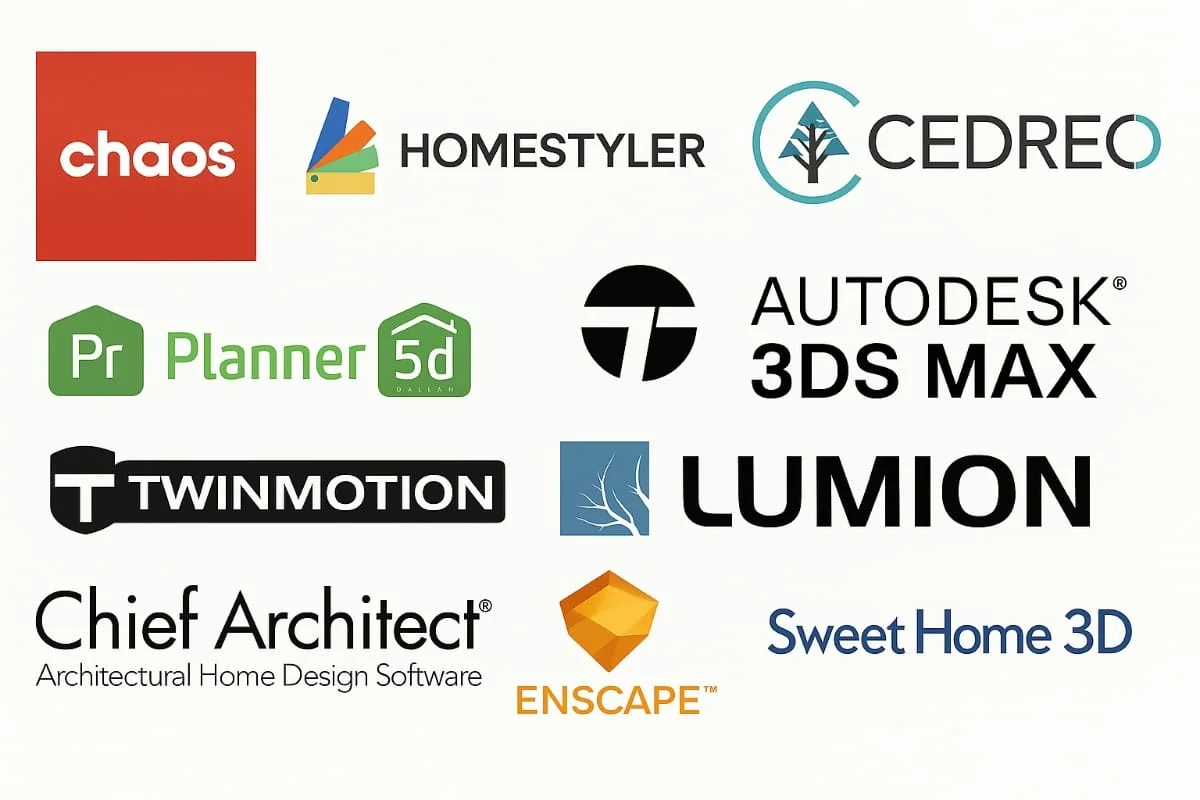
Each tool above can be compared side by side on platform compatibility, pricing, rendering capabilities, and ideal use cases — covering SketchUp + V-Ray, Homestyler, Planner 5D, Sweet Home 3D, Enscape, Twinmotion, Lumion, 3ds Max + V-Ray, Blender, Revit + Plugins, Maket.ai, Interior AI, Cedreo, Chief Architect / Home Designer, and RoomSketcher.
Use Cases of 3D Rendering in Interior Design
Rendering is a communication asset, sales driver, and problem solver:
- Client Presentations — replace flat sketches with contextual renderings.
- Virtual Staging — render furnished spaces pre-purchase, useful for developers and agents.
- Concept Development — swap materials and lighting in real time.
- Marketing and Sales — high-end visuals for websites, social, brochures.
- E-Commerce Visualization — replace photoshoots with scalable digital assets via 3D product visualization.
- Interactive Portfolios — VR/360 tours for immersive client exploration.
AI Trends in Interior Rendering (2025)
AI is increasingly useful for ideation, automation, and speed alongside traditional tools.
- Layout & Space Planning via Maket.ai and Planner 5D AI Assist.
- Style Transfer & Concept Generation via Interior AI and Midjourney for mood boards.
- Auto-Texturing & Material Suggestions inside rendering engines.
- Image-to-Render generative tools — use cautiously, inconsistent for production.
- AI in Rendering Engines for denoising, lighting, and camera planning.
AI doesn’t replace traditional rendering’s precision for high-stakes projects.
FAQs
What is the best free 3D rendering software for interior designers? Blender is one of the most powerful free tools available. It has a learning curve but offers professional-grade rendering with no licensing fees.
Can I use Blender for interior design? Yes — Blender is widely used for interior design visualizations, especially when paired with add-ons or assets for architectural modeling.
What rendering software works with SketchUp? Popular SketchUp-compatible renderers include V-Ray, Enscape, and Twinmotion, which turn SketchUp models into realistic renders with lighting and material effects.
How do I choose the right rendering software for my project? Consider experience level, project goals, budget, and workflow. Beginners may prefer Homestyler; professionals often choose SketchUp + V-Ray or Enscape for more control.
Is there rendering software with AI features? Yes — Maket.ai and Interior AI offer AI-powered layout and style suggestions. Some rendering engines also include AI-driven features like denoising or material detection.
Find the Perfect 3D Rendering Partner for Your Project
If you’d rather have experts handle the rendering, explore our 3D exterior rendering and interior services for high-impact visuals.