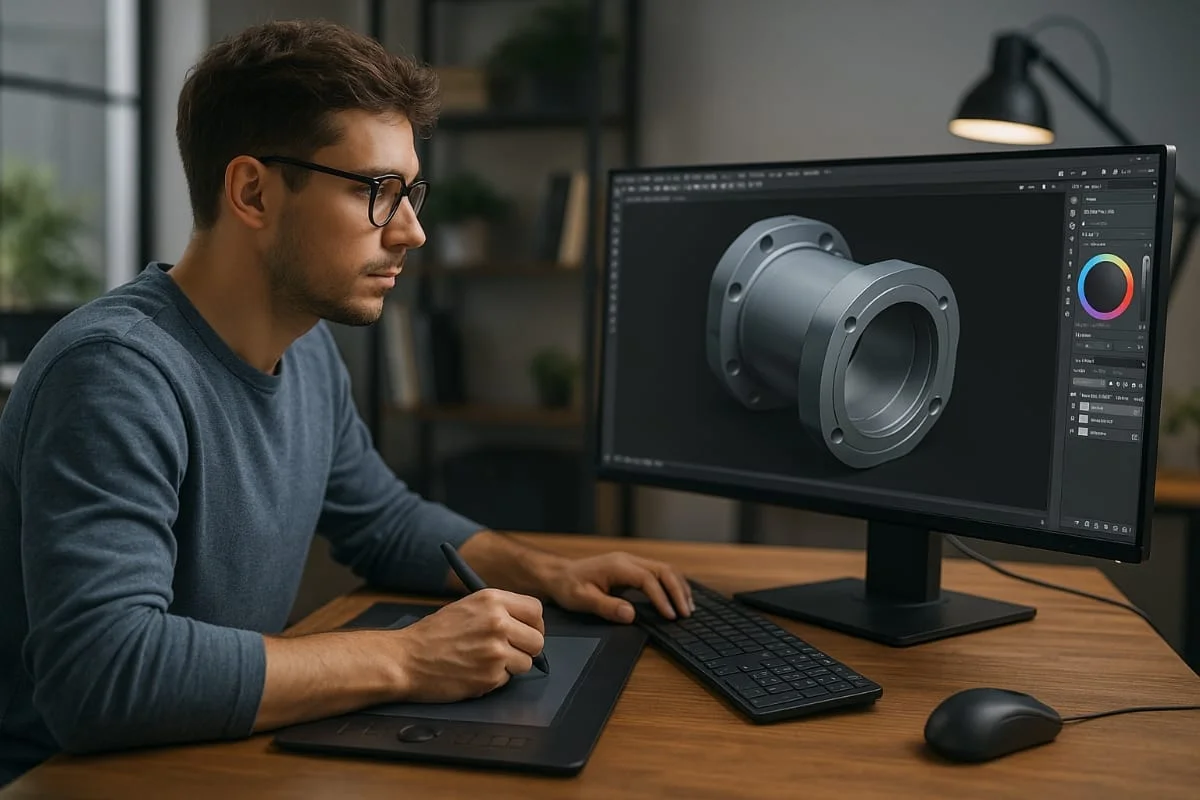
Whether you’re sketching out your first prototype, designing for manufacturing, or preparing files for 3D printing, modern product design tools offer serious advantages. They help you model with accuracy, visualize before production, and move from idea to execution faster than ever.
Key Takeaways
- Blender and SketchUp Free are great starting points for free 3D design with solid modeling.
- SOLIDWORKS and 3D Studio Max are ideal for professional product engineering, rendering, and visualization.
- The best software depends on your goals — rapid prototyping, 3D product visualization, or detailed engineering.
- Paid tools generally offer better support, rendering quality, and collaboration; free tools suit learning and small projects but lack high-end features.
Overview of 3D Product Design Software
3D product design software lets you create detailed digital models before a product is built, replacing flat sketches and slow prototypes. Today’s platforms span concept development, rendering, simulation, and 3D-print-ready files across industries from industrial design to consumer electronics.
Whether you need 3D product visualization or precise 3D modeling, these platforms help you get the product right the first time — with options ranging from free starter tools to advanced engineering software.
Benefits of Using 3D Design Software
Using 3D software saves time, cuts costs, and produces better products.
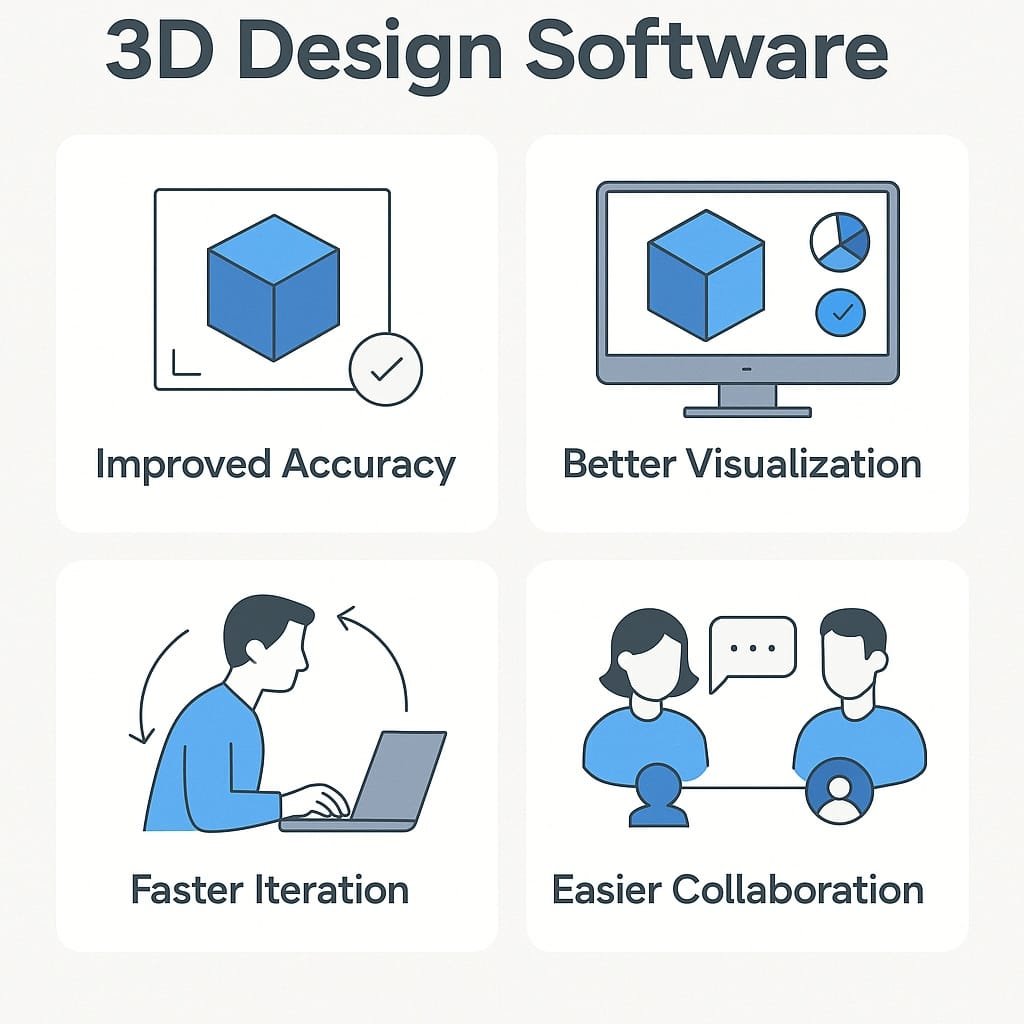
Improved Accuracy
Working with precise digital measurements instead of rough sketches reduces errors and keeps the final product faithful to the design.
Better Visualization
Lifelike visuals and renderings let you see how a product will look and function — perfect for pitches, presentations, and marketing.
Faster Iteration
Quickly tweak models, test variations, and adjust designs, shortening development cycles and time-to-market.
Easier Collaboration
Built-in collaboration features let designers, engineers, and clients review and share feedback remotely in real time.
Free vs. Paid Software Options
Choice depends on needs, budget, and project complexity.
Free Product Design Software
Tools like Blender and SketchUp Free are ideal for individuals, students, and small teams learning the basics or exploring concepts, though they have feature, export, and support limitations.
Paid 3D Design Software
SOLIDWORKS and 3D Studio Max provide professional-grade modeling, simulation, rendering, collaboration, training, and support — well worth it for engineering, industrial design, and manufacturing teams. Bottom line: free for getting started; paid for detailed, precise, client-ready work.
Our Top Picks for Best 3D Product & Modelling Design Software
A curated list of top free and paid 3D design tools based on usability, features, and fit for different product design needs.
Blender
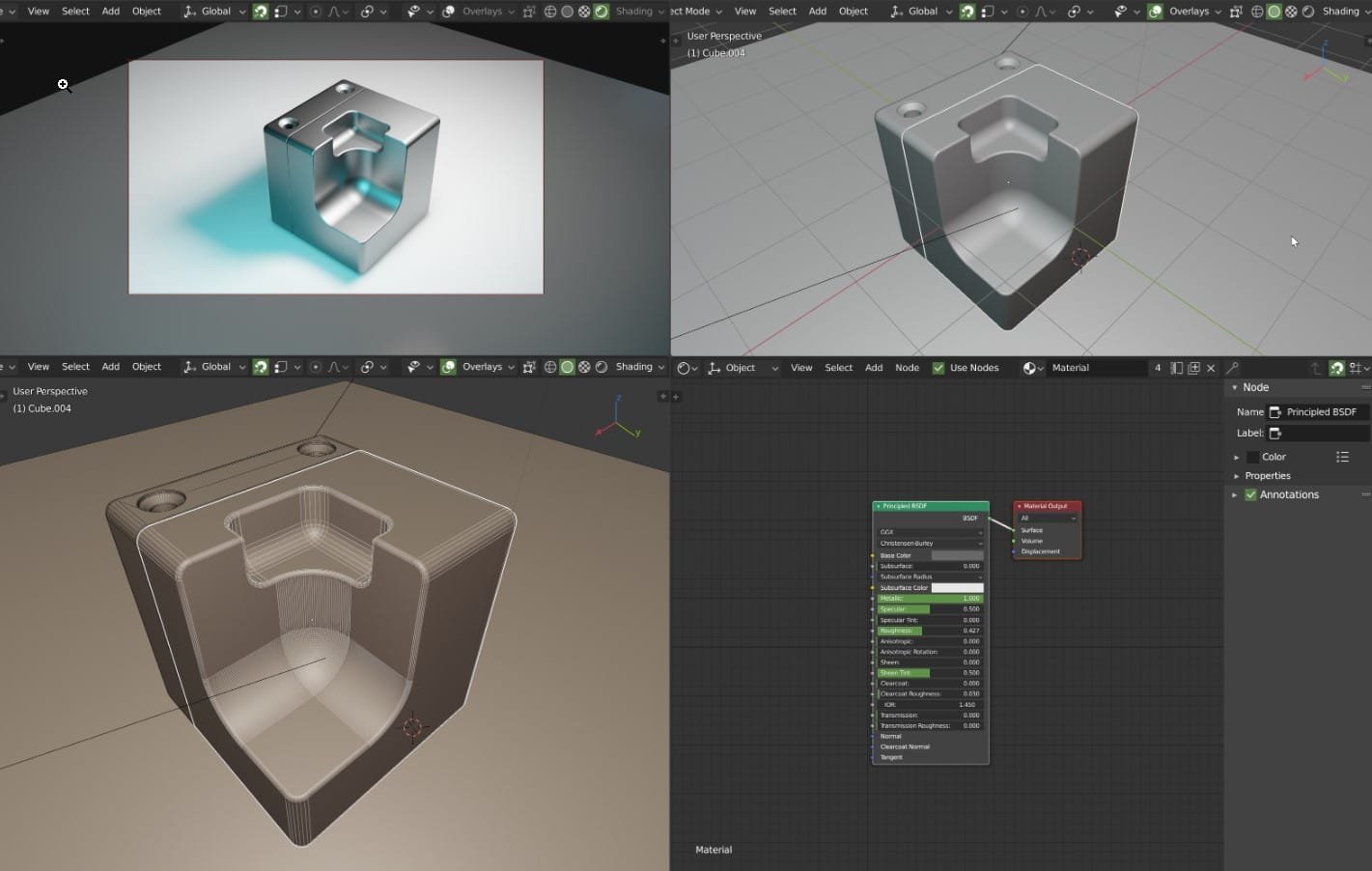
Type: Free · Score: 4.5/5. An open-source platform for 3D product design, modeling, rendering, animation, and more, with sculpting, real-time rendering (Eevee), simulation, and basic video editing. Best for professional-level free product design and 3D modeling. Pros: fully free, open-source, plugin support, active community. Cons: steep learning curve; overwhelming UI.
SketchUp Free
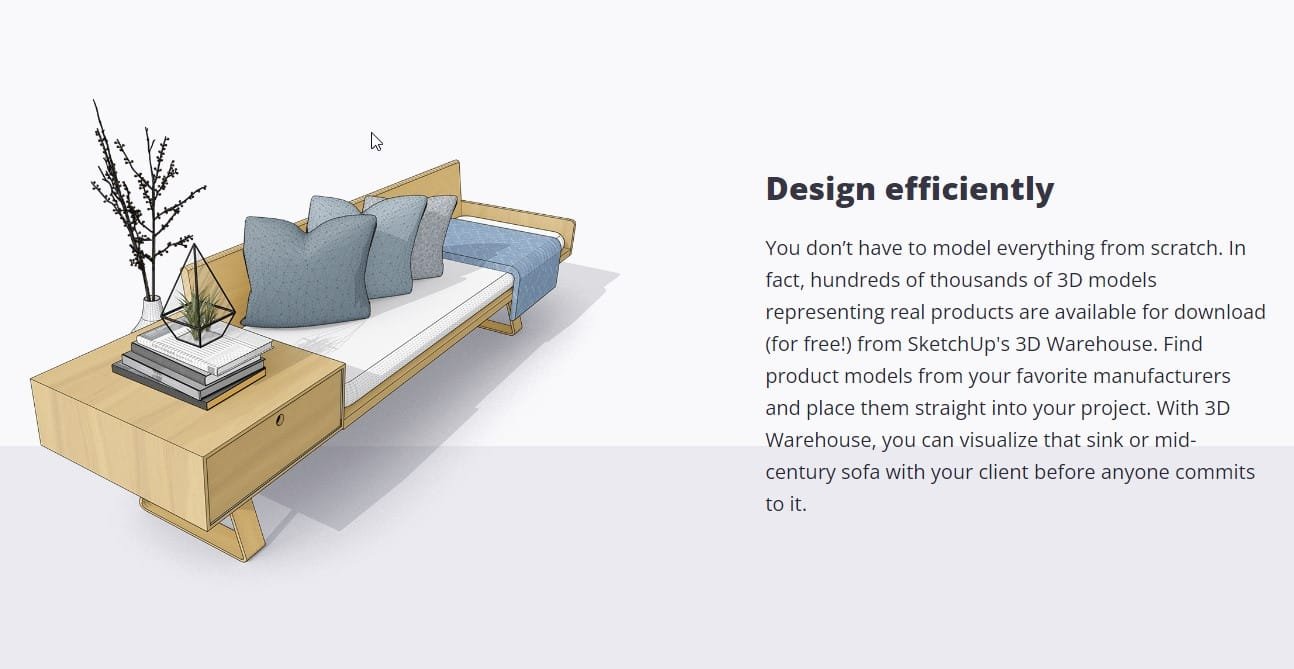
Type: Free · Score: 4.2/5. A browser-based, intuitive 3D design tool well-suited to early-stage product mockups, enclosures, and spatial layouts; popular in architecture and interior design. Best for beginners creating basic 3D designs. Pros: easy, cloud-based, good for sketching. Cons: limited advanced tools, exports, and rendering.
SOLIDWORKS
Type: Paid · Score: 4.8/5. A leading 3D engineering platform trusted across manufacturing, aerospace, consumer products, and industrial design, with parametric modeling, assemblies, and simulation. Best for advanced mechanical/industrial product engineering. Pros: extremely accurate, strong support, broad CAD integration. Cons: expensive; requires training.
3D Studio Max (3ds Max)
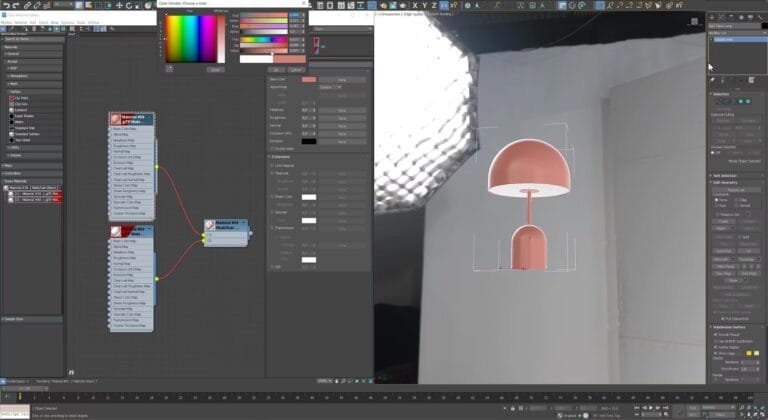
Type: Paid · Score: 4.4/5. Autodesk’s professional modeling and visualization software for high-end rendering, animation, and presentations; integrates with AutoCAD and Inventor. Best for photorealistic product visuals. Pros: exceptional rendering (Arnold), strong plugins, presentation-ready output. Cons: expensive annual license, not engineering-focused, steep learning curve.
Sketch
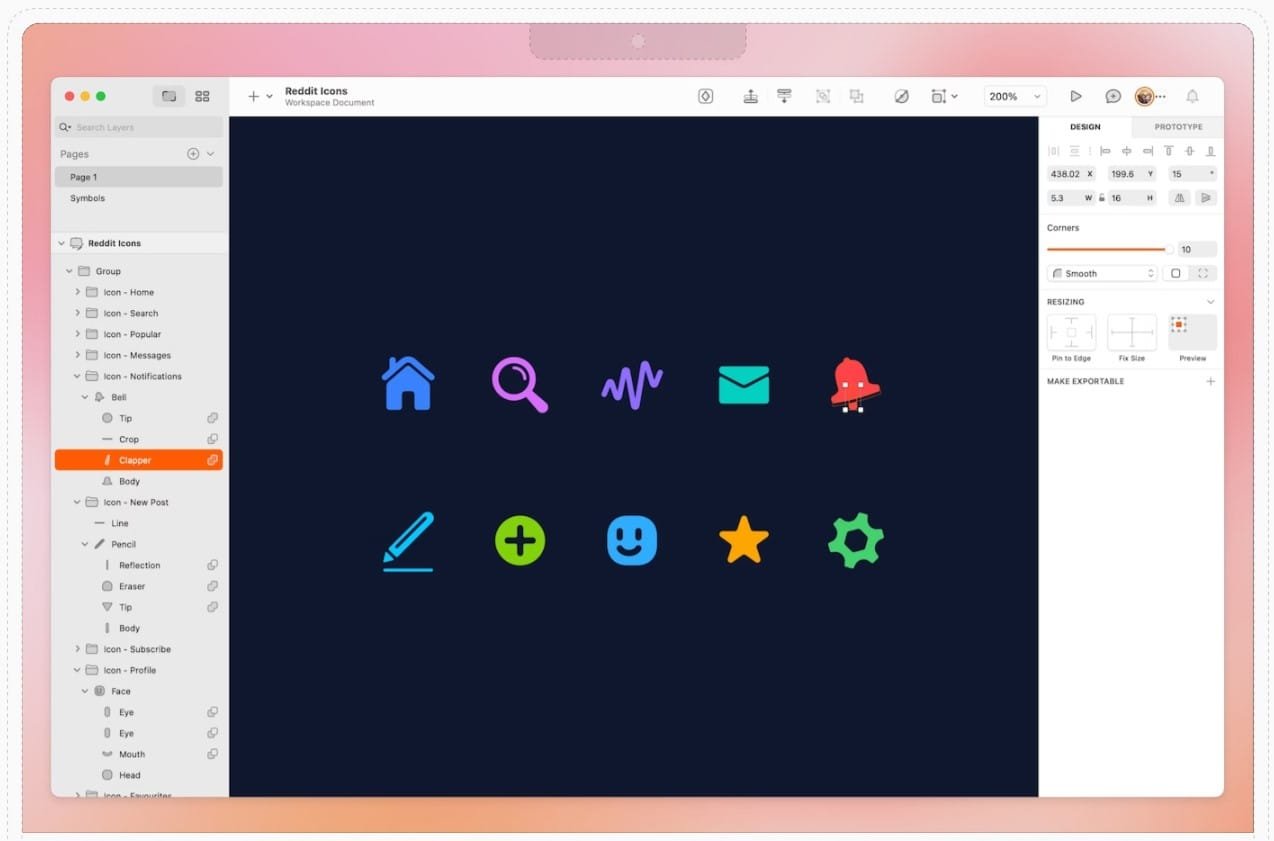
Type: Paid · Score: 3.8/5. A vector-based design tool for digital interfaces — apps, websites, UX mockups — useful early in product design especially for UI on physical devices. Best for UI/UX and digital product wireframes. Pros: easy to learn, cloud collaboration, strong plugin community. Cons: not a 3D tool; 2D vector only; macOS only.
Comparison Table: 3D Product design software
Top 3D Design Tools Compared
| Software | Type | Price | Platform | Best For | Ease of Use |
|---|---|---|---|---|---|
| Blender | Free | Free | Win/macOS/Linux | Versatile 3D modeling/animation | Moderate–Advanced |
| SketchUp Free | Free | Free | Browser | Concept modeling, architecture | Beginner–Intermediate |
| SOLIDWORKS | Paid | Custom | Windows | Precision engineering | Advanced |
| 3ds Max | Paid | $1,875/year | Windows | High-end rendering and visualization | Intermediate–Advanced |
| Sketch | Paid | $120/year | macOS | UI/UX and digital product design | Beginner–Intermediate |
How to Choose the Right Software for Your Needs
Best fit depends on goals, workflow, and project complexity.
1. What type of product are you designing?
Physical products (hardware, furniture, tools) need accurate, manufacturing-ready tools like SOLIDWORKS or 3ds Max. Digital interfaces or mockups favor Sketch.
2. What level of detail do you need?
Concept models work in free tools like Blender or SketchUp Free; engineering specs, simulation, or high-res rendering require paid platforms.
3. What’s your team size and collaboration need?
Distributed teams benefit from cloud-based collaboration and version control included in many paid tools.
4. What’s your experience level?
SketchUp and Sketch are beginner-friendly; Blender is flexible but steep; SOLIDWORKS requires training and industry knowledge.
5. What’s your budget?
Free tools fit learning and small projects; growing teams and pros benefit from paid plans’ stability, support, and advanced features.
FAQs
What is the best free product design software? Blender is widely considered the best free option. It offers professional-grade tools for 3D modeling, rendering, animation, and even video editing — ideal for designers comfortable with a learning curve who want full creative control.
Which software is best for 3D rendering? 3ds Max and Blender both offer powerful rendering. 3ds Max is known for photorealistic visuals and advanced lighting; Blender’s Eevee engine is excellent for fast, high-quality real-time visuals.
What are the three main types of 3D modeling? Solid Modeling — used for engineering/manufacturing; Surface Modeling — focuses on external contours; Wireframe Modeling — simplified structure for early conceptual design.
What’s the difference between 3D modeling and 3D rendering software? Modeling software creates the shape and geometry of a product. Rendering software turns those models into realistic images or animations. Some tools, like Blender and 3ds Max, do both.
How does 3D rendering improve product design? It helps designers and clients visualize the final product before it’s made. High-quality rendering reveals materials, lighting, and proportions, enabling faster feedback.
What should I look for in 3D product design software? Accuracy, ease of use, workflow compatibility, and support for rendering or 3D printing. For teams, real-time sharing and cloud access are also helpful.
Elevate Your Designs with No Triangle’s 3D Rendering Services
For high-end, photorealistic results without the learning curve, explore our 3D product design rendering services. Get a Free Quote or Explore Our 3D Rendering Services.