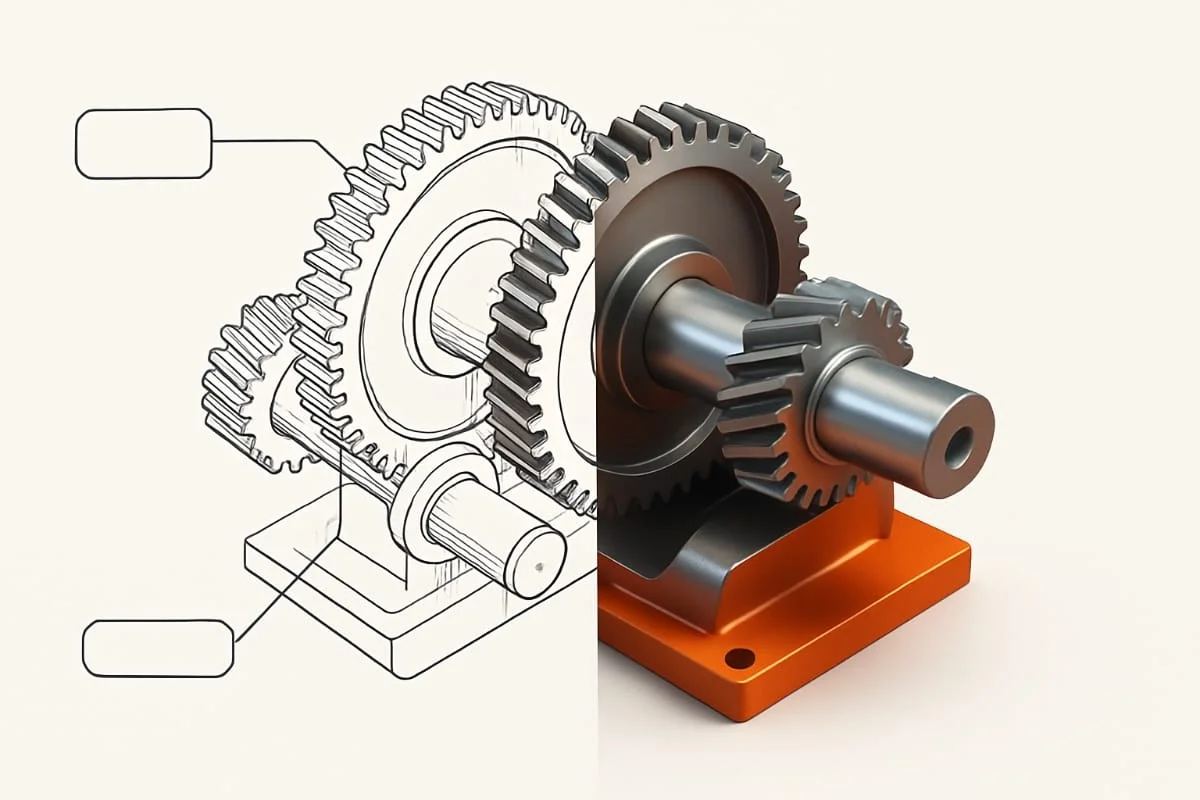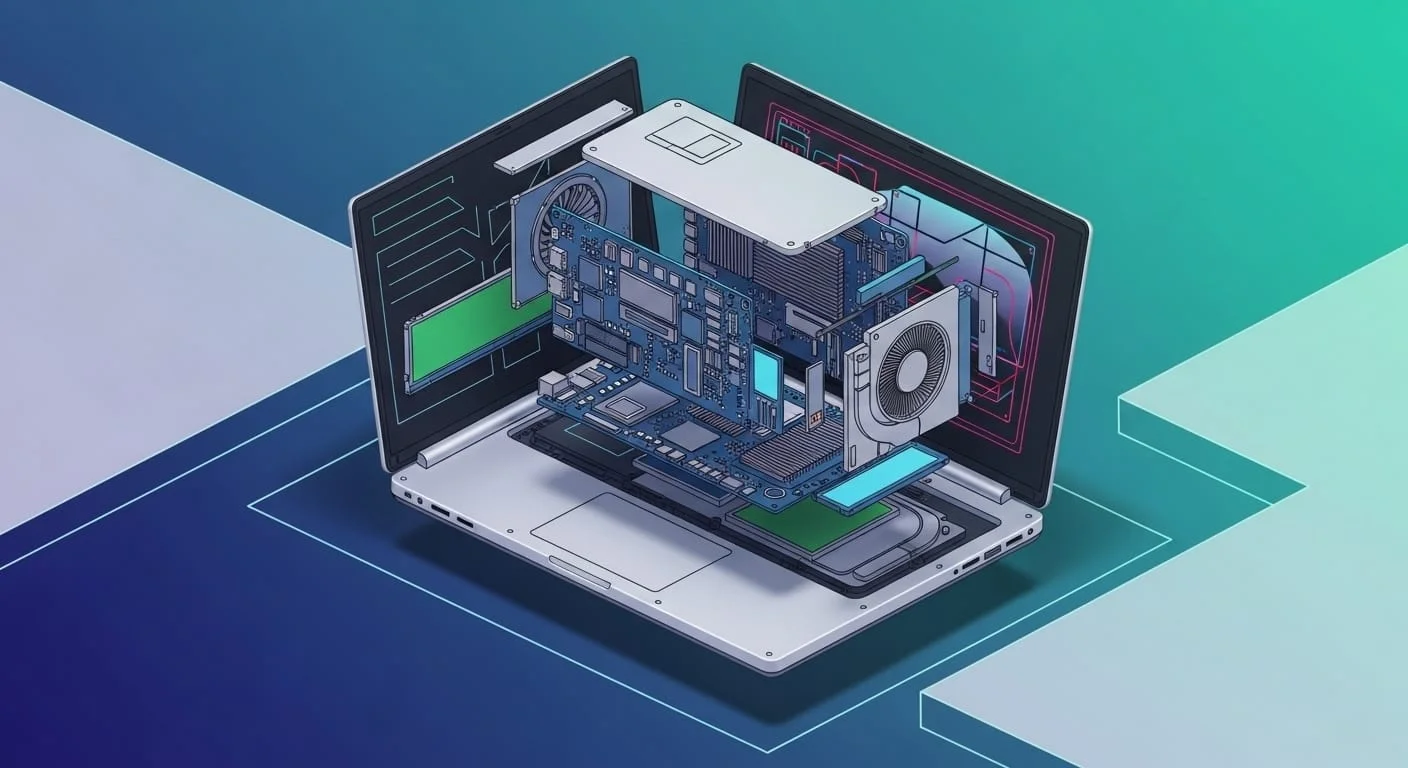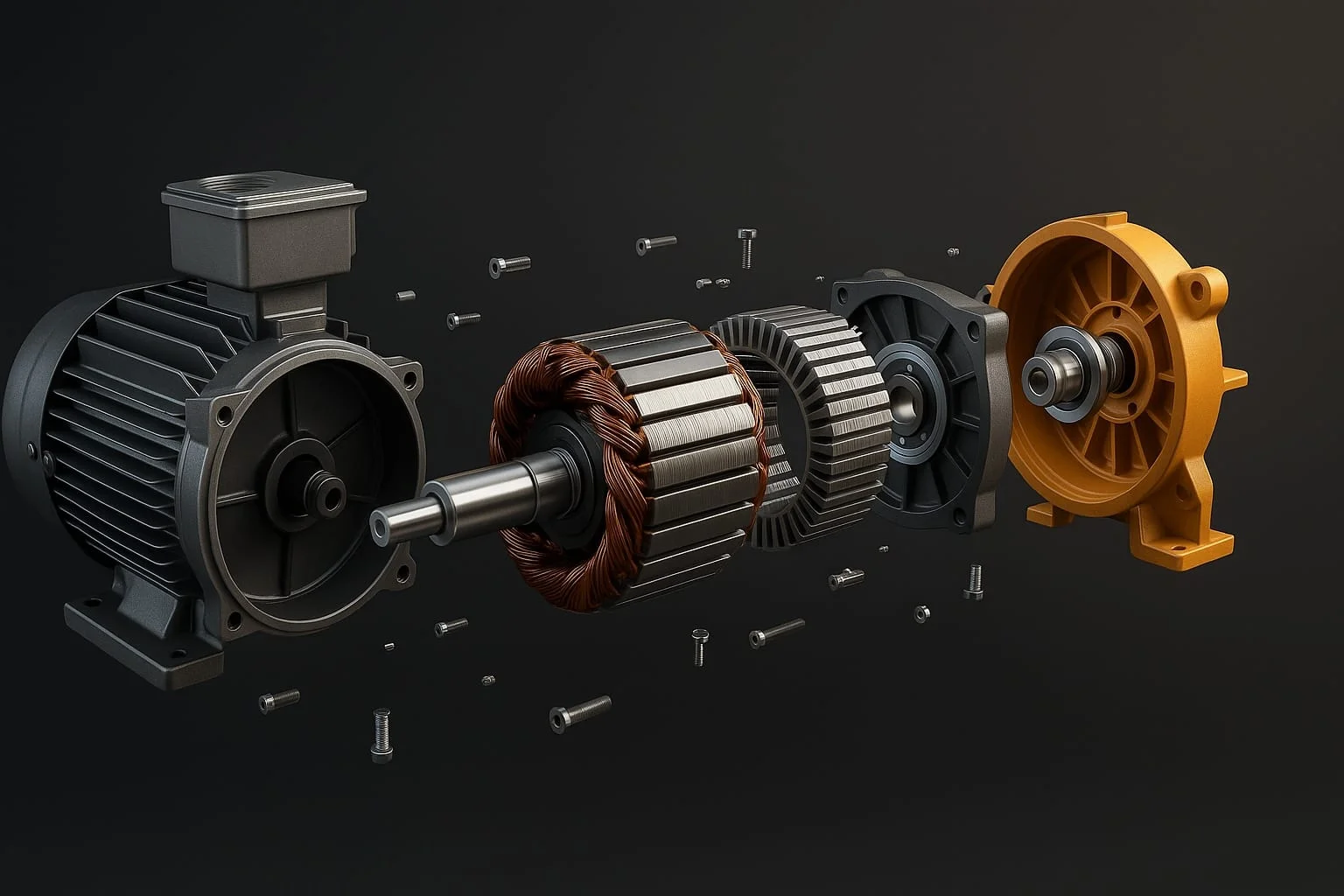
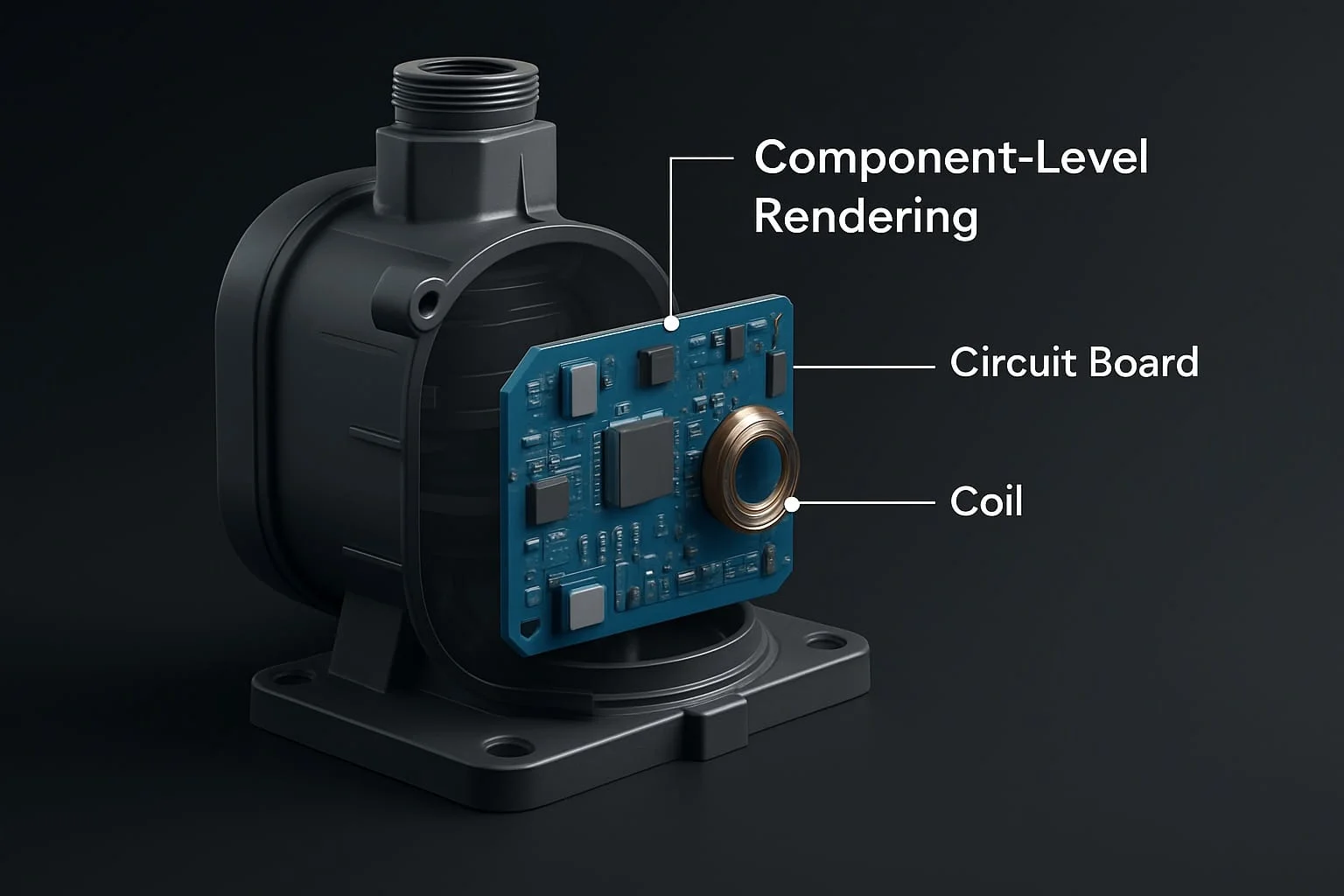
Hero shots are clean and grab attention, but technical audiences need more depth. Component-level visualizations focus on internals and functional details, bridging concept and function for documentation, sales, and feedback.
Key Takeaways
- Component visualizations give context hero shots can’t.
- Ideal for technical audiences, training, documentation.
- Reduce revisions by clarifying intent.
- Useful for marketing, sales, and internal approvals.
- Pair well with exploded views and technical illustrations.
What Is a Component Visualization?
A focused rendering highlighting a single part or group within a larger product, zooming in on specific components to explain function, fit, or manufacture. Used in engineering reviews, technical docs, product demos, investor/patent presentations.
”Component-level design facilitates reuse, reduces complexity, and enables parallel development.” — Joot Anand, Software Engineer.
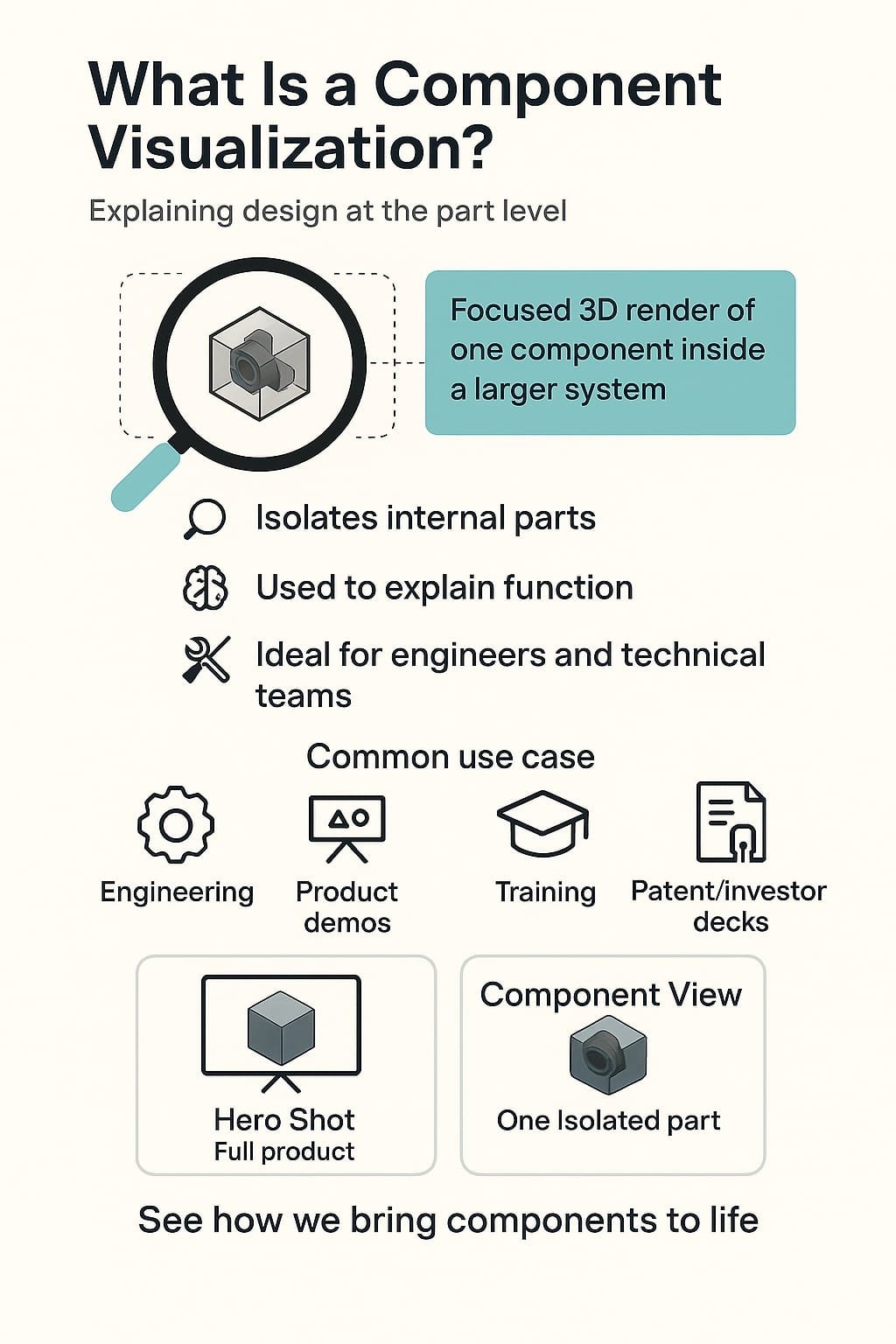
Use Cases for Component Rendering
Component renders support every product-journey stage:
Engineering & Design Reviews
Help teams understand internal fit and function without physical prototypes.
Pitch Decks & Investor Presentations
Showcase technical sophistication by highlighting under-the-surface innovation.
Manufacturing & Assembly Guides
Clarify how parts connect, install, and align — reducing production errors.
Training & Troubleshooting
Visual references for onboarding, repair, and service instructions.
Patent & IP Documentation
Illustrate distinct features for patent or regulatory submissions.
How It Differs from Exploded Views
Exploded views show how all parts fit together (spaced out in a fixed direction). Component renders zoom in on a single piece or small cluster, often with labels or callouts — focus rather than full structure. Use exploded views for everything; component renders to highlight something specific.
When to Use Each
- Show entire product structure → Exploded view.
- Focus on one part/feature → Component visualization.
- Assembly instructions → Both.
- Highlight innovation or materials → Component visualization.
Principal Component Analysis (PCA) Visualization
PCA reduces complexity by highlighting key variables; analogous to how component renders visually strip a product down to what matters. PCA-style sequencing or color-coding is sometimes used metaphorically in presentations to convey design stages, modularity, or functional grouping — intuitive for engineering audiences.
Tools and Formats That Work Best
Accurate component visualizations need the right inputs and approach.
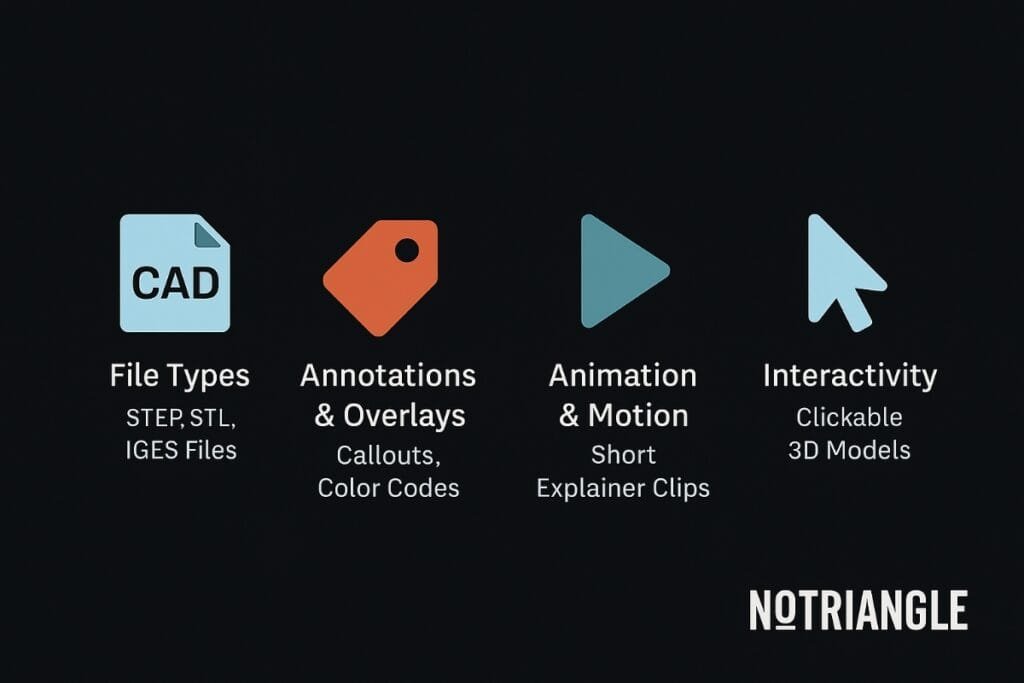
File Types
Start with CAD files (STEP, STL, IGES) which preserve the precise geometry needed to isolate parts.
Annotations & Overlays
Callouts, labels, and color-coded highlights explain function, sequence, and materials.
Animation & Motion
Short animated sequences show how a component moves, rotates, or connects — useful in training and marketing.
Interactivity
Web and app interactive models let users click, rotate, and highlight components; great for technical sales and support.
”3D product rendering can benefit businesses by boosting their marketing, improving product development, and enhancing customer experiences.” — PixReady.
Conclusion: Go Beyond the Hero Shot
Hero renders win attention, but component-level visuals win trust, clarity, and faster decisions. Zooming in on functional parts helps audiences understand what was built and why it matters — unlocking better communication and fewer revisions across medical devices, industrial systems, and consumer tech.
Get a Quote · Check Out Our Rendering Services.
FAQs
How hard is 3D rendering? Difficulty depends on the project, the level of detail required, and client needs. Photorealistic images with strict specifications are harder than lower-quality outputs; deadlines and software choice also matter.
Can component renders be animated? Yes — short animated sequences are commonly used in training, marketing, and onboarding to show how parts move or connect.
What file formats work best? CAD formats like STEP, STL, and IGES preserve the precise geometry needed to isolate and render individual components.
Are component renders useful for patents? Yes — they illustrate distinct features clearly and are commonly used in patent and regulatory documentation.