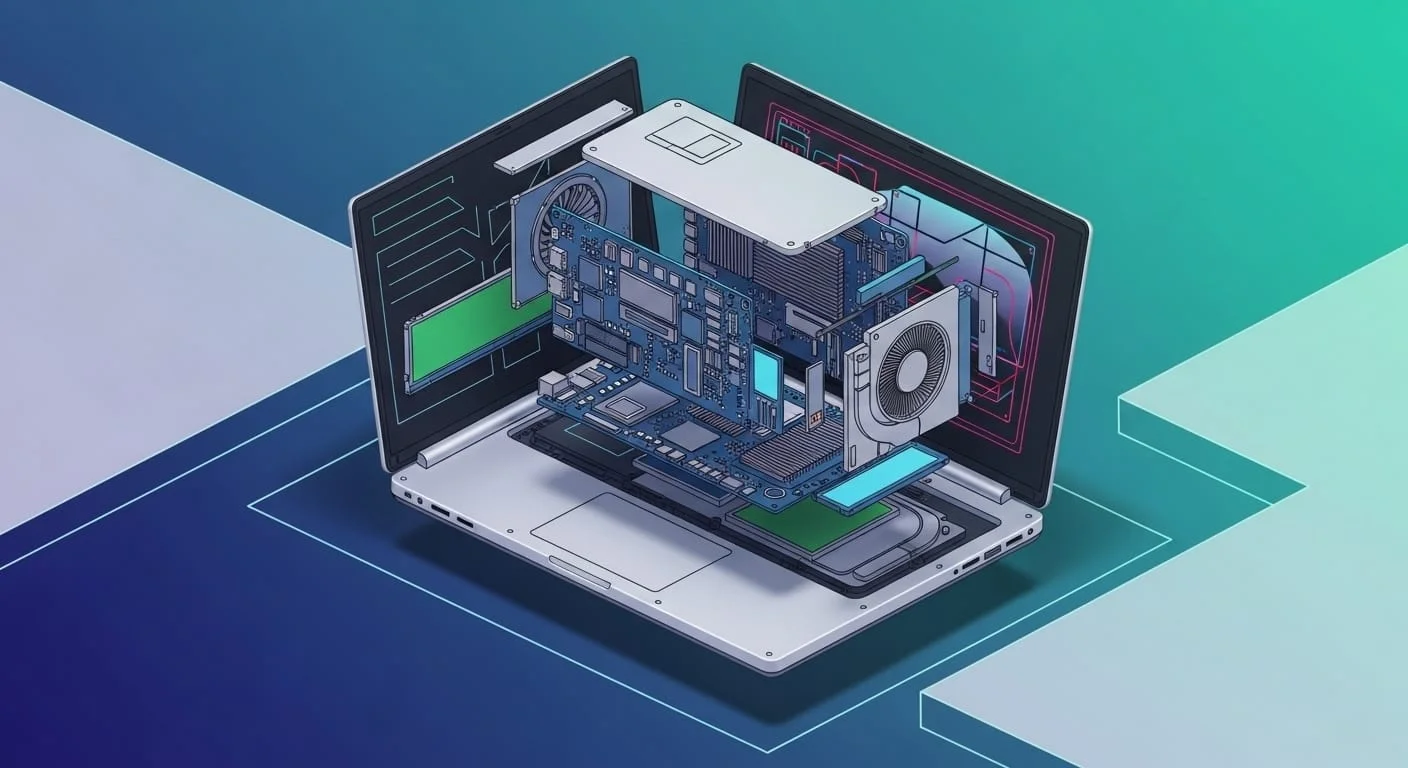
When product visuals need to do more than just look good — when they need to explain something — exploded isometric views are often the best tool for the job.
They combine the clean, structural logic of isometric drawing with the step-by-step clarity of exploded diagrams, helping users, stakeholders, or customers understand how something is made and how it works at once.
Unlike photorealistic renders, these visuals aren’t about atmosphere or mood — they’re about communication, which is why they’ve become a go-to in design decks, UX documentation, investor presentations, and AR guides.
Want to start with the basics? Check out our foundational guide: What Is an Exploded View Rendering?
Key Takeaways
- Exploded isometric views blend clarity and depth into a single visual
- Ideal for product walkthroughs, spec sheets, and UI/UX documentation
- Easier to interpret than traditional CAD-style drawings
- Bridges the gap between engineering diagrams and marketing visuals
What Is an Exploded Isometric View?
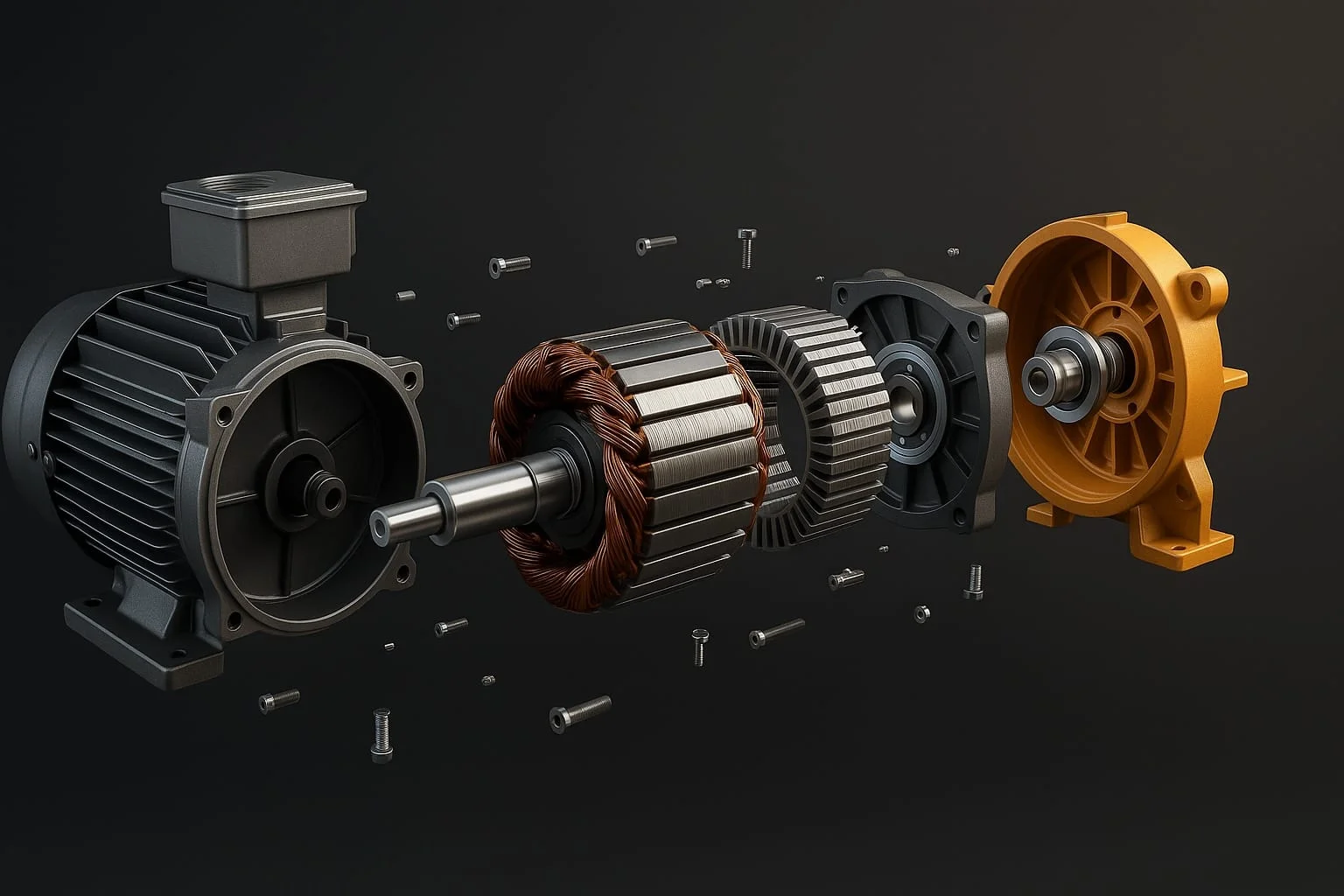
An exploded isometric view is a type of technical illustration combining two principles: isometric projection and exploded diagramming.
In an isometric projection, the object is shown from a fixed angle — typically 30 degrees to the horizontal — keeping scale consistent across axes so the viewer can grasp shape and depth without distortion. It looks 3D but is drawn in 2D space.
The “exploded” part means components are separated slightly, like peeling back layers or pulling apart puzzle pieces, revealing how parts relate internally.
These diagrams are especially popular in manuals, repair guides, and product specs because they make complexity digestible — think IKEA instructions, but sleeker and more precise.
Who Uses Exploded Isometric Views (and Why)?
Exploded isometric views aren’t just for engineers — they’re used across industries where product clarity matters, especially for communicating complex internal structures.
Hardware startups:
Use them in investor decks and marketing collateral to show innovation at a glance — a layered view of a wearable or sensor device reveals sophistication and function without data overload.
Industrial product teams:
Lean on these visuals for training manuals and assembly instructions, since walking someone through a product is easier when each component is precisely placed and labeled.
UX and product designers:
Often use exploded isometric views to show how digital interfaces interact with physical hardware — touchscreen kiosks, smart appliances, connected devices — neatly merging digital and physical in one visual.
At No Triangle Studio, we see more teams using this technique for pre-launch storytelling — clean, technical, and surprisingly engaging.
Benefits Over Flat Illustrator Technical Drawings
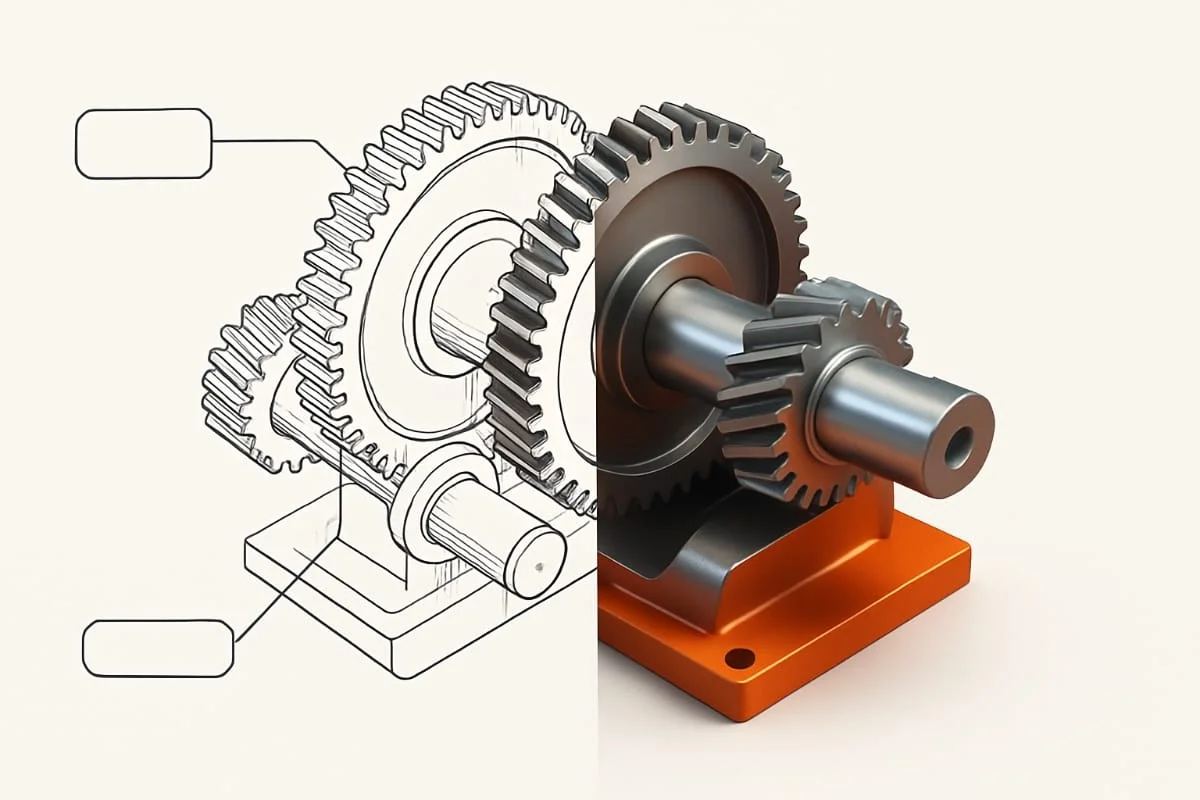
Flat technical drawings have been the standard for decades — clean, precise, ideal for compliance — but they have limits when communicating with a broader audience.
Exploded isometric views bring a modern visual dynamic, preserving accuracy while making products easier to understand even for non-engineers.
Where Illustrator-based diagrams often look flat and mechanical, isometric views introduce subtle depth and spatial clarity; components aren’t just listed, they’re revealed in a way that shows how everything fits together.
They’re also more versatile — whether for a spec sheet or a client presentation, these visuals feel both technical and designed, not just drafted.
When to Use Isometric Over Full 3D Renderings
Full 3D renderings are great for marketing — polished, photoreal, emotional — but they aren’t always the best choice for explaining how something works. That’s where exploded isometric views come in.
They’re ideal when:
- You need clarity over realism — like in technical guides or onboarding tools.
- The focus is on structure or sequence, not surface materials.
- You’re presenting to technical stakeholders who need precision without the flair.
Think pitch decks, assembly manuals, user documentation, or compliance illustrations — these visuals hit the sweet spot: detailed enough for engineers, clear enough for investors or end users.
Still unsure when to use which? You can always combine both — we often pair photoreal renderings with isometric views to cover both clarity and impact.
Enhancing Your Exploded Isometric Visuals
A clean isometric view is a great start, but there’s a lot you can do to make it even more useful and visually impressive.
Ways to enhance it:
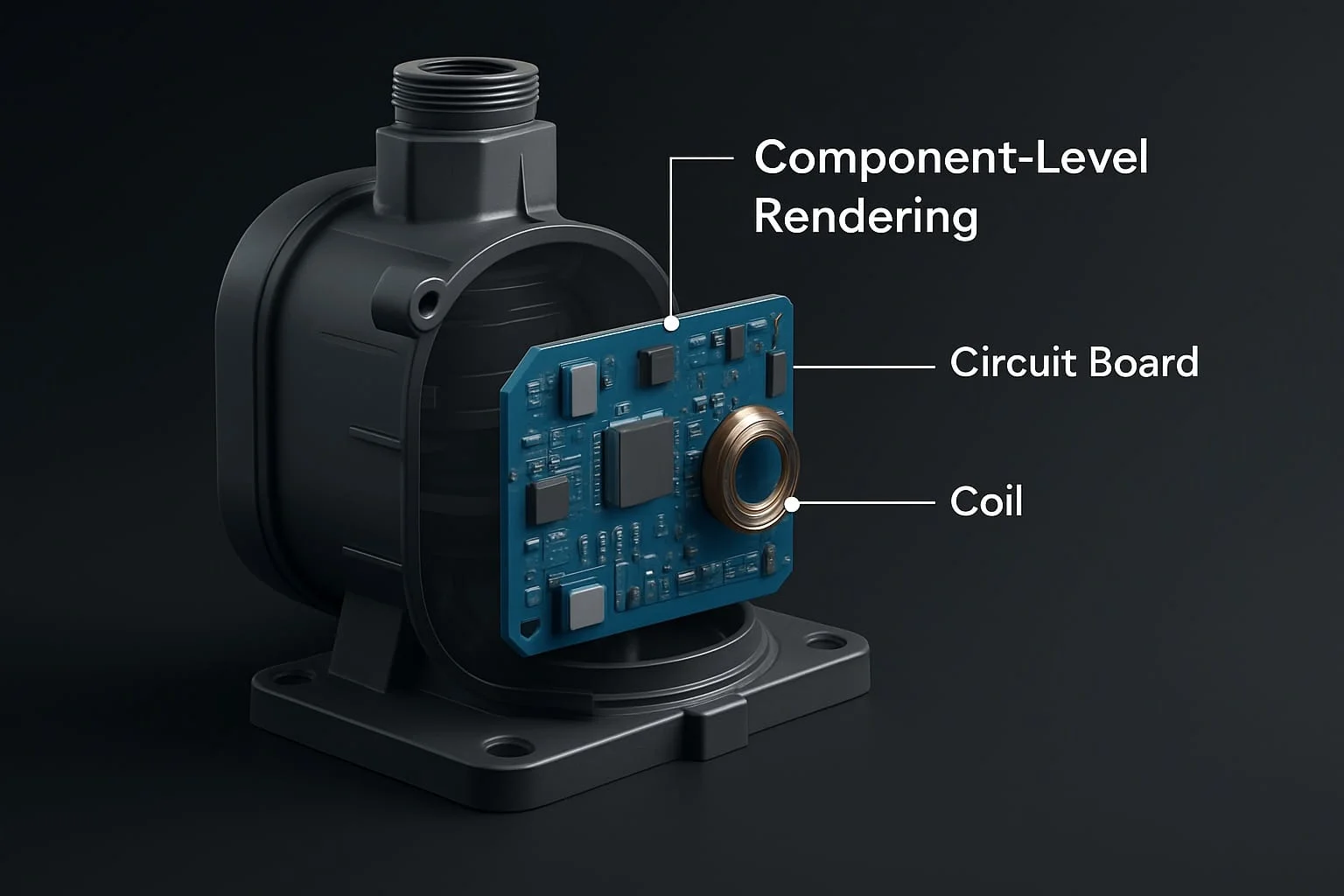
- Annotations: Label parts clearly. Use leader lines or icons to make components easy to identify.
- Callouts: Add materials, measurements, or key specs as floating text blocks.
- Color coding: Use color to group components, highlight functions, or show sequences.
- Interactivity: For digital formats, make parts clickable or hoverable for more detail.
- Consistency: Match the style across all your assets — from pitch decks to instruction manuals.
If you want to take it further, layer these illustrations with professional rendering — that’s where we come in.
At No Triangle Studio, we help teams turn rough sketches into production-ready visuals, blending 3D fidelity with the clarity of isometric structure.
Conclusion: The Visual Sweet Spot for Tech Teams
Exploded isometric views sit at the crossroads of clarity and complexity — they simplify structure without sacrificing detail, making them one of the most effective tools in your visual toolkit.
From pitch decks to user manuals, they help audiences quickly grasp how a product works and why it’s well designed — especially valuable when communicating technical depth in an easy-to-understand way.
At No Triangle Studio, we use exploded isometric views in projects across tech, hardware, and industrial sectors, and when paired with high-end 3D product rendering they become even more powerful.
FAQs
Is an isometric view always 3D? Not exactly. It’s based on 3D geometry, but presented in a 2D plane with consistent angles — usually 30 degrees — to keep proportions readable and clean.
Do I need CAD files to create one? They help, but they’re not essential. We often work from sketches, specs, or reference images and still deliver high-precision visuals.
Can exploded isometric views be animated? Yes. We create animated sequences for web apps, onboarding flows, and AR interfaces. Movement makes structure easier to follow.
Is this more for engineering or marketing? Both. It depends on how it’s styled. We adjust for tone — more minimal for manuals, more stylized for sales decks or investor visuals.
Can you make these part of a larger product rendering strategy? Absolutely. Exploded isometrics often work best when they’re part of a wider system of visuals — hero shots, technical breakdowns, and interactive assets all working together.