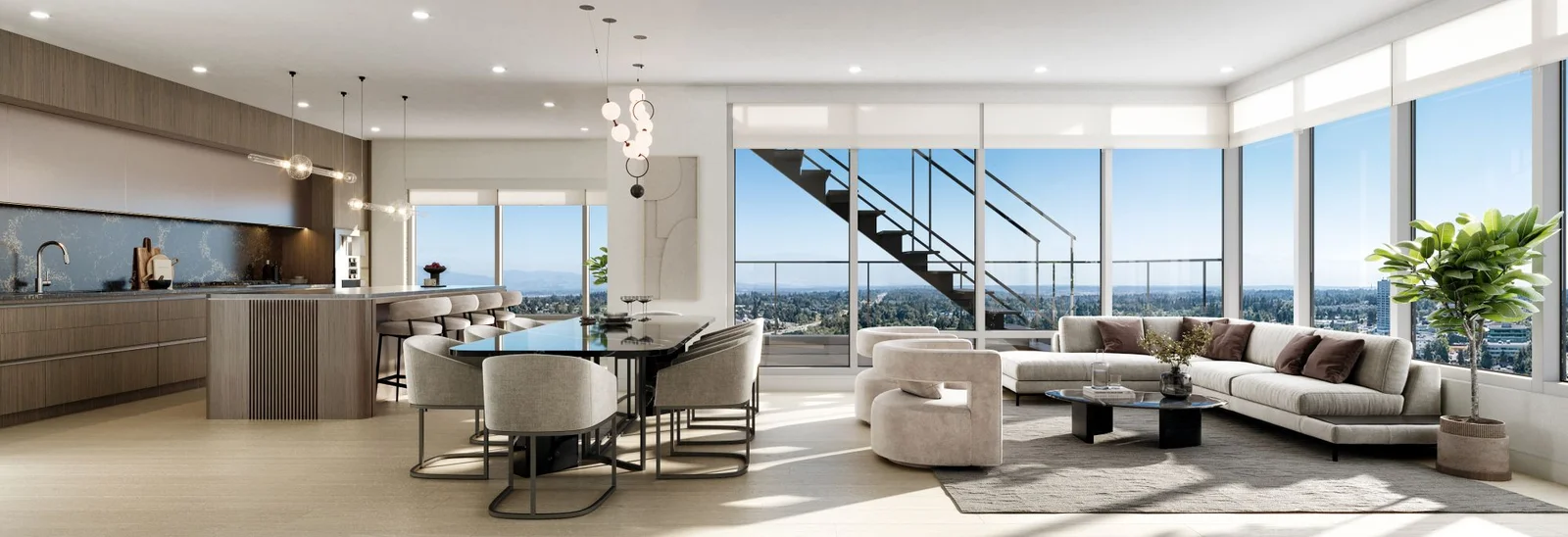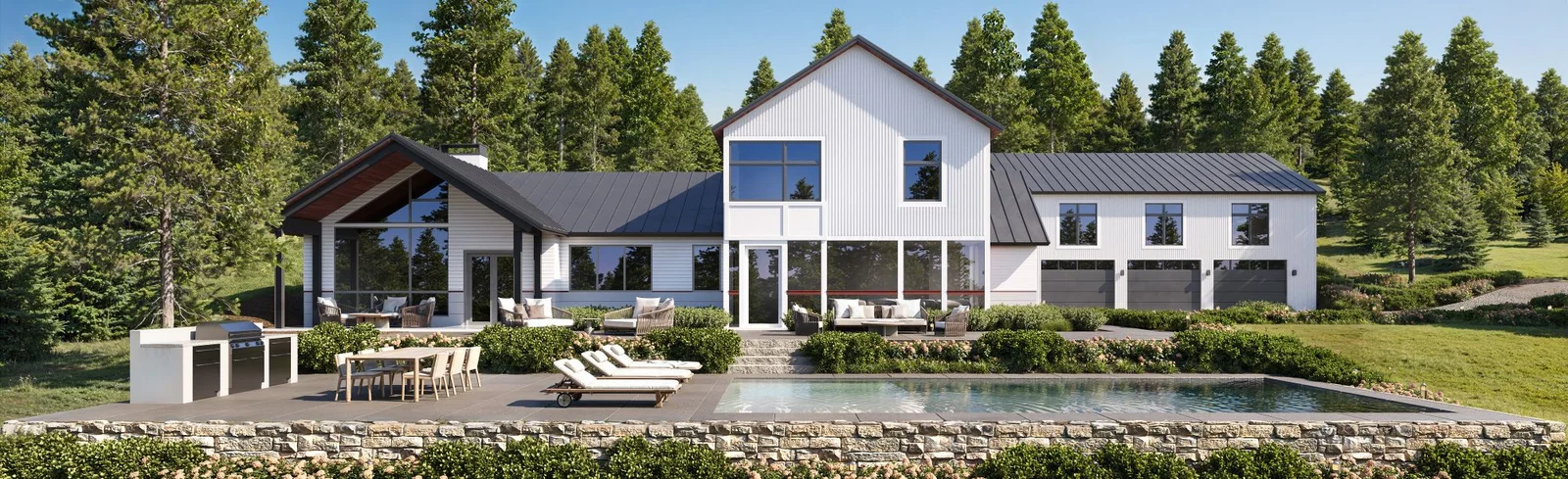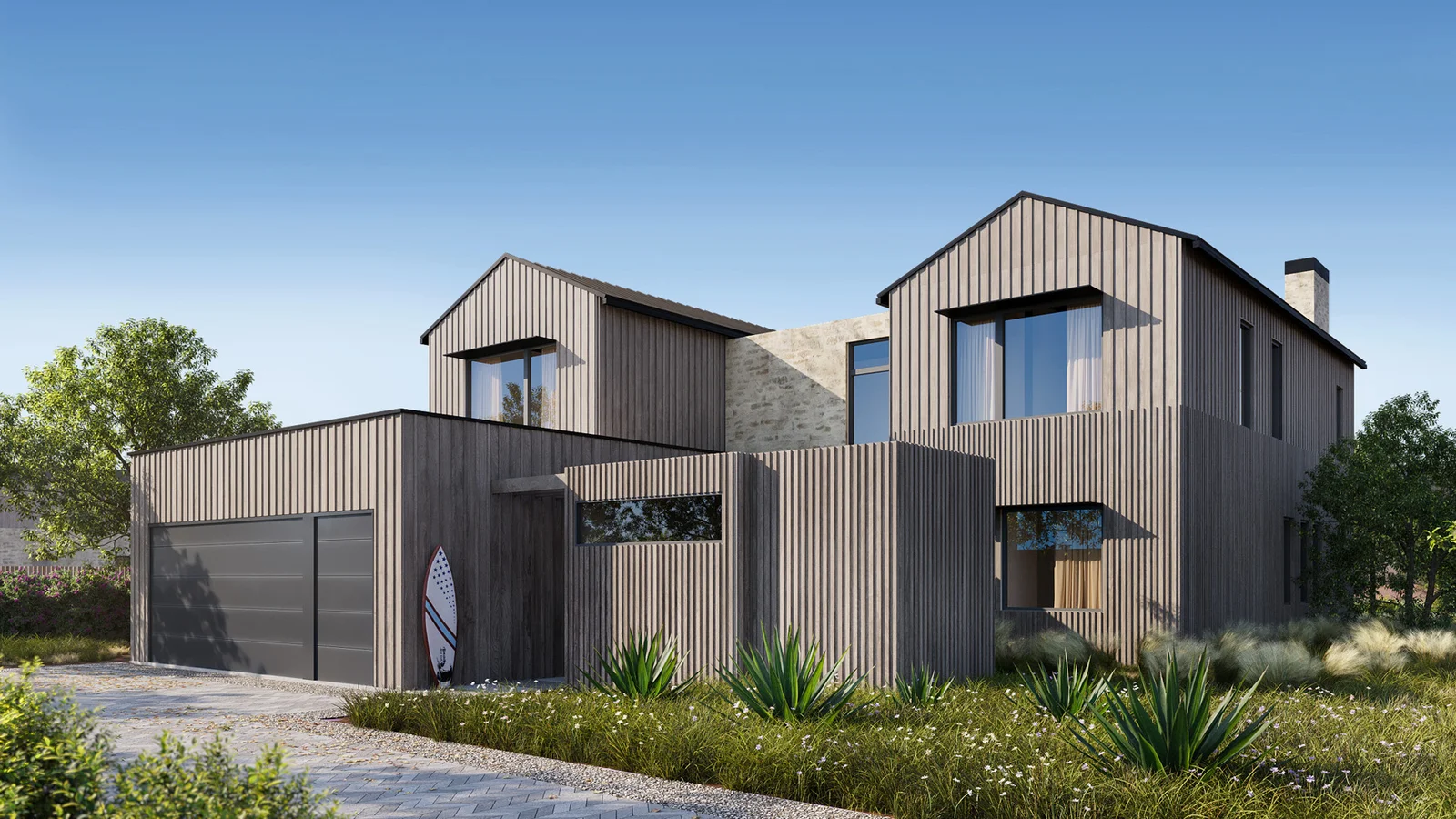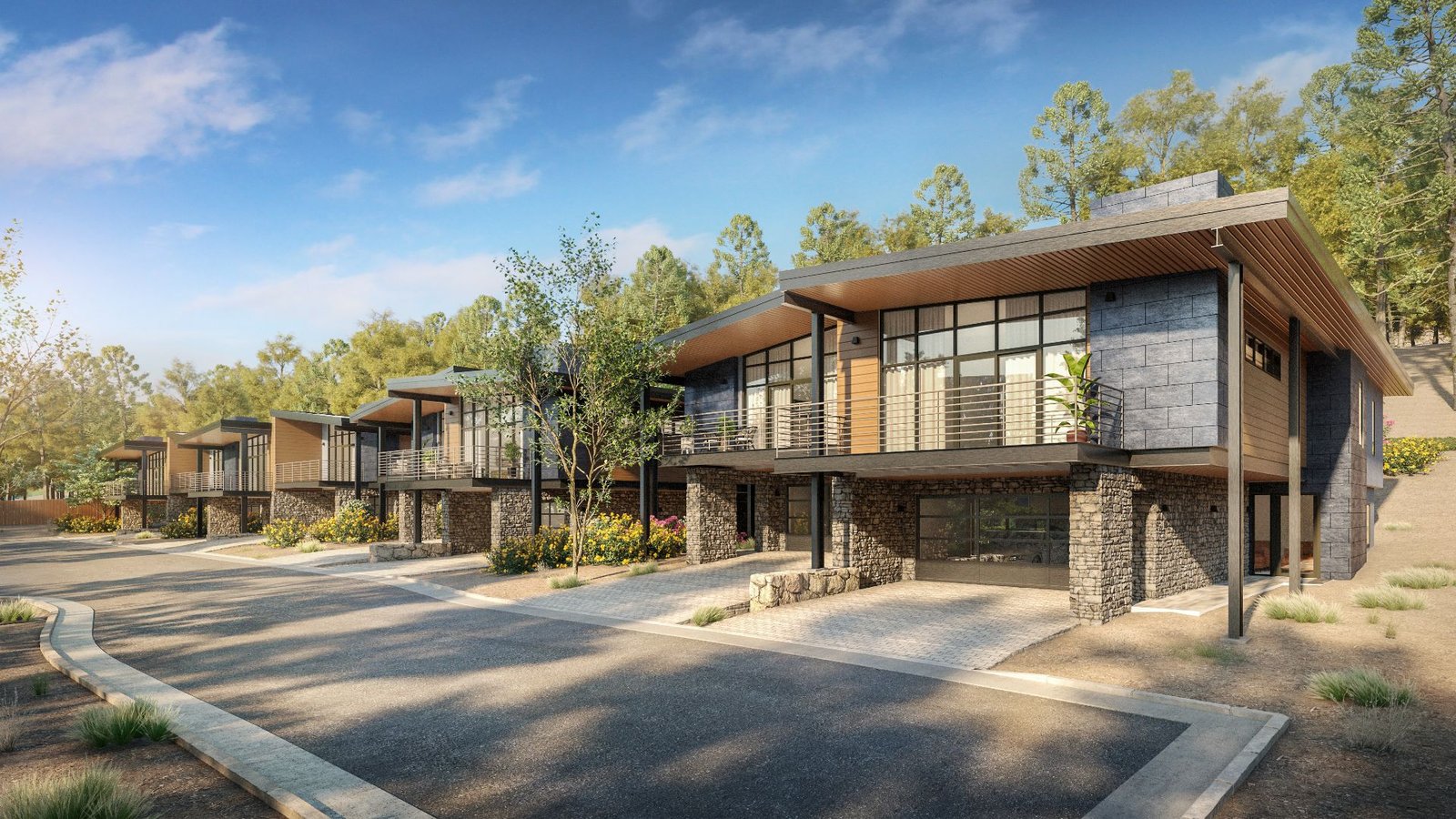
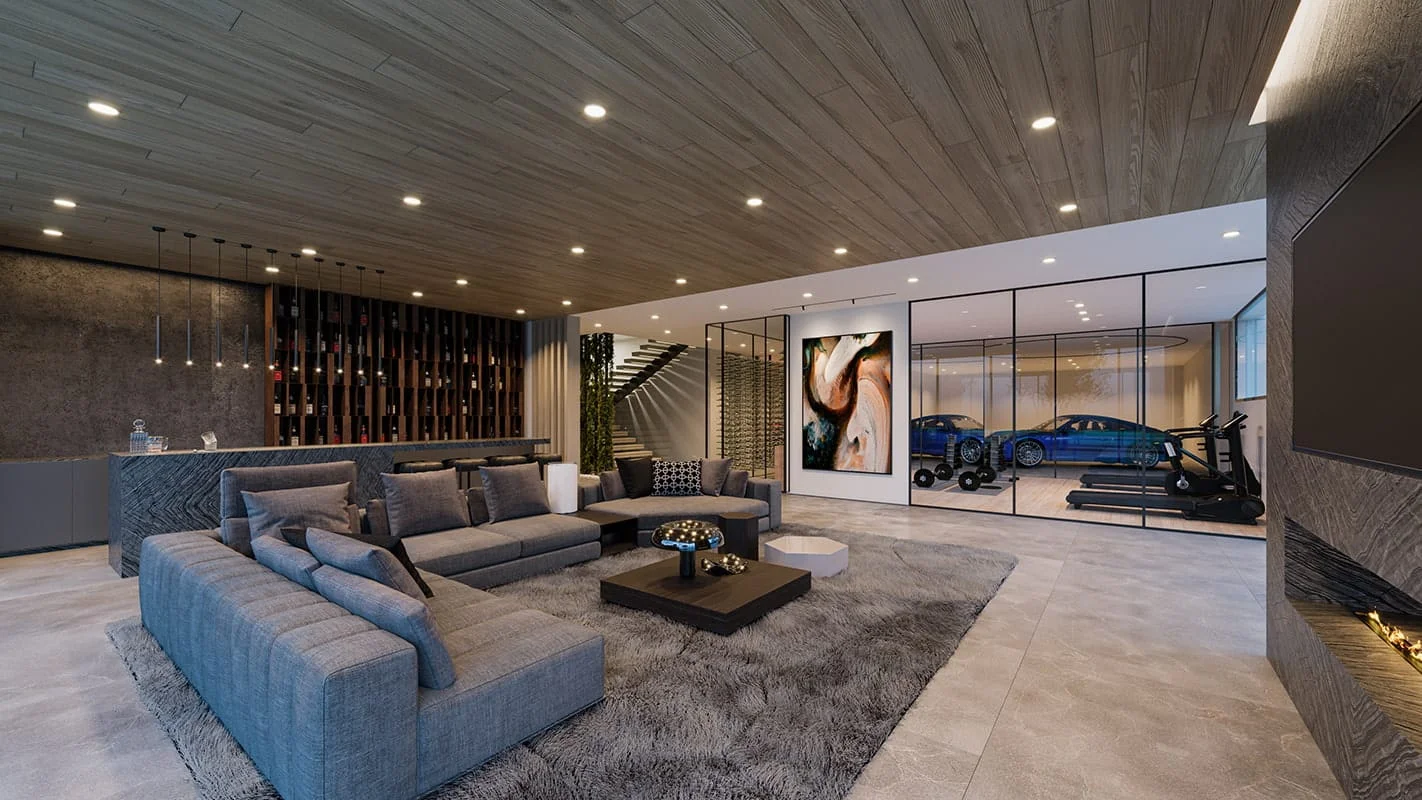
Mastering the art of creating high-quality architectural renderings and any 3d renders in general is a complex, skillful endeavor — see our 3d rendering basics for the foundations. This post outlines common mistakes that produce fake-looking results and shares practical tips to improve realism.
Key Takeaways
- Master Lighting — direction, intensity, and material interaction are crucial for photorealism.
- Accurate Scaling — match real-world proportions for all objects and textures.
- Use High-Quality Materials — map textures carefully and tune reflectivity/roughness.
- Focus on Details — small touches like trim and imperfections make or break realism.
- Limit Post-Production — overusing filters or lens flares destroys believability.
Avoiding Common Mistakes – Tips for Upping Your Rendering Game
Recurring errors prevent photorealistic 3D renderings; addressing them dramatically improves output quality.
- Poor Lighting — small errors in direction, intensity, and color severely degrade realism.
- Incorrect Scales & Proportions — inaccurate sizing makes scenes read as fake; use real-world dimensions.
- Poor Materials & Textures — sloppy texturing makes objects flat; tune reflectivity, roughness, and color.
- Neglecting the Details — small misses in composition, texturing, lighting, modeling lower quality.
- Overdoing Post-Production — excessive filters and lens flares make images look fake; less is often more.
- Lack of References — for photorealism, reference real-life examples similar to your target scene.
Practical Tips To Improve Your 3D Renderings
Nine practical tips follow to improve workflow, output quality, and save time, useful for beginners and professionals creating architectural renders.
Mastering Photometric Lighting: Pro Tips for Realistic Illumination
Build lighting by matching real-world positions, shapes, color temperatures, and intensities; pay close attention to shadows which heavily affect realism.
Round Your Edges: Tips For Smooth And Polished 3D Renders
Real-world objects never have perfectly sharp edges; rounding them improves how light and reflections behave. Use chamfer modifiers in 3ds Max, supporting edges plus turbosmooth, or a round-edges material shader.
Use Surface Imperfections: Adding Realism to Your 3D Renderings
No surface is perfectly clean; add subtle dust, scratches, dirt or edge wear via glossiness variation and procedural maps. Adjustments to glossiness alter reflection sharpness and add subtle realism; edge-wear simulation is another approach. Stay subtle — the goal is realism, not grime.
Capture Realism with Camera Angles: Essential Tips for Quality Renders
As in photography, viewing angle drives final quality; choose angles that align with the rendering’s purpose and storytelling, e.g., showcasing a property’s main selling point.
- Experiment with Different Angles — offer clients many options.
- Composition — use rule of thirds and leading lines.
- Focal Length — test different focal lengths for varied effects.
- Lighting — different setups pair well with different angles.
Creating Atmosphere in 3D Renders – Pro Techniques for Immersive Scenes
Subtle atmosphere adds depth without looking out of place; tools include volume materials (e.g., CoronaVolumeMtl) and z-depth render elements. Atmosphere also comes from lighting, textures, composition, environmental elements, color, and post. Framing, DoF, focal length, and element arrangement all contribute. Color palette matters — warm for cozy, cool for calm.
Lens Effects in 3D Rendering: Adding Depth and Realism to Your Renders
Choose the right lens effect (DoF, bokeh, lens flare, vignetting) and tune camera settings to match. Lens effects can also be added in post; experiment with intensity, color, and size.
Scaling Objects Correctly: Tips for Achieving Proportional 3D Renders
Off-scale objects and furniture instantly betray a render in 3D interior renderings; verify imported model dimensions and check texture scaling against real-world references.
Blend Photos
Compositing renders with real photos boosts realism — for aerials, blend drone photography with the 3D scene. See our real estate drone photography guide. Use high-quality professional photography; poor source photos undermine the image.
Details
Meticulous detail drives realism — subtle surface imperfections in landscapes, switches, brackets, plugs, and wiring in interior design renderings all matter. Small details produce convincing, believable renders.
How to do Architectural Renderings
Architectural rendering creates a digital representation of a building’s design, materials, and lighting, typically using SketchUp, AutoCAD, or 3ds Max. After modeling, apply textures and materials, set lighting and cameras, then render to image or video. The process is complex but with practice and the right tools produces high-quality results conveying design intent.
Conclusion
Realistic high-quality renders demand attention to detail in lighting, scale, proportions, materials, textures, and post-production; mastering advanced techniques is key. Render farms can dramatically accelerate the rendering step.
FAQs
How can I Improve my Rendering? Use free online resources to learn the basics, invest in a paid course, and gain commercial experience as a freelancer or at a 3D studio.
How to make 3D Render Realistic? Get lighting right, scale objects to real-world counterparts, and map textures and materials well; attention to small details is key for photorealistic renderings.
What Is Important for 3D rendering? Beyond technique, you need the right hardware, the best rendering software for your discipline, and a clear understanding of the client’s vision and goals.
What software is best for 3D rendering? It depends on the project — V-Ray for photorealism, Blender for versatility, Autodesk 3ds Max for architecture and design.
How long does it take to complete a 3D rendering? Depends on project complexity, detail level, and hardware; simple projects take hours, complex ones several days.
Are You Struggling to Bring Your Renderings to Life?
If lifelike, photorealistic renderings are difficult to produce, our expert 3D rendering services can transform designs into client-winning visuals.