

Having the right equipment matters whether you’re new to 3d modeling or a career professional — the right rig makes work effective and enjoyable rather than miserable. For more on 3d rendering, see our service pages.
Factors To Consider When Looking For Good Laptops For 3D Modeling
There are several things to consider when choosing the right laptop for 3D modeling needs.
- CPU (Processor) — Processing power is critical; not all rendering softwares use CPU (some use GPU), so check your software — generally a higher-spec CPU is better.
- GPU (Graphics Card) — Handles all graphics work; a high-powered GPU dramatically improves rendering performance.
- RAM (Memory) — Short-term memory for fast data access; more RAM lets you handle bigger models — aim for at least 16GB, ideally 32GB+.
- Display — Personal preference, but size, resolution and color accuracy matter; see our render resolution guide.
- Cooling System — 3D work generates heat; some laptops cope with sustained loads far better than others.
- Hard Disk (Storage) — 3D files can be huge; aim for at least 1TB and prefer SSD over HDD for speed.
Best Laptops for 3D Rendering & Modeling
1. Asus Zenbook Pro Duo
Award-winning laptop, excellent for complex 3D modeling tasks.
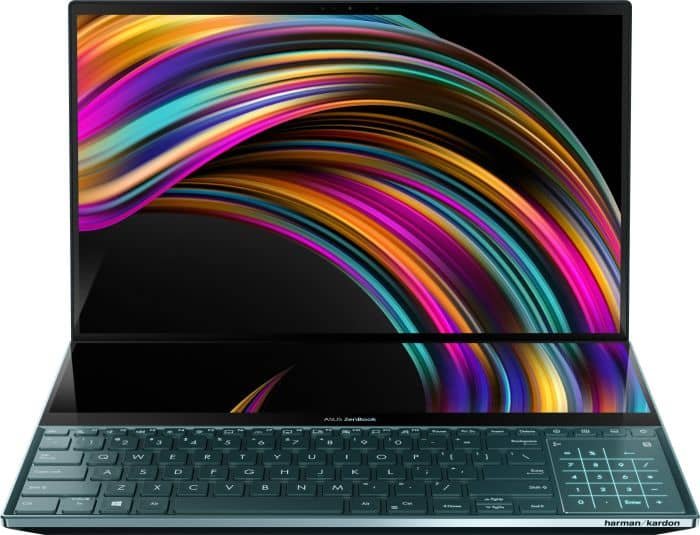
Pros: Great CPU & GPU; 32GB RAM; great display with touch + stylus; dual-fan cooling; 1TB SSD.
Cons: Battery life leaves more to be desired; expensive.
2. Macbook Pro 16 M1 Max
Apple’s MacBook Pro is a strong fit for 3D modeling thanks to the M1 Max chip.
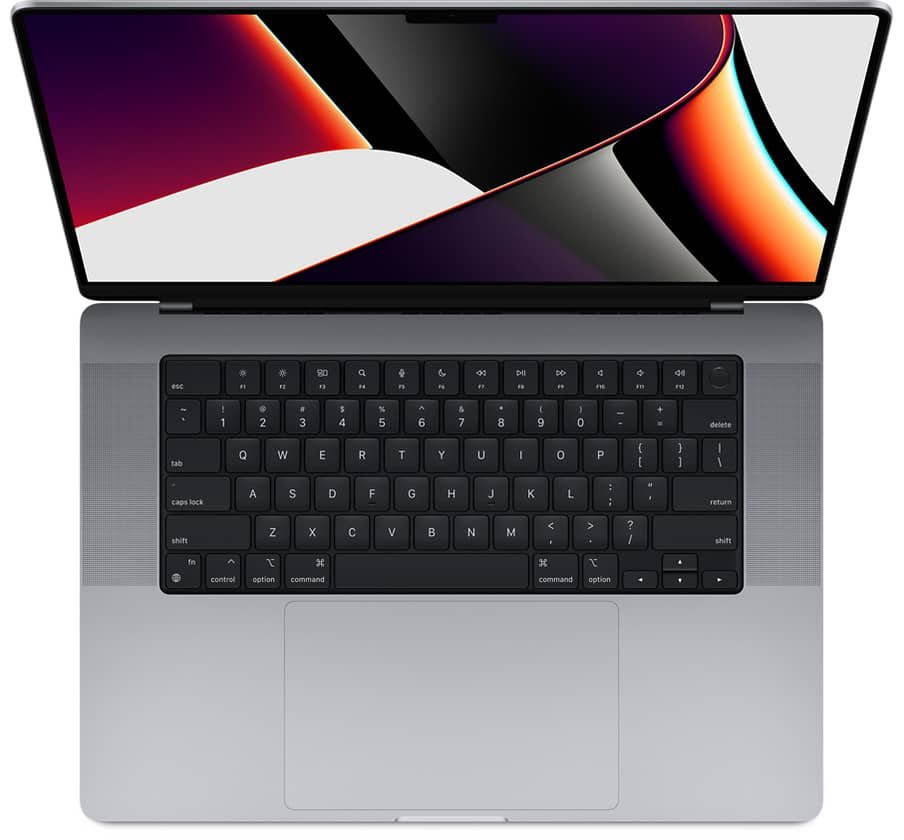
Pros: Apple M1 Max CPU; 32GB RAM; Liquid Retina XDR display; 15-hour battery; no overheating; 1TB SSD.
Cons: Starts ~$3,000; can be incompatible with some software — research before buying.
3. Acer ConceptD 7
Strong value-for-money option, one of the top picks.
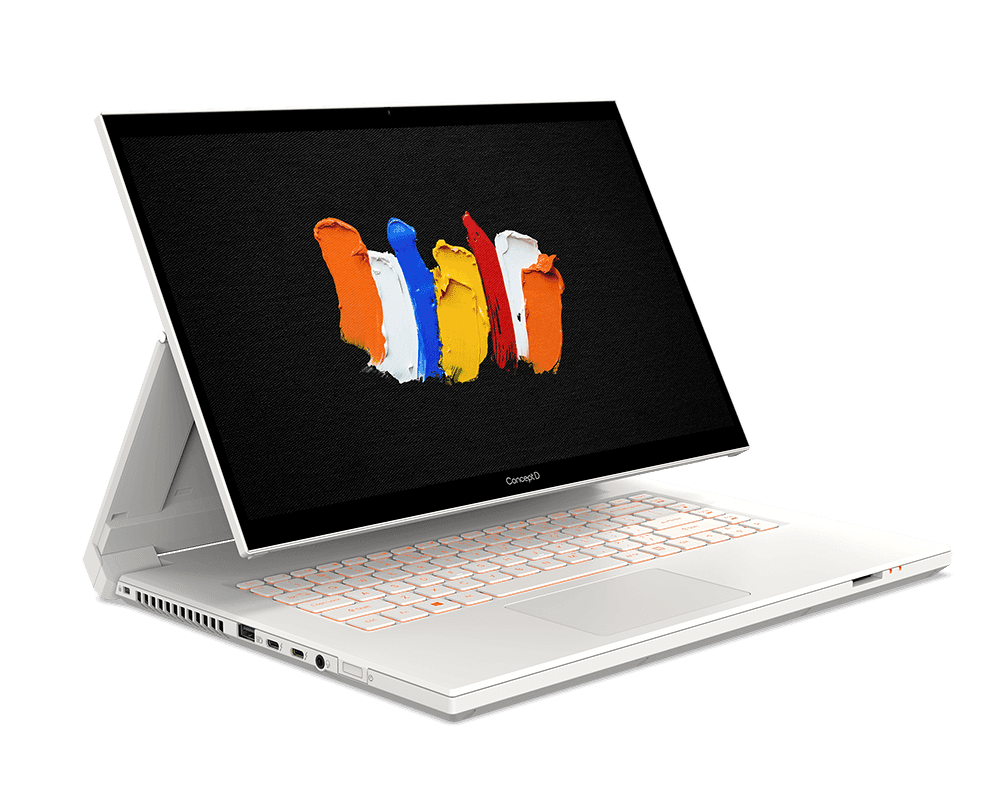
Pros: 32GB RAM; 1TB SSD; great value; great display.
Cons: Aesthetics considered ugly vs competitors; no Core i9 CPU option.
4. Asus TUF Dash F15
Solid machine for 3D modeling and rendering.
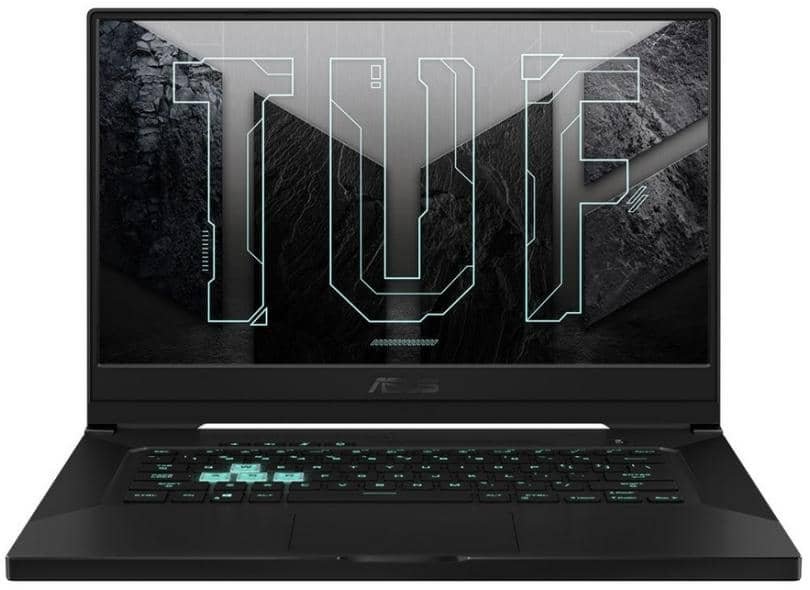
Pros: 512GB hard disk; 15.6” display; good battery life.
Cons: Only 16GB RAM; no webcam or biometric features.
Conclusion
The right laptop is individual: check your software’s specific requirements (CPU vs GPU rendering) before investing so you can prioritise the components that matter most for architectural 3d modeling.